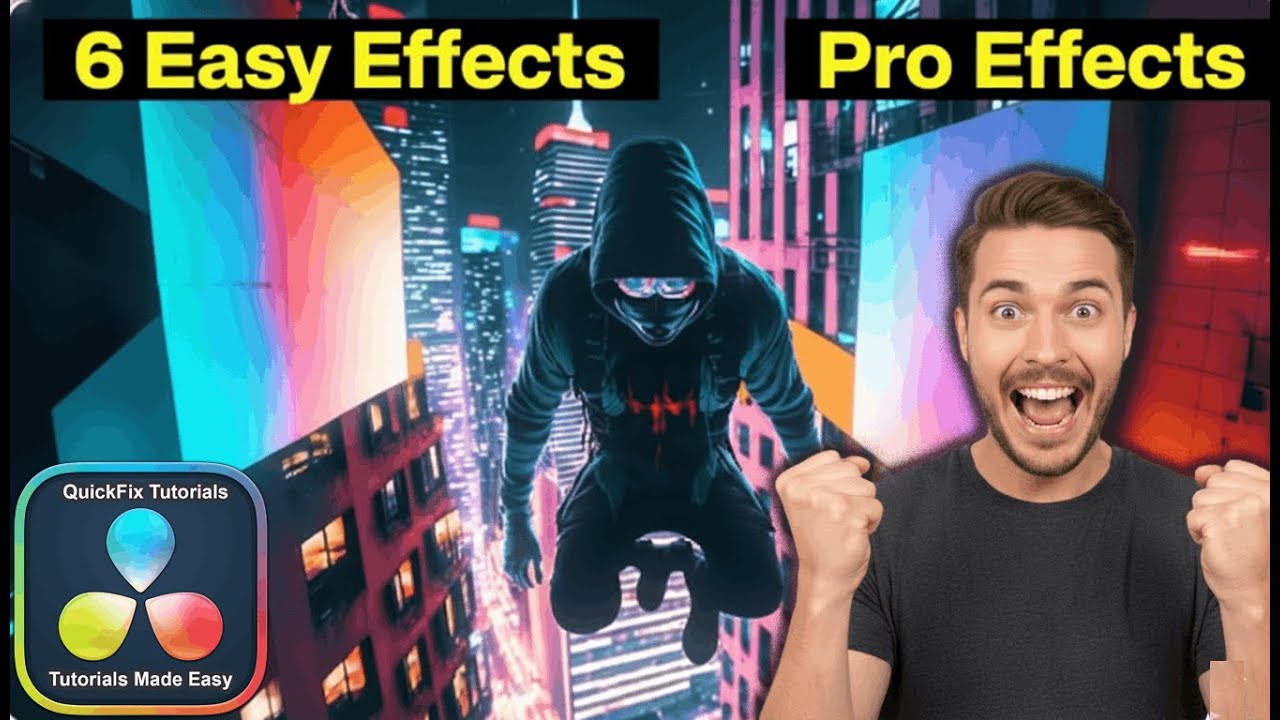
6 Effects in DaVinci Resolve That Make You Look Like a Pro
Автор: QuickFix Tutorials for Beginners
Загружено: 2026-01-02
Просмотров: 1235
Learn 6 essential DaVinci Resolve visual effects in this step-by-step beginner tutorial. This video is perfect for YouTubers, social media creators, and new video editors who want to add professional, engaging effects to their videos quickly.
Timestamps:
00:00 - 1. Vertigo / Dolly Zoom Effect (DaVinci Resolve Free)
00:54 - 2. Text Behind Object Effect (DaVinci Resolve Studio)
02:53 - 3. Fly Through Text Effect (DaVinci Resolve Free)
04:05 - 4. Rapid Zoom Effect (DaVinci Resolve Free)
05:10 - 5. Flip Down Transition Effect (DaVinci Resolve Free)
06:26 - 6. Instant Zoom In / Zoom Out Effect (DaVinci Resolve Free)
What You'll Learn:
This tutorial covers a range of dynamic effects, from classic cinematic techniques like the Dolly Zoom to trendy transitions perfect for YouTube Shorts, Instagram Reels, and TikTok. All effects are explained clearly for beginners, with most requiring only the free version of DaVinci Resolve.
Who is this for?
Absolute beginners to DaVinci Resolve
Content creators wanting to improve their video quality
Editors looking for quick, impressive effects without using the complex Fusion page
Anyone using the free version of DaVinci Resolve
Requirements:
DaVinci Resolve 18 or later (Download the free version from Blackmagic Design's website)
Basic knowledge of how to import clips and use the Edit page timeline
Questions?
Leave a comment below with any questions about the effects in this video. I'm here to help!
Доступные форматы для скачивания:
Скачать видео mp4
-
Информация по загрузке: