Color Adjustments | Linearity Curve Academy (iPad)
Автор: Linearity
Загружено: 2022-04-16
Просмотров: 8619
🎨 Download Vectornator here: https://app.adjust.com/cwy6mcc 4.7 came to town and painted it red! OPEN FOR MORE INFO
Hi everyone!
Welcome to Vectornator Academy for iPad. This video series will be jam-packed with Vectornator Tutorials, from beginners to advanced, that will help you learn our tool step by step. You'll find that Vectornator is clean, intuitive, and most importantly, easy to learn.
Welcome to a new update! 4.7 is all about color. We have a few major things that came out with this update. First, you can create, rename, import, save, and delete as many palettes as you like inside Vectornator.
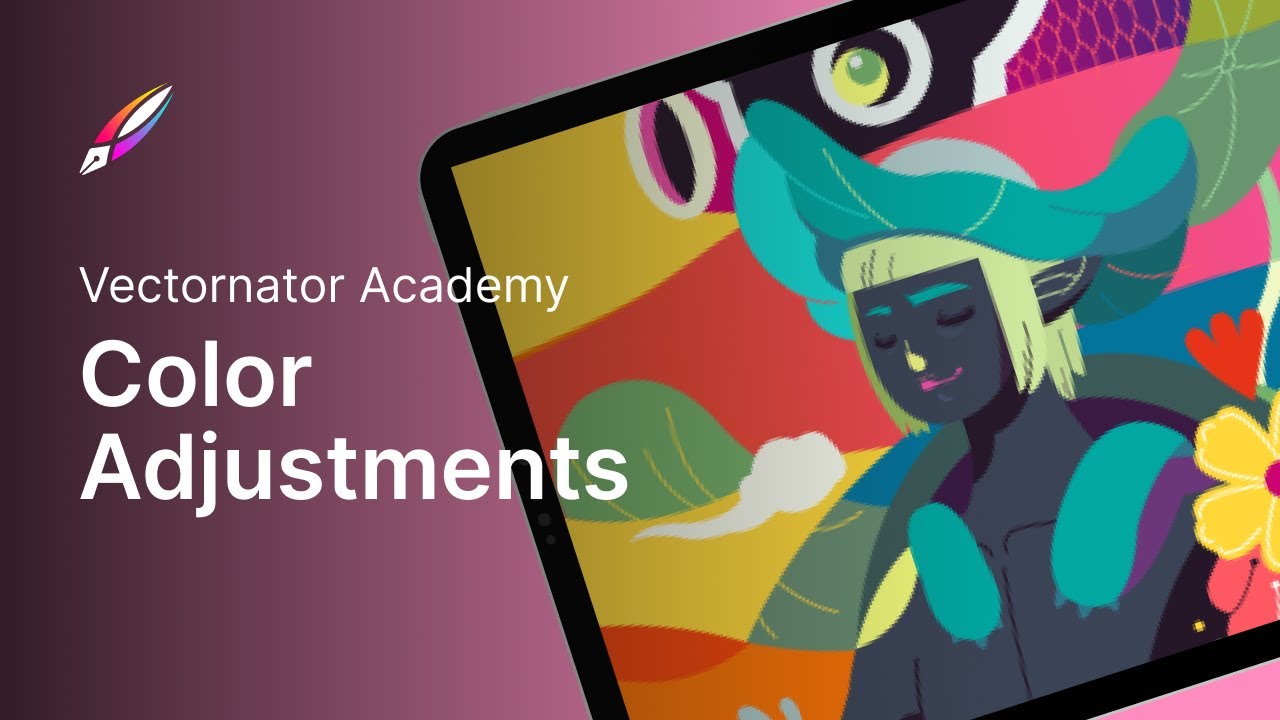
But today we're taking about the Effects Tab - while this might not be a brand new update, it's been rebranded as the Effects Tab since 4.7. Since we're taking it slow, let's cover only half today. Aka Color Adjustments.
1. Desaturation - By using the Desaturate command, you can convert all of the colors on the active layer to corresponding shades of gray. This differs from converting the image to grayscale in two respects. First, it only operates on the active layer and second, the colors on the layer are still RGB values with three components.
2. Inversion - Color inversion traces its roots to analog photography. Inverting a traditional black-and-white film negative turns the dark areas light, transforming the negative into a recognizable image. With digital art, color inversion is now mainly used to generate a new color palette or a new version of your original artwork. White becomes black, red areas appears as cyan, green to magenta, orange becomes blue, and so on. A way to think of it is to pick a point on the color wheel, draw a line from it going through the center of the wheel, and extending the same distance from the center into the opposite direction. And that’s your complimentary chromaticity.
Okay, enough theory, simply watch the video to understand it better!
Hope you enjoy! Let us know what you think in the comments section below and subscribe for more Vectornator Tutorials, inspiration, and more.
⋯⋯⋯⋯⋯⋯⋯⋯⋯⋯⋯⋯⋯⋯⋯⋯⋯⋯
🎵 Music credits: Jazz the Halls by Chad Lawson
Musicbed SyncID: MB011MTFMGFJRV0
⋯⋯⋯⋯⋯⋯⋯⋯⋯⋯⋯⋯⋯⋯⋯⋯⋯⋯
Vectornator is the most intuitive and precise illustration software in the galaxy. It empowers you to design anything you can imagine up to 30% faster. Create sophisticated illustrations, spectacular layout mockups, and expressive lettering on the go, whenever you want.
⋯⋯⋯⋯⋯⋯⋯⋯⋯⋯⋯⋯⋯⋯⋯⋯⋯⋯
FIND US ON:
► App Store: https://app.adjust.com/cwy6mcc
► Website: https://www.vectornator.io
► Instagram: / vectornatorpro
► Facebook: / vectornator
► Twitter / vectornator
⋯⋯⋯⋯⋯⋯⋯⋯⋯⋯⋯⋯⋯⋯⋯⋯⋯⋯
#vectornator #vectorantortutorial #vectornatoronipad #vectornatoripad #vectornatortips #coloradjustments #vectornator4.7 #desaturate #colorinversion
Доступные форматы для скачивания:
Скачать видео mp4
-
Информация по загрузке: