TIA Portal: v17 Unified Comfort Simulation; setup configurator and runtime manager
Автор: System-Restored
Загружено: 2021-08-21
Просмотров: 40465
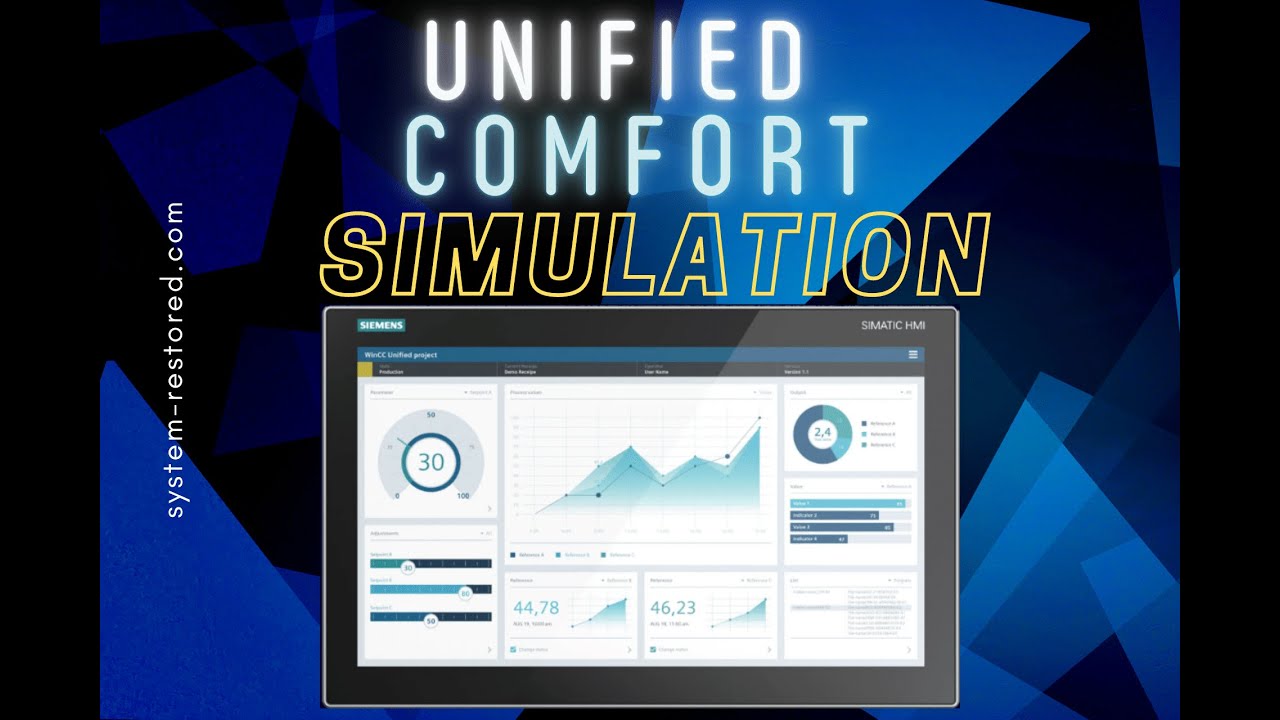
I have seen a lot of inquiries on the internet requesting info on how to simulate a Unified Comfort Panel. The Unified runtime manager is used to still show the status of the simulation and to run the program. So, set up the configuration, create a user to log in, and press the simulate button. The localhost is accessed via HTTPS or alternatives can be found in the Unified Configurator. You cannot use Internet Explorer to access Runtime. Here I found that chrome and Firefox worked the best.
0:15 - Unified Configurator
1:10 - Computer Management
2:44 - Runtime Manager
3:14 - Browser Check for JavaScript
4:00 - User Login configuration TIAP
4:20 - Panel Localhost simulation
https://support.industry.siemens.com/...
Доступные форматы для скачивания:
Скачать видео mp4
-
Информация по загрузке:


