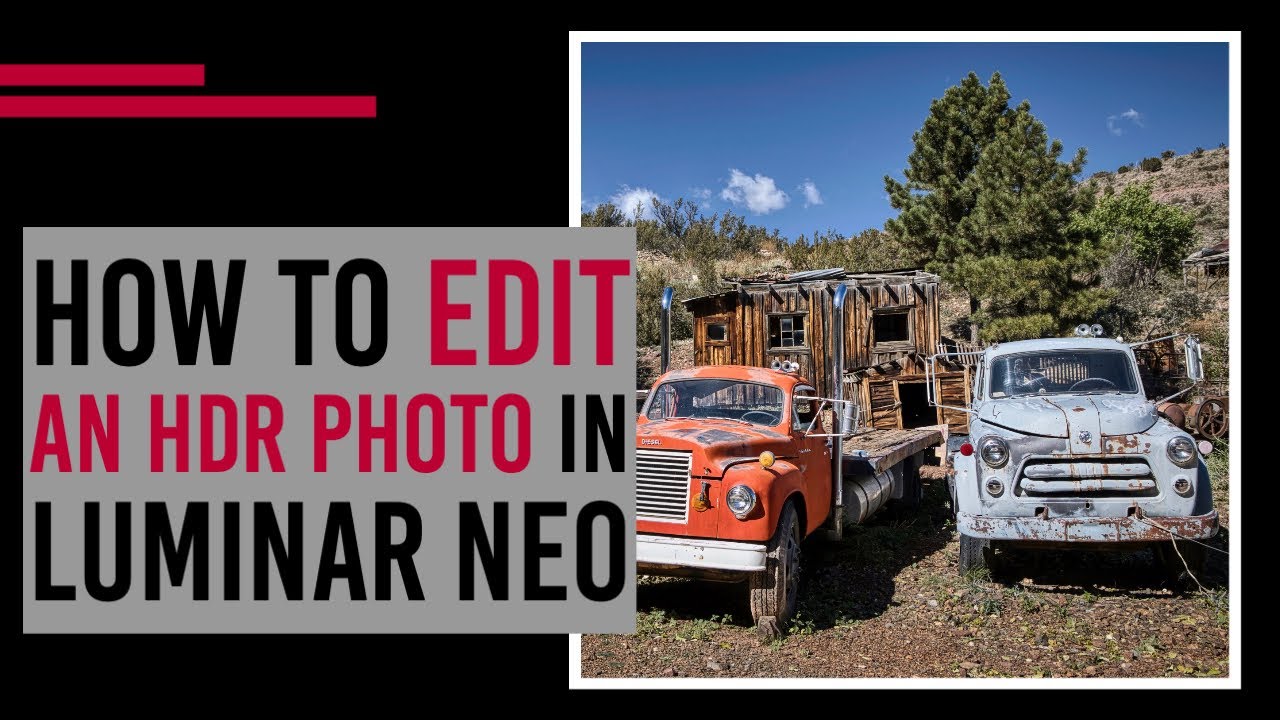
How to edit an HDR photo in Luminar Neo
Автор: Angela Andrieux Photography
Загружено: 2022-07-25
Просмотров: 1799
Get Luminar Neo with HDR Merge: https://skylum.evyy.net/c/152907/1405...
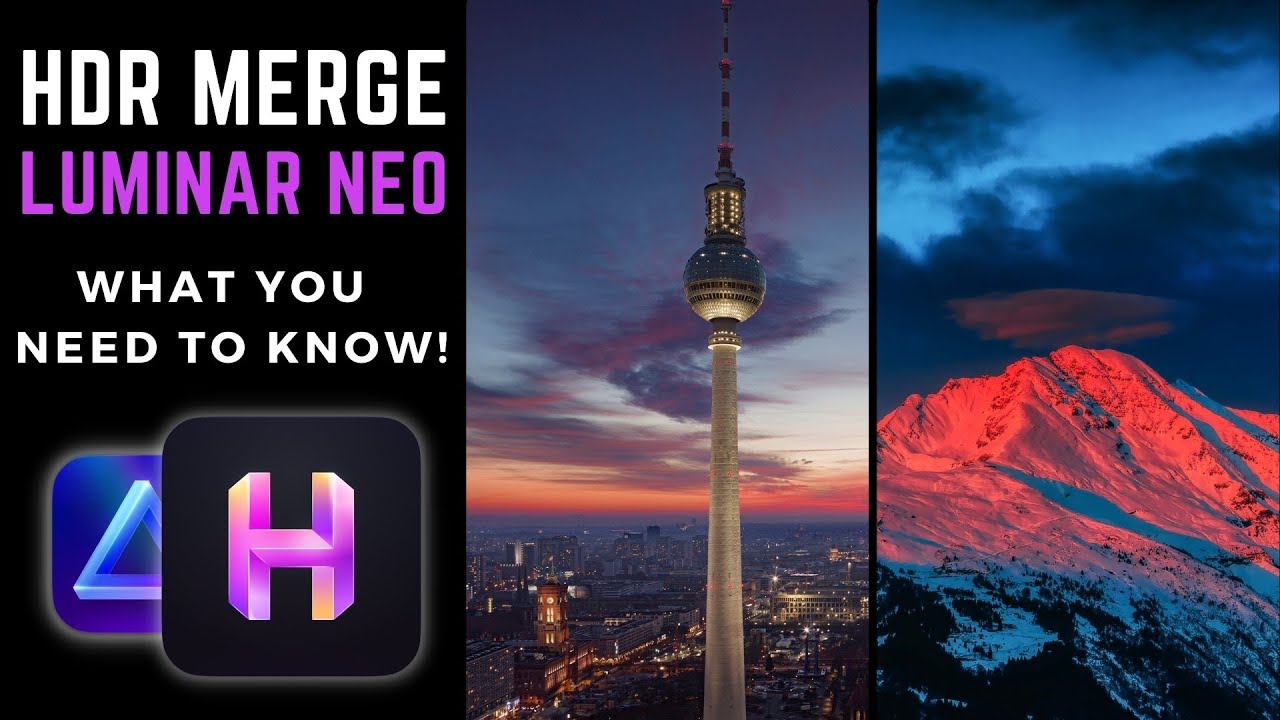
In this video, I'll show you how to process your HDR photos in Luminar Neo.
Need to learn how to use HDR Merge in Luminar Neo? Check out my other video: • How to use HDR Merge in Luminar Neo
Luminar Neo is a powerhouse editor for a wide variety of photographic genres. One of my favorites is HDR - a process that involves merging multiple images captured at different exposures into a single image with amazing depth and detail throughout the shadows and highlights. (Click here to learn more about how to photograph for HDR.) With Luminar Neo's new HDR Merge extension, we can now create and edit an HDR photo without having to jump between multiple programs.
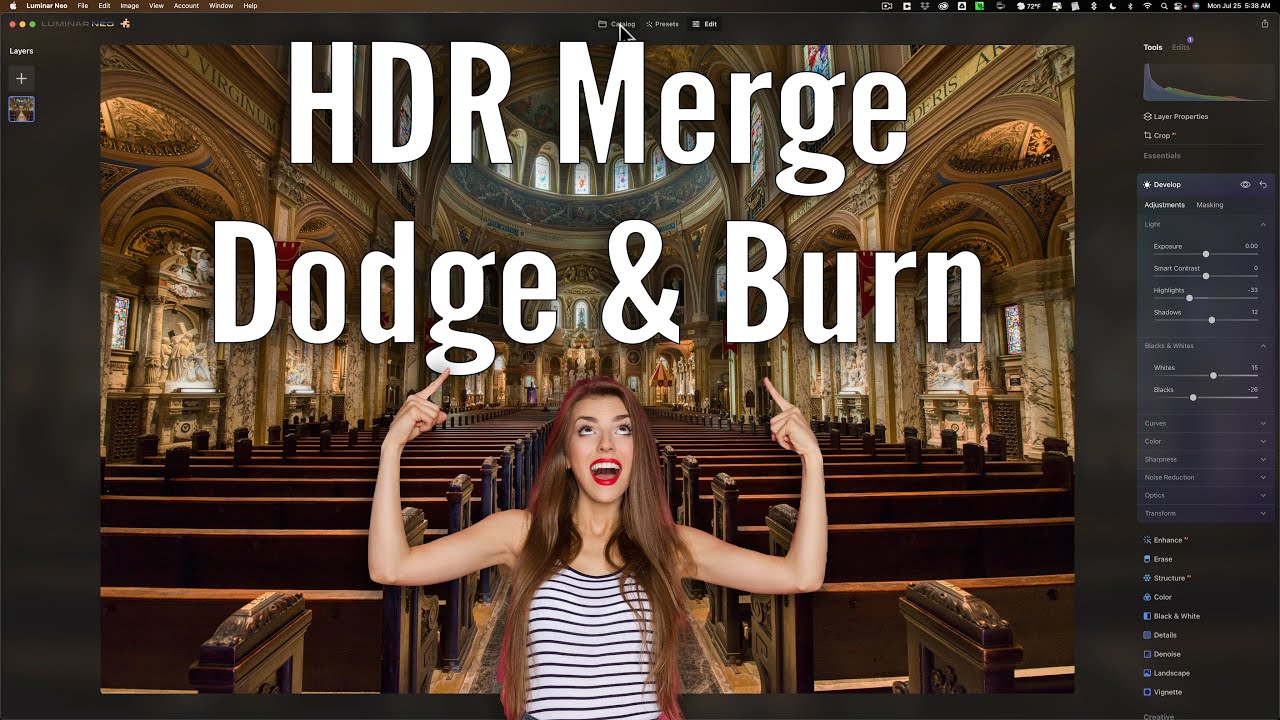
Luminar Neo's new HDR Merge extension makes it incredibly easy to blend multiple images into an HDR. Simply select up to 10 bracketed photos in the Catalog grid view, drag them to the HDR Merge extension in the right panel, and click Merge.
HDR Merge will be free for Luminar Neo subscribers and those who previously purchased Aurora HDR (2019 or newer). If you purchased a Lifetime License of Luminar Neo, the extension will be $49.99.
Доступные форматы для скачивания:
Скачать видео mp4
-
Информация по загрузке: