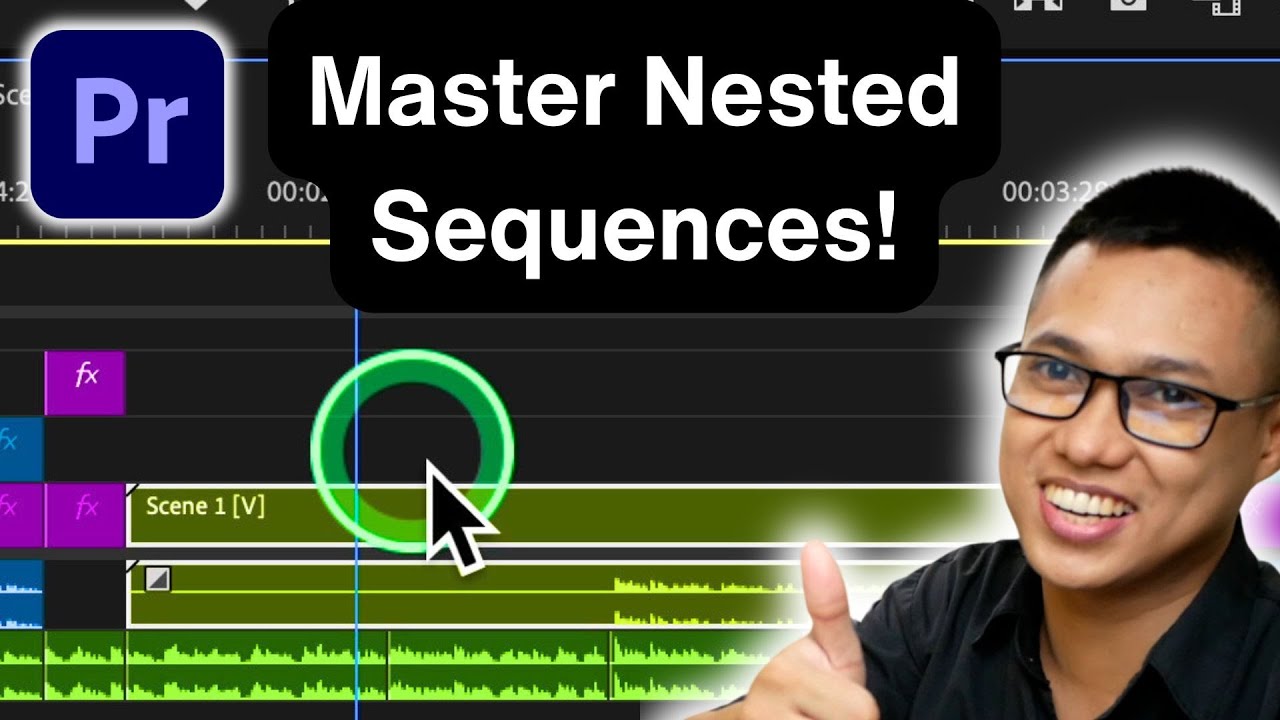
How to Create and Use Nested Sequences in Premiere Pro Simplify Your Editing!
Автор: Paul Nene
Загружено: 2024-10-19
Просмотров: 1108
Unlock the power of nested sequences in Adobe Premiere Pro with this step-by-step guide! Whether you're a beginner or looking to refine your editing skills, this video will show you how to simplify your workflow and keep your timeline organized.
In this video, you’ll learn:
1. Selecting Your Clips: Discover how to easily highlight multiple clips in the Timeline panel.
2. Nesting the Clips: Find out how to combine your selected clips into a single nested sequence, making your project more manageable.
3. Applying Effects: Learn how to apply effects to your nested sequence for a polished look.
4. Editing the Nested Sequence: Dive into editing individual clips within your nested sequence seamlessly.
5. Using Nested Sequences in Your Main Project: Keep your timeline clean and organized by treating nested sequences as single clips.
By the end of this tutorial, you’ll be able to efficiently use nested sequences in your projects, enhancing your editing process. Don’t forget to like, subscribe, and hit the bell icon for more tips and tricks on Adobe Premiere Pro!
-----------------------------------------------------------------
🎉 Unlock Your Creativity! 🎉
Get 1 month of Skillshare Premium for FREE—that’s unlimited access to 40,000+ hands-on classes taught by creative experts worldwide! Transform your skills and elevate your projects at absolutely no cost!
Claim your free month now! But hurry, this offer won’t last long!
👉 https://www.skillshare.com/en/r/profi...
Доступные форматы для скачивания:
Скачать видео mp4
-
Информация по загрузке: