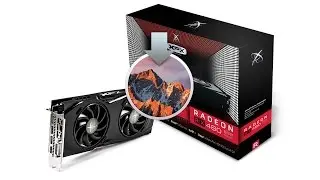
How To: RX 480 8gb in a Apple Mac Pro OS X Sierra // Hackintosh
Автор: Phillips Garage
Загружено: 2016-08-25
Просмотров: 42568
Step 1 - Disable SIP in Recovery mode (Command + R at boot, open Terminal then type ''csrutil disable'' ).
Step 2 - Reboot then locate AMDRadeonX4000.kext in /System/Library/Extensions/. Right click and choose show package content.
Edit the info.plist within Contents folder to include your GPU ID.
Nano ID is 0x73001002
480 ID is 0x67DF1002
Step 3 - Use Kext Utility to repair the kext permissions then reboot.
-----------------------
I have a blog all about GPU’s in compute. Feel free to stop by and have a read, im building a community on GP-GPU and would love for you to stop by.
Web: www.gp-gpu.com
Twitter: / phillips_garage
Insta: / gpucompute
Have a request? Email us @ info@gp-gpu.com

Доступные форматы для скачивания:
Скачать видео mp4
-
Информация по загрузке: