Color ID Maps in FashionGen | Character Creator 5 Tutorial
Автор: Reallusion
Загружено: 2026-01-15
Просмотров: 75
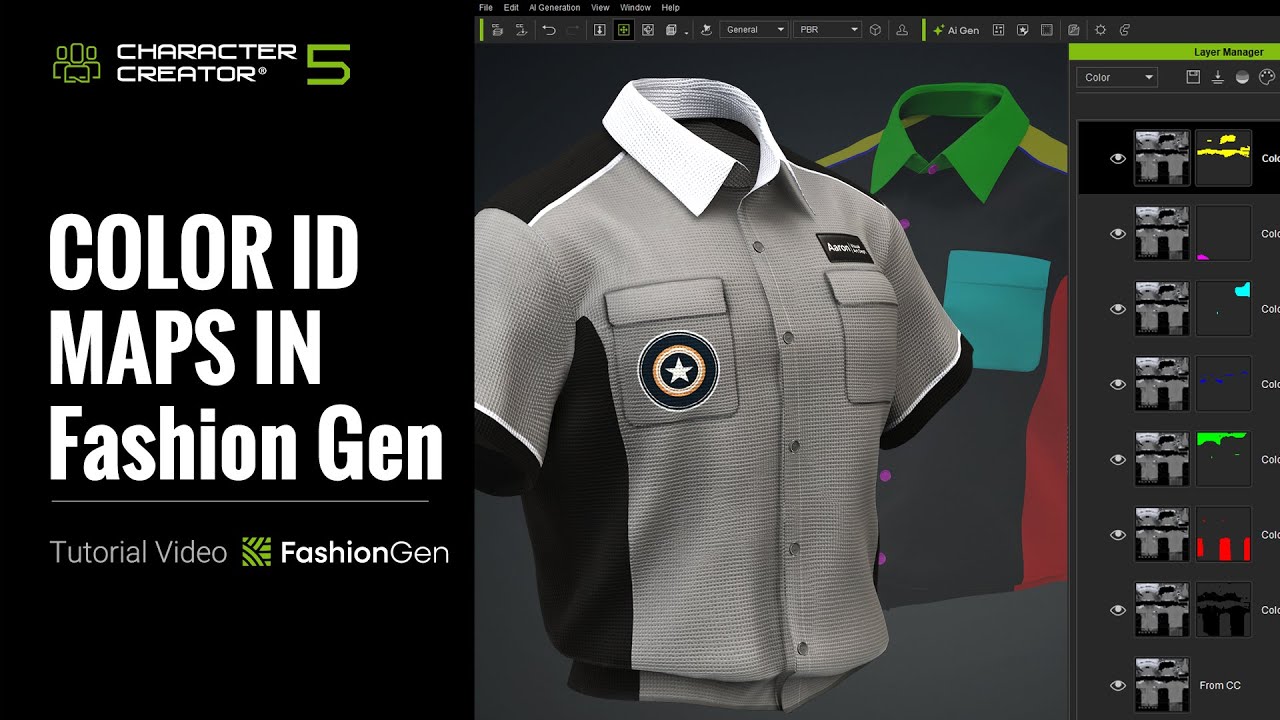
Once a garment in Character Creator has a Color ID Map, you can quickly assign different materials and patterns to specific areas of the clothing.
You can also use the Pallet Sampler to randomly generate colors based on reference images, greatly improving the efficiency of garment creation.
🎁How to Get FashionGen Now?
Spend $99 or more on CC Outfits and receive FashionGen for free.
https://www.reallusion.com/contentsto...
Learn more: https://www.reallusion.com/character-...
Online Manual: https://manual.reallusion.com/charact...
00:32 Basic Color ID Workflow
03:56 Pallet Sampler
06:01 Custom Color ID Map
*Note: Assets shown in this tutorial serve only as reference material.
✦WATCH MORE
Learn about Character Creator: https://www.reallusion.com/character-...
Learn about iClone animations: http://www.reallusion.com/iclone/defa...
✦FOLLOW US!
Facebook: / reallusionsoftware
LinkedIn: / 94371
Twitter: / reallusion
Instagram: / reallusionofficial
Magazine: https://magazine.reallusion.com/
Forum: https://discussions.reallusion.com/
Character Creator
TUTORIALS: https://courses.reallusion.com/home/c...
MANUAL: https://manual.reallusion.com/Charact...
#cc5 #charactercreator5 #fashiongen
Доступные форматы для скачивания:
Скачать видео mp4
-
Информация по загрузке: