How to make a Floorplan for 1:1 Recreations in Planet Coaster
Автор: Ashley
Загружено: 2020-11-15
Просмотров: 8026
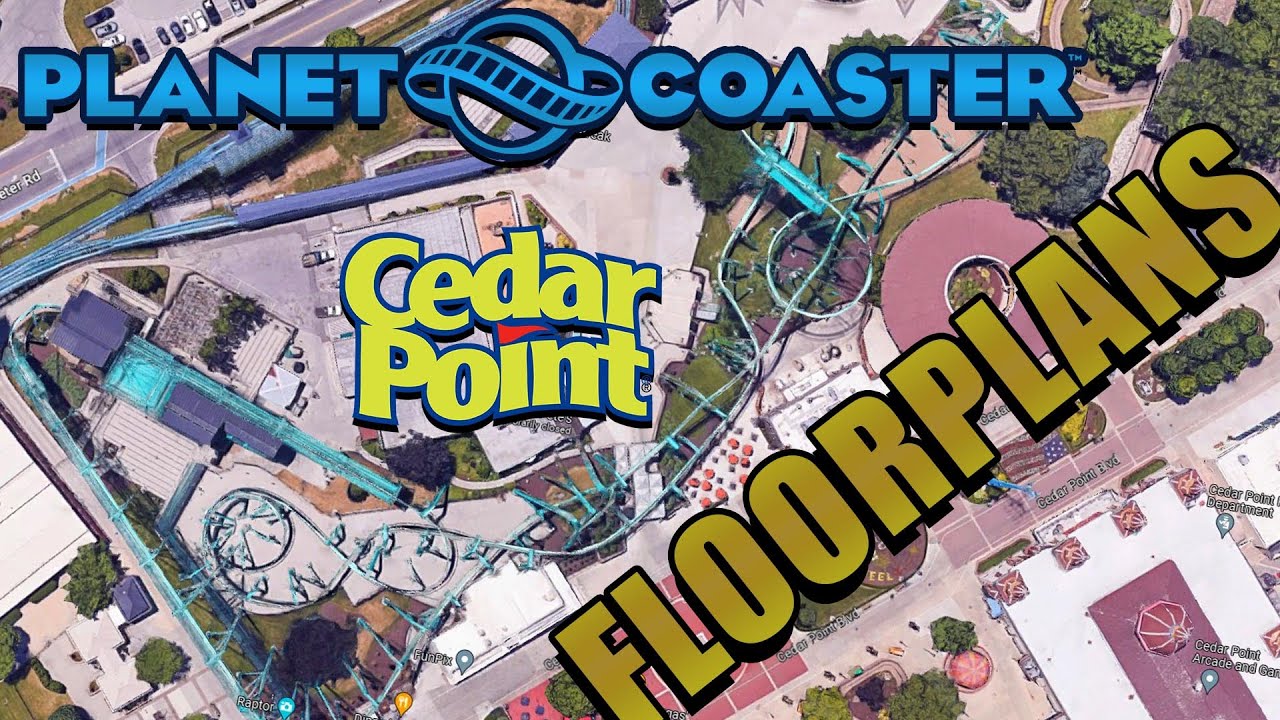
How to make a Floorplan for 1:1 Recreations in Planet Coaster!
Online Photoshop: https://www.photopea.com/
Timestamps:
0:00 - Introduction
0:24 - Finding the attraction
0:31 - Making Sure That You Have The Correct Settings In Google Maps
1:08 - Taking The Screenshot
1:31 - Opening Photoshop or Photopea
1:51 - Drawing the Scale Square
2:20 - Transforming the Scale
3:08 - Turning on Rulers
3:25 - Making the Grid
4:04 - Slicing Each Image
4:48 - Exporting the Images
5:07 - Extracting the Images
5:19 - Discarding the Unwanted Images
5:37 - Renaming the Images
5:57 - Moving the images into the UserMedia Folder
6:10 - Making the Grid in Planet Coaster
7:28 - Your Floorplan Is Complete!
Join the Discord Server for more frequent updates on my 1:1 Thorpe Park Recreation: Join here: / discord
Like what you see? Check out my other creations here:
Tidal Wave: https://steamcommunity.com/sharedfile...
Galactica: https://steamcommunity.com/sharedfile...
Nemesis Inferno: https://steamcommunity.com/sharedfile...
Colossus: https://steamcommunity.com/sharedfile...
Spinball Whizzer:https://steamcommunity.com/sharedfile...
Follow me on Twitter and Instagram for updates on my videos!
Twitter: / mycuriousmind3
Instagram: / my_curious_mind_yt
Thanks for watching my video!
Don't forget to subscribe, as it encourages me to make more videos. It only takes one click, :) Also, don't forget to turn on notifications, so you don't miss out on any of my videos.
Thanks again for watching my video and I hope you have a wonderful day!

Доступные форматы для скачивания:
Скачать видео mp4
-
Информация по загрузке: