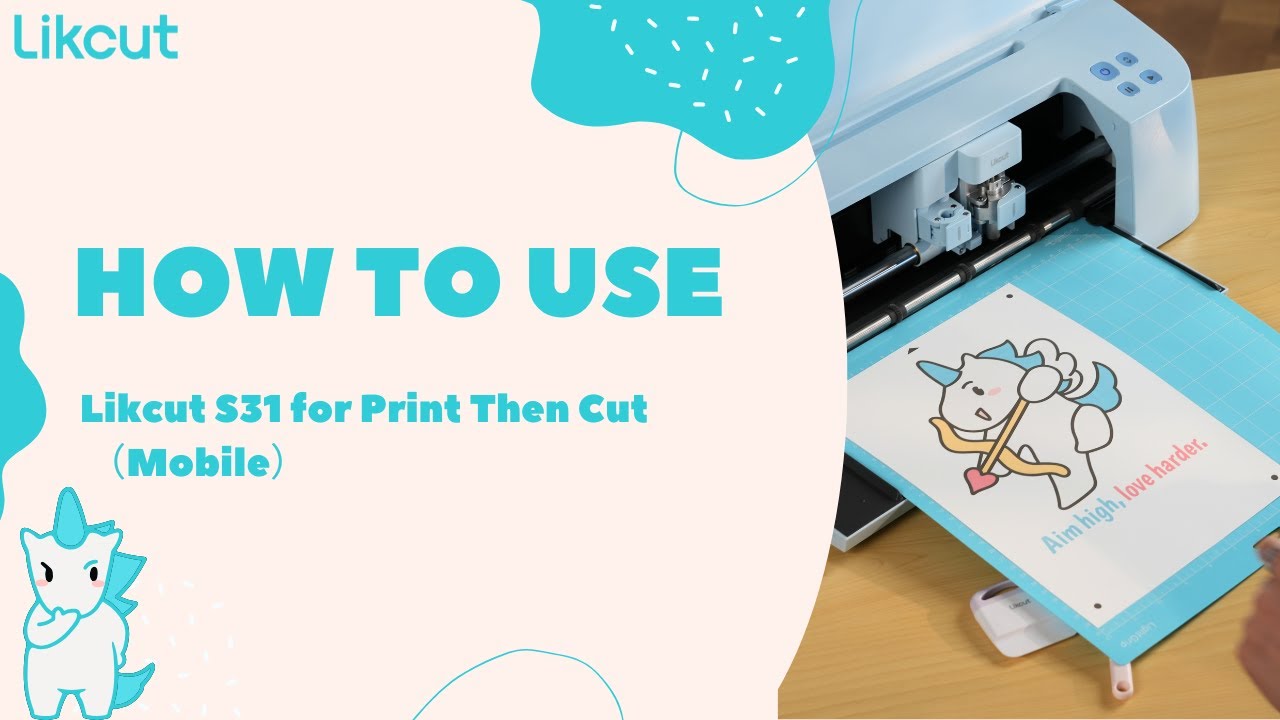
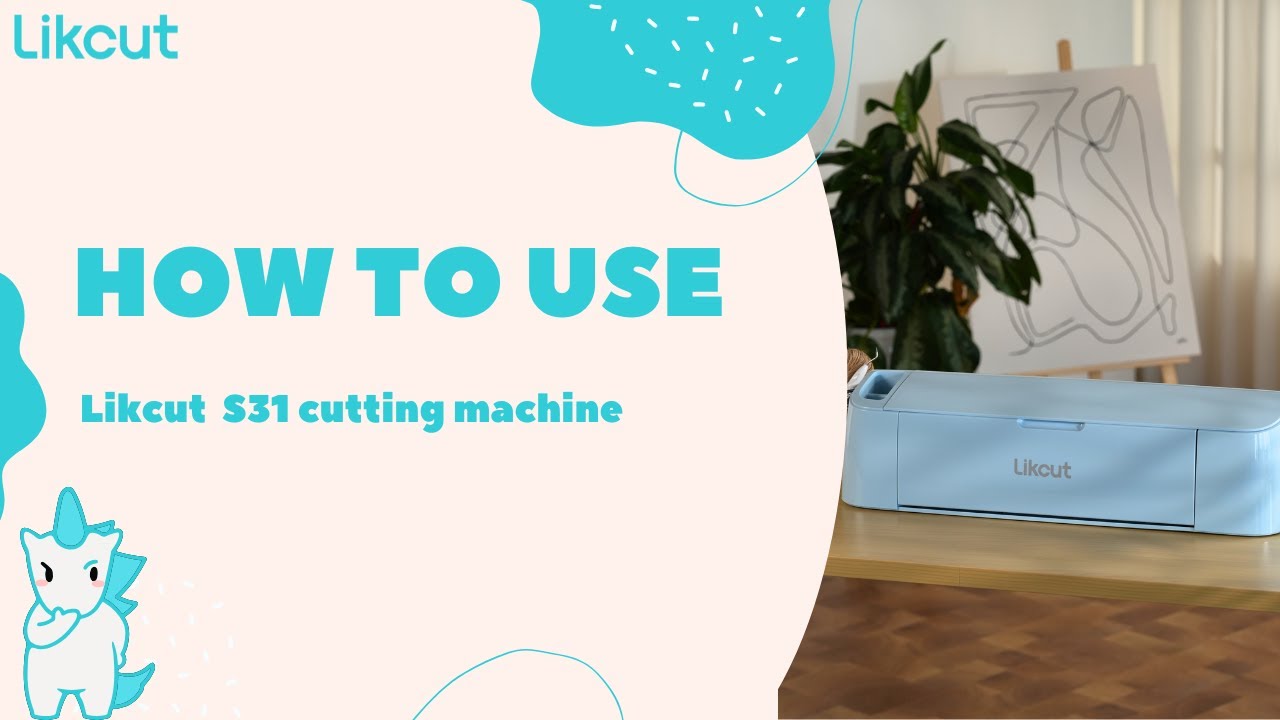
Likcut S31 Cutting Machine Tutorial | Your all-in-one creative workstation!
Автор: Likcut_official
Загружено: 2025-10-15
Просмотров: 197
Timestamps & Corresponding Steps:
00:12– Unboxing
Unbox the machine and showcase all accessories, along with the user manual.
00:24 – Turning on the Machine
Demonstrate how to properly connect the power and start up the cutting machine.
00:45 – Edit cut in app
Introduce how to import or edit designs in the app and begin setting up the cutting parameters.
01:12 – Edit
Further refine the size, positioning, and details of your design or text to ensure optimal cutting results.
01:18 – Connect
Show how to connect the cutting machine to a computer or mobile device, either via Bluetooth or a data cable.
01:54 – Prepare
Get your cutting materials ready (such as stickers or vinyl), place them on the cutting mat, and load the mat into the machine.
02:40 – Weed
Remove the excess material from the already-cut design (often called “weeding”), leaving only the intended pattern.
03:02 – Transfer
Use transfer tape or other tools to move the completed design onto the target surface (e.g., a T-shirt, mug, or cardstock).
By following these steps, you’ll gain a clear understanding of the entire process—from unboxing to final transfer—and easily complete your first DIY project with the Likcut S31 cutting machine!
#Likcut #CuttingMachine #DIY #Unboxing #CraftTutorial #VinylCutting
#BeginnerFriendly #Weeding #TransferTape #Handmade #Design #maker
Доступные форматы для скачивания:
Скачать видео mp4
-
Информация по загрузке: