analogWrite Explained | LED Brightness & PWM in Arduino
Автор: Sakshi
Загружено: 2026-01-13
Просмотров: 31
In this video, you will learn analogWrite() in Arduino step by step using a simple LED example.
This video is specially made for beginners, school students (Class 6–10), and robotics learners.
We will understand:
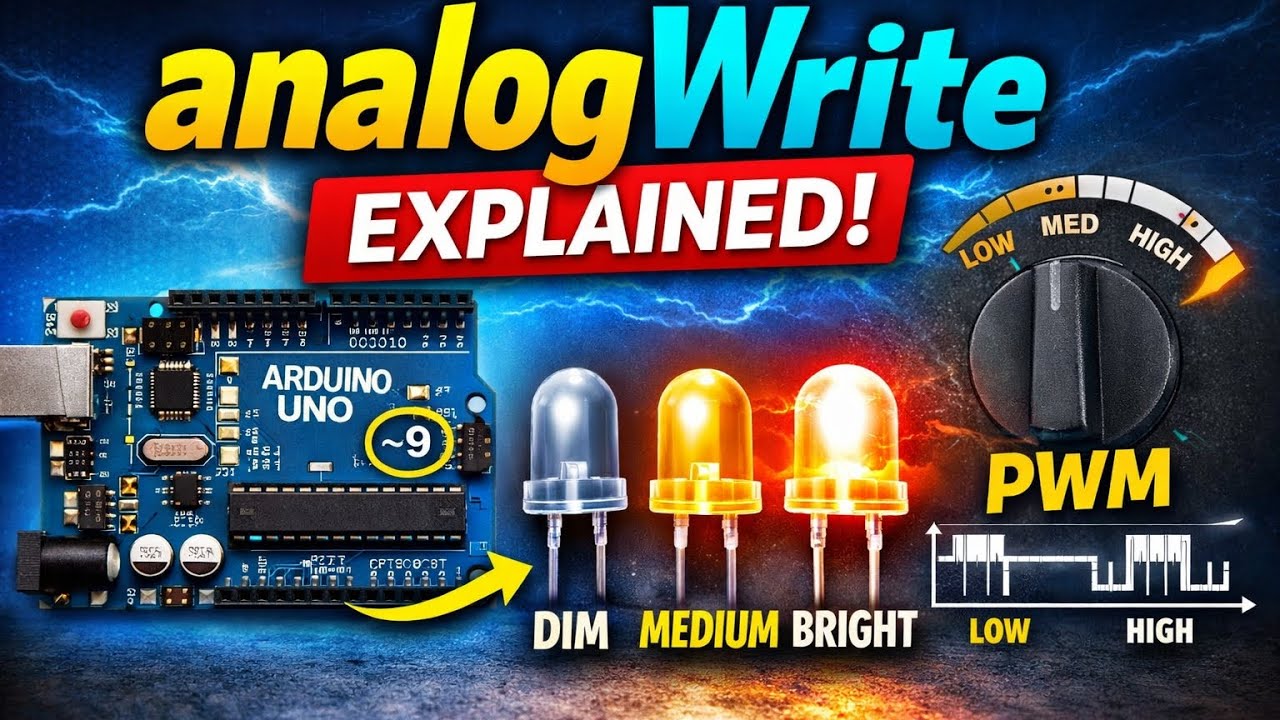
What is analogWrite()
What is a PWM pin
How to control LED brightness
Difference between digitalWrite vs analogWrite
Real-life examples of PWM (fan regulator, dimmer switch)
This concept is very important for: 👉 LED brightness control
👉 DC motor speed control
👉 Robotics projects
🔌 Components Used
Arduino UNO
LED
220Ω Resistor
Jumper wires
🔧 Connections
LED + (long leg) → Pin 9
LED – (short leg) → GND (via resistor)
💻 Arduino Code (analogWrite Example)
int lum = 50; // LED brightness (0 to 255)
void setup() {
pinMode(9, OUTPUT); // Set pin 9 as output
}
void loop() {
analogWrite(9, lum); // LED ON with dim brightness
delay(1000); // wait for 1 second
analogWrite(9, 0); // LED OFF
delay(1000); // wait for 1 second
}
🧠 Key Points to Remember
PWM pins have ~ symbol (3, 5, 6, 9, 10, 11)
analogWrite() range = 0 to 255
digitalWrite() = ON / OFF only
analogWrite() = smooth control
🎯 Real-Life Examples
Fan regulator
Light dimmer
Mobile volume control
Доступные форматы для скачивания:
Скачать видео mp4
-
Информация по загрузке:










