Home Assistant Tutorial Part 6 - Lighting, Switches, and LED Strips
Автор: GeekToolkit
Загружено: 2021-03-24
Просмотров: 10476
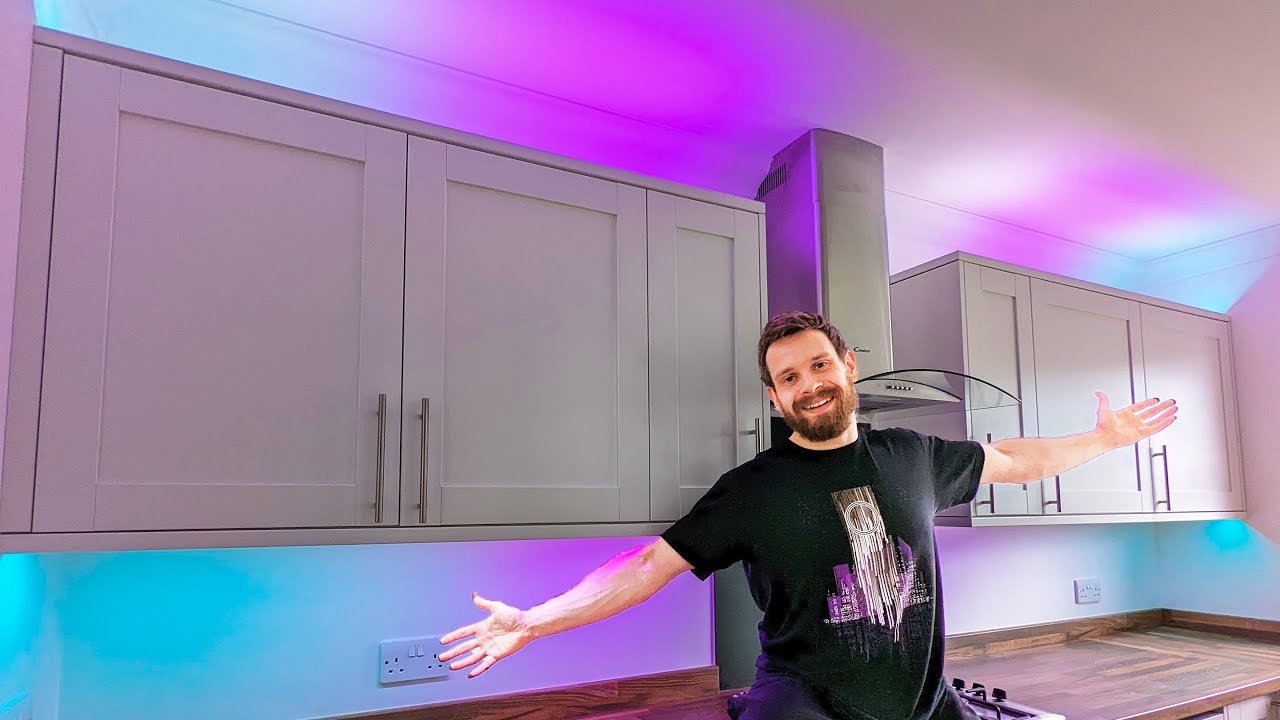
This video will teach you how to setup lighting, switches, and LED Strips in home assistant. I'll go over scenes, automations, color temperature, colors, dimmers, lovelace, services and more. This is meant for beginners looking to learn home assistant and that want a simple, direct way to get lighting setup.
▬ Contents of this video ▬▬▬▬▬▬▬▬▬▬
0:00 - Intro
1:58 - Overview of my setup/video layout
3:49 - How Switches, Lights, and Strips map to Devices and Entities
5:24 - Lovelace setup
9:15 - Adding a power measurement Sensor
10:10 - Developer Tools breakdown
11:38 - Services and parameters
13:40 - Scenes overview
18:04 - Adding Scenes to Lovelace
18:38 - Automations
20:32 - Default Turn on values and Groups
22:00 - Closing
For those looking to learn Home Assistant, this series is designed for beginners to show them step by step how to get everything up and running from install and backup to home automation and technologies. This episode focuses on Lights in Home Assistant, and covers everything from adding the lights to Lovelace to understanding the devices and entities behind them. I also go into services, parameters, setting brightness, color temperature, and some of the advanced features of smart bulbs.
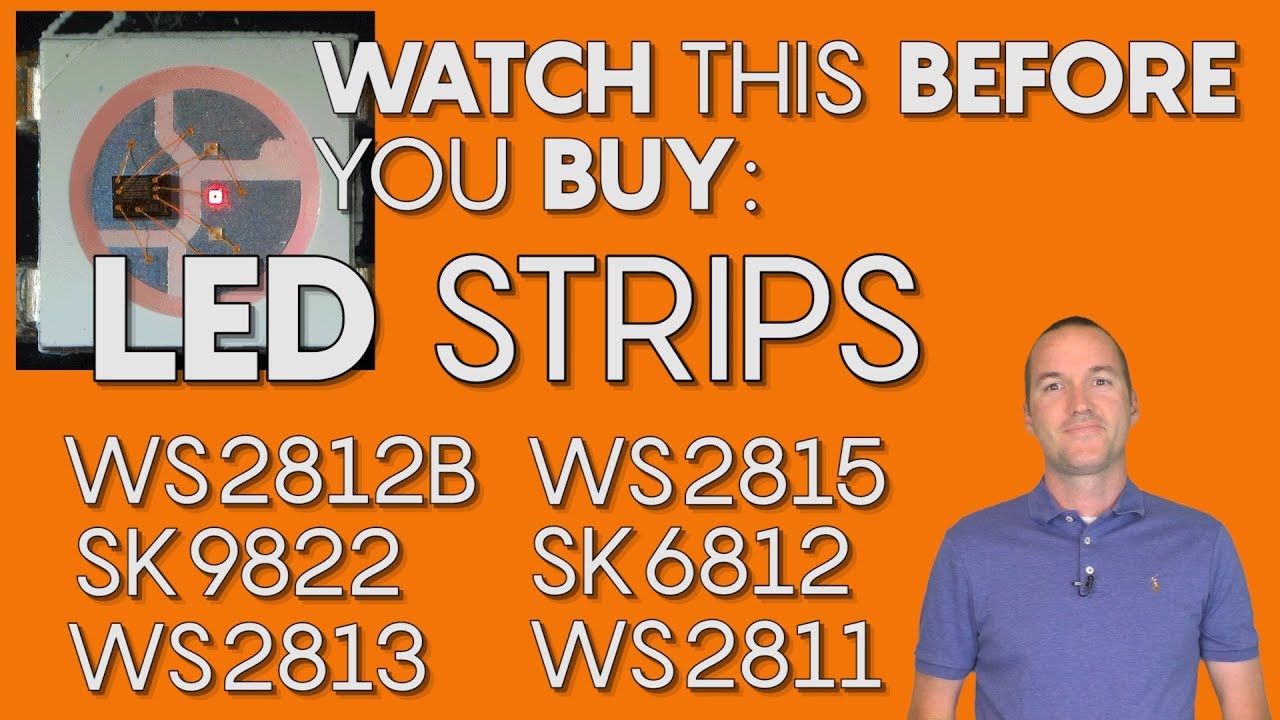
I decided to cover LED strips as well in this episode, specifically a WLED controlled 8212B strip I have setup so that I can show how they can be both very similar, but also very differnet. For instance LED strips, esp. WLED ones, can be queried for sensors showing the power draw of the LEDs at any given time.
Reference videos:
Smart Lights and Switches - A lighting primer that explains terms and concepts used in this video - • Beginners guide to Smart Lights for Home A...
Lights and equipment used in this video (Affiliate links but lowest prices I can find):
Wiz BR30 bulbs (RGBCCT) - https://amzn.to/2NUadBc
WS8212B LED Strip (individually addressable) -https://amzn.to/3tVXb5h
Note: I use a Wemos D1 Mini with WLED to control mine, but if you want a generic controller this is designed for those: https://amzn.to/3rlJw5S
Wemos D1 Minis (6 pack, but a great price for them!) https://amzn.to/3smqg9V
Home Assistant tutorial Series:
Part 5 - HACS and Themes - • Home Assistant Tutorial Episode 5 - HACS &...
Part 4 - Automations BluePrints Scripts and Scenes
• Home Assistant Tutorial Episode 4: Automat...
Part 3 - Cameras • Home Assistant Tutorial Part 3: IP Camera...
Part 2 - UI Walkthroughs, Integrations, Addons, and Cloud Backups • Home Assistant Tutorial Part 2 - UI Walkt...
Part 1 - Installation - • Home Assistant Tutorial Part 1 - Installa...
Find me on Social Media!
Facebook - / geektoolkit
Instagram - / geektoolkit
#homeassistant #tutorial

Доступные форматы для скачивания:
Скачать видео mp4
-
Информация по загрузке: