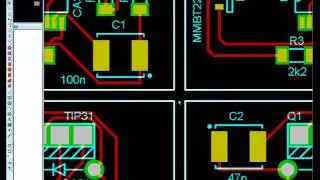
How to Design Your Electronic Circuit and Layout in Proteus | Export Gerber Files and Order the PCB
Автор: Something about Electronics
Загружено: 2024-01-12
Просмотров: 1007
In this video you will learn how to create your own electronic project in Proteus from scratch. Start with schematic, design the layout, create and assign your own component footprints, 3D view the board you created, export the Gerber files and order the PCB, plus many helpful guidelines.
Chapters:
0:00 Intro and Video Overview
0:25 Project Settings
1:57 Place Components, Wires, Labels, Ground and Power Symbols in Schematic
5:21 Create the Board Edge, Edit Grid and Place Component's Footprints in Layout
6:56 Assign a New Footprint for Component
7:45 Start Routing / Draw Layout Traces
8:10 Visualize the Board in 3D
9:06 Add Text on the Board
10:18 How to use Auto Router
10:52 How to use Auto Placer
11:00 Add Ground Plane/Power Plane
11:33 How to Place Image on PCB
12:26 How to Create a New Footprint
16:20 Edit 3D Model Mechanical of Component
17:44 How to Solve Design Rules Errors and Edit Pad Clearance
18:52 Place Components on Bottom Layer
19:18 Set PCB Materials' Color 3D Visualizer
19:40 Export Gerber Files
20:14 Place PCB Order at PCB Manufacturer
21:01 View Gerber Files in Gerber Viewer
21:14 Outro
Background Music by: Bensound.com/free-music-for-videos
License code: C0LPTKLLMFGIA3NY

Доступные форматы для скачивания:
Скачать видео mp4
-
Информация по загрузке: