Visual Studio 2022 Installation: A Comprehensive Guide for Windows Users| DotNet Academy
Автор: DOT NET Academy
Загружено: 2023-10-15
Просмотров: 92
Hello, everyone! Welcome back to the Dotnet Academy YouTube channel. In today's video, we will be diving deep into the installation process of Visual Studio 2022 on Windows machines. This tutorial is designed for beginners who are new to Visual Studio and want to learn how to set it up on their Windows systems. So, let's get started!
1. System Requirements:
Before we begin the installation process, it's crucial to ensure that your Windows machine meets the minimum requirements for Visual Studio 2022. These requirements include a compatible version of Windows, sufficient disk space, and a supported processor. You can find the complete list of system requirements on the official Microsoft website.
2. Downloading Visual Studio 2022:
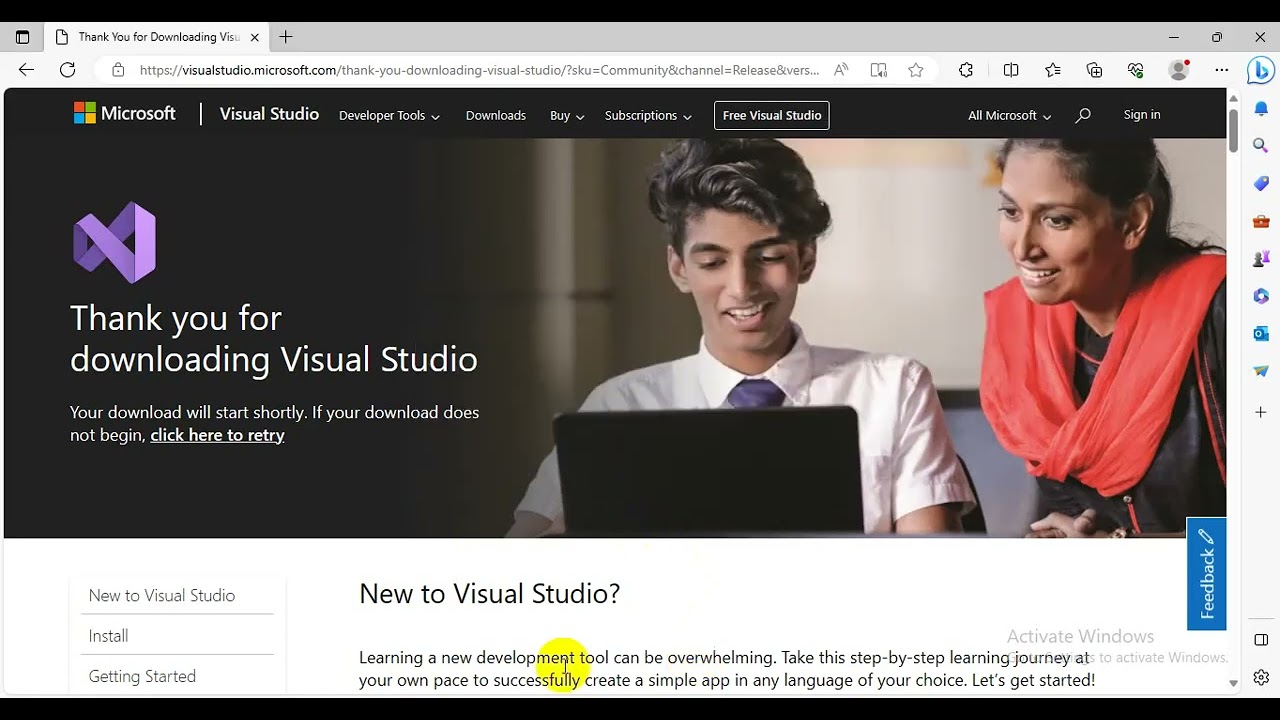
The first step in the installation process is to download the Visual Studio 2022 installer from the official Microsoft website. You can find the download link here: https://visualstudio.microsoft.com/do...
3. Running the Visual Studio 2022 Installer:
Once you have downloaded the Visual Studio 2022 installer, you can run it by double-clicking on the downloaded file. This will launch the Visual Studio 2022 installation wizard, which will guide you through the installation process.
4. Choosing the Visual Studio 2022 Edition:
During the installation process, you will be prompted to select the edition of Visual Studio 2022 that you want to install. There are several editions available, each with its own set of features and capabilities. Some popular editions include Visual Studio Community, Visual Studio Professional, and Visual Studio Enterprise.
5. Configuring Visual Studio 2022:
After selecting the Visual Studio 2022 edition, you will be asked to configure various settings related to the installation. These settings include specifying the installation path, selecting the workloads you want to install, and configuring the Visual Studio 2022 service account.
6. Installing Visual Studio 2022:
Once you have configured all the necessary settings, you can proceed with the installation of Visual Studio 2022 by clicking the "Install" button. This process may take some time, depending on the speed of your internet connection and the performance of your Windows machine.
7. Verifying the Visual Studio 2022 Installation:
After the installation is complete, you can verify that Visual Studio 2022 has been successfully installed by searching for it in the Windows Start menu. You can also check the installed programs list in the Windows Settings app to confirm that Visual Studio 2022 is listed there.
8. Launching Visual Studio 2022:
Now that Visual Studio 2022 is installed on your Windows machine, you can launch it by clicking on its icon in the Windows Start menu. This will open the Visual Studio 2022 integrated development environment (IDE), where you can start creating and managing your .NET applications.
In conclusion, installing Visual Studio 2022 on a Windows machine is a straightforward process that involves downloading the installer, running it, and following the on-screen instructions. By following this tutorial, you will be able to successfully install Visual Studio 2022 and start developing .NET applications on your Windows system.
If you found this tutorial helpful, please give it a thumbs up and subscribe to our channel for more informative content. If you have any questions or need assistance, feel free to leave a comment below. We'll be happy to help!
Thank you for watching, and happy coding!
Доступные форматы для скачивания:
Скачать видео mp4
-
Информация по загрузке: