Motion Blur specific areas of the HDRI Map
Автор: HDR Light Studio
Загружено: 2021-05-27
Просмотров: 860
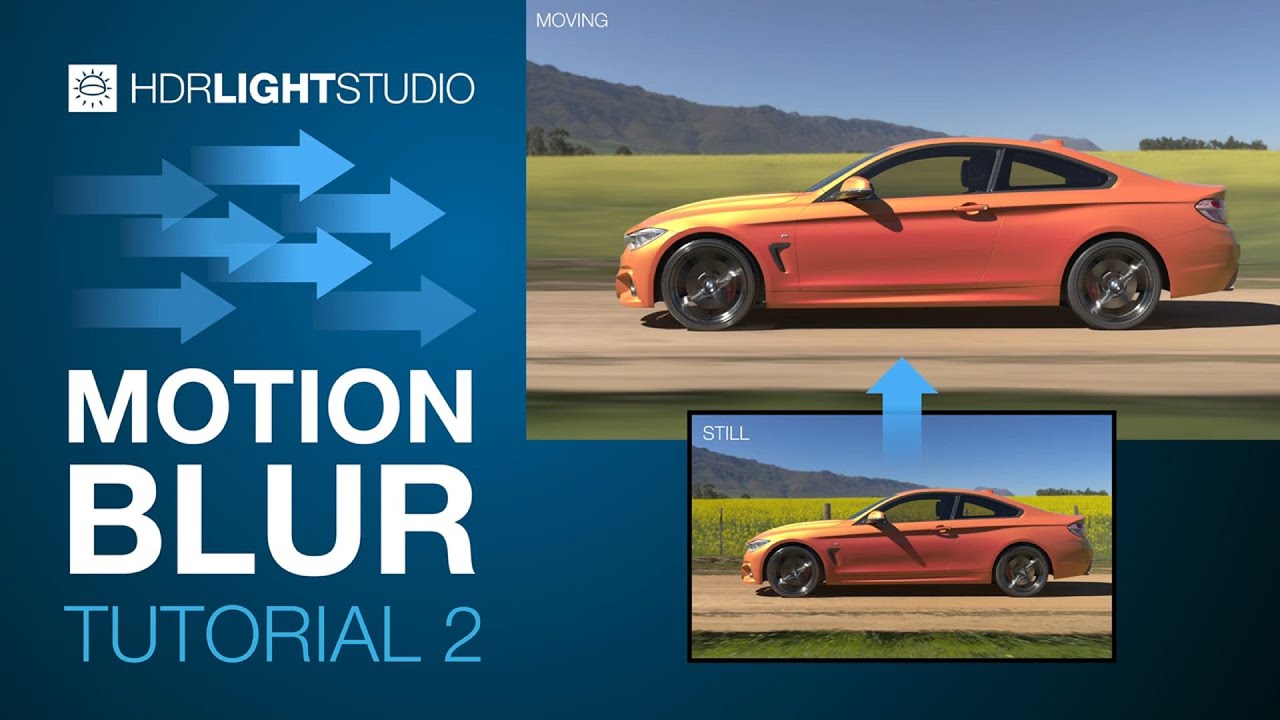
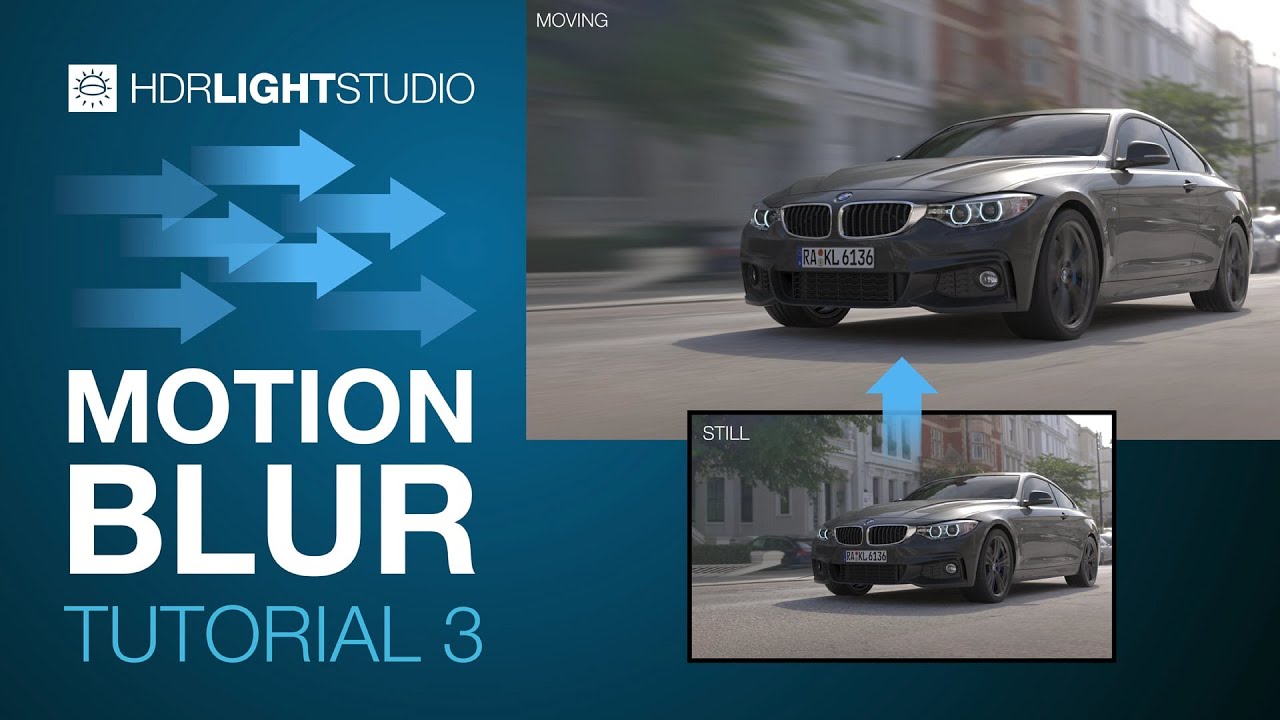
Motion Blur was introduced in HDR Light Studio Xenon Drop 3. It provides a fast and easy to use method for adding linear motion blur to HDRI lighting. You can click on the HDR Canvas to pick the direction and set the length of the blur - it's that easy.
This video will teach you how to use an alpha image when using motion blur. So you can select which content is being motion blurred.
Before watching this video, please watch the first motion blur tutorial: https://www.lightmap.co.uk/learning/m...
💡 What is HDR Light Studio? 💡
HDR Light Studio let's you easily create and edit HDR lighting (HDRI maps & HDR Area Lights) for your existing 3D software and renderer. It has plug-ins for Cinema 4D, 3ds Max, Blender, Maya, MODO, Houdini, VRED, Octane Standalone, Rhino, SOLIDWORKS Visualize, Maxwell Studio, LightWave 3D, & DLETAGEN.
Try HDR Light Studio here: https://www.lightmap.co.uk/try/
Follow HDR Light Studio at:
💡 / hdrlightstudio
💡 / hdrlightstudio
💡 / hdrlightstudio
#motionblur #alpha #mask
Доступные форматы для скачивания:
Скачать видео mp4
-
Информация по загрузке: