Advanced Motion Blur - HDRI Map Tutorial
Автор: HDR Light Studio
Загружено: 2021-11-18
Просмотров: 1291
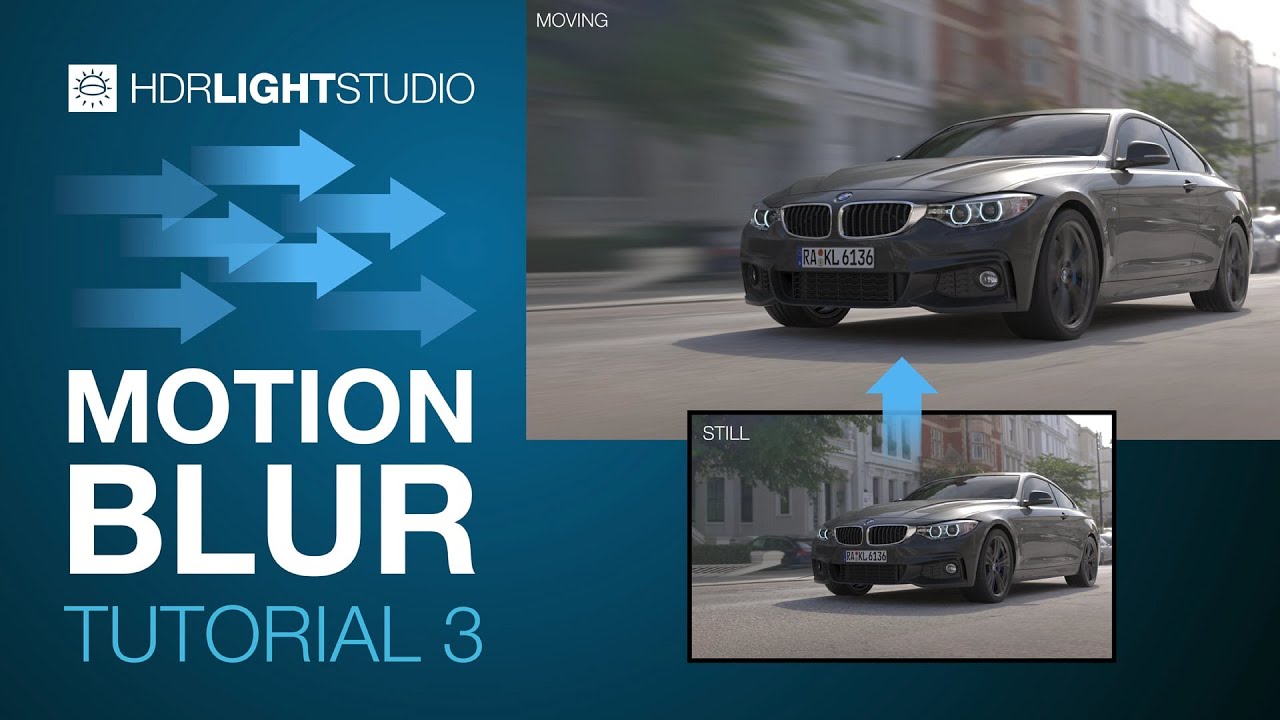
The Advanced Motion Blur filter is used to create realistic and creative motion effects on HDRI maps in HDR Light Studio (Xenon Drop 4 or higher). This video provides a tour of the Advanced Motion Blur filter and how to use it.
With the Advanced Motion Blur filter you can:
Add noise to the motion path
Curve and tilt the motion path
Load a depth image to scale the motion blur amount at each pixel
💡 What is HDR Light Studio? 💡
HDR Light Studio let's you easily create and edit HDR lighting (HDRI maps & HDR Area Lights) for your existing 3D software and renderer. It has plug-ins for Omniverse, Cinema 4D, 3ds Max, Blender, Maya, MODO, Houdini, VRED, Octane Standalone, Rhino, SOLIDWORKS Visualize, Maxwell Studio, LightWave 3D, & DLETAGEN.
Try HDR Light Studio here: https://www.lightmap.co.uk/try/
Follow HDR Light Studio at:
💡 / hdrlightstudio
💡 / hdrlightstudio
💡 / hdrlightstudio
#motionblur #motionpath #hdrimap

Доступные форматы для скачивания:
Скачать видео mp4
-
Информация по загрузке: