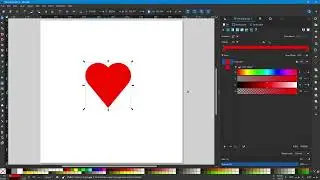
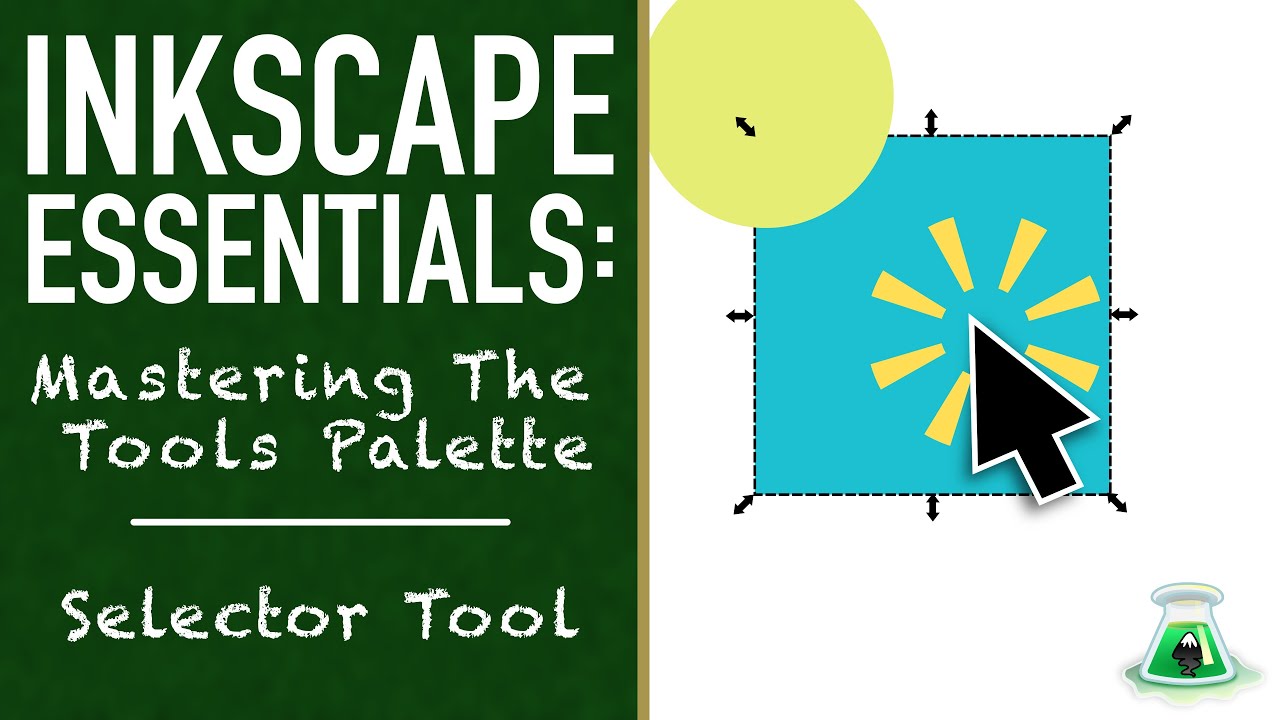
How to Use the Selector Tool to Move, Scale & Rotate Vectors in Inkscape
Автор: Inkscape Experiments
Загружено: 2026-01-02
Просмотров: 12
Dive into the world of vector design with this beginner-friendly Inkscape tutorial on the Selector Tool! Whether you're new to Inkscape or switching from another vector program, learn how to select, move, scale, rotate, and group objects effortlessly. This is Part 1 of our "Inkscape Essentials: Mastering the Tools Palette" series – perfect for hobbyists, students, and aspiring illustrators looking for a free vector graphics editor.
Timestamps:
00:23 - Intro to the Selector Tool
00:34 - Keystrokes to Access the Selector Tool
00:40 - Basic Selecting
01:49 - Selecting Multiple Objects
02:32 - Cycling Through a Stack of Objects
02:47 - Moving Objects
03:39 - Scaling Objects
04:30 - Rotating and Skewing Objects
06:29 - Aligning Objects
08:34 - Using Modifier Keys for Advanced Users
11:59 - Advance Alignment Tricks
Download Inkscape for free: https://inkscape.org/download/
Support the Inkscape project by donating: https://inkscape.org/donate/
If you enjoyed this Inkscape beginner tutorial, like, subscribe, and comment below with your questions. Let's experiment with vectors together!
#InkscapeTutorial #InkscapeBeginner #VectorDesign #FreeVectorSoftware #AdobeAlternative #GraphicDesignBasics
Доступные форматы для скачивания:
Скачать видео mp4
-
Информация по загрузке: