Creating Complex Shapes Using Simple Shapes With Path Operations in Inkscape
Автор: Way Out Works
Загружено: 2026-01-02
Просмотров: 77
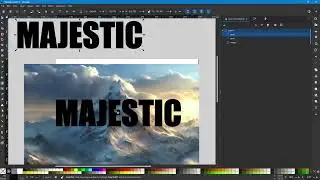
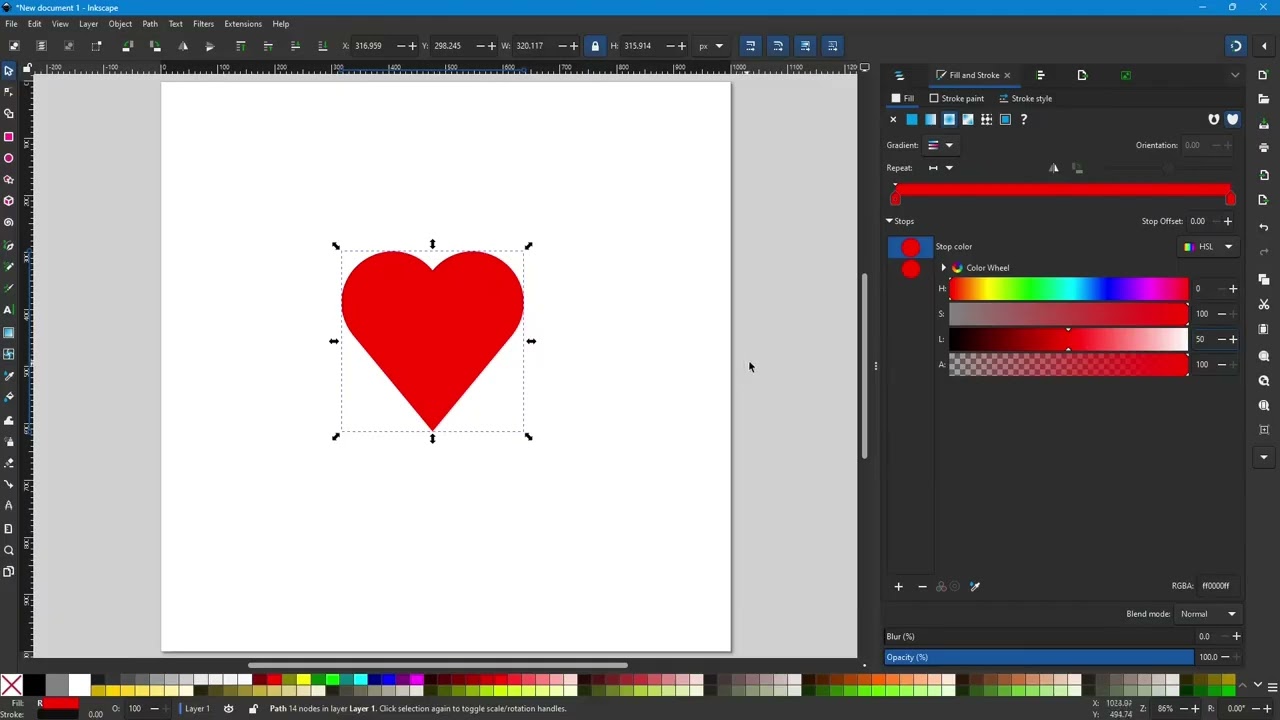
In this video I create a heart shape using simple circles and a triangle using Inkscape.
1. Creating circles with the ellipse tool.
2. Using the context menu to duplicate a shape.
3. Make an equilateral triangle using the Star/Polygon Tool.
4. Adding shapes together using the Path Combine operation.
5. Using snapping to align shape edges.
6. Adding a gradient to a shape.
7. Explain the concept of fill and strokes for shapes.
8. Using a radial gradient to add depth to a circular shape.
9. Show the difference between opaque and transparent color stops.
10. Working with the gradient and color stop panel.
11. Two ways to select color stops.
12. Adjusting the center of a radial gradient using the gradient tool.
13. Changing the gradient's blending.
14. Using the Path Difference operation.
15. Path Intersection tool to keep common fill.
16. Exclusion Path tool to keep everything that is different in two shapes.
17. Using the division tool to slice up a shape.
18. Cut Path operation to segment the outer path.
Website and Blog:
https://wowdezign.com
Where This Design Is:
RedBubble: https://wayoutworks.redbubble.com
My Other Designs:
TeePublic: https://teepublic.com/user/wayoutworks
Printify: https://wayoutworks.printify.me
Доступные форматы для скачивания:
Скачать видео mp4
-
Информация по загрузке: