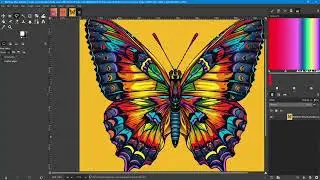
Working With Blend Modes Using GIMP
Автор: Way Out Works
Загружено: 2026-01-07
Просмотров: 13
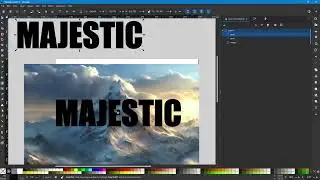
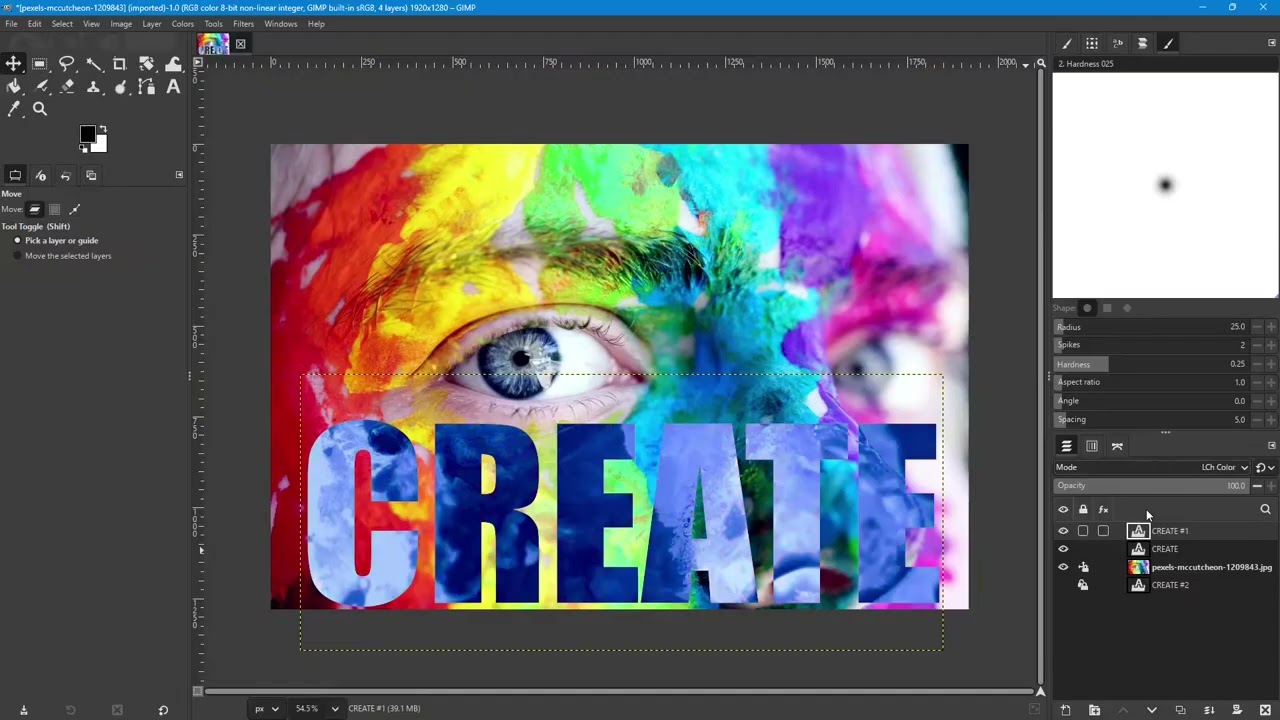
In this video I demonstrate some of the various effects that can be achieved using GIMP blending modes. In the video I demonstrate or mention the following:
1. Creating text layers using the Text Tool.
2. Using text to load a selection using the Alt-Click method.
3. Changing the color of text after it is set.
4. Experimenting with layer order while using Blend Modes.
5. Selecting a color using the color sample eye dropper in GIMP.
6. Applying a blend mode to a layer.
7. Selecting a blend mode for a specific layer using the up and down arrows.
8. Combining blend modes from different layers to get a composite effect.
9. Creating a border on text using the Selection Tool.
10. How the dissolve blend mode works in GIMP.
11. Creating a new layer with transparent pixels.
12. Exporting the results to a PNG.
Image URL: https://www.pexels.com/photo/person-w...
Website and Blog:
https://wowdezign.com
Where This Design Is:
RedBubble: https://wayoutworks.redbubble.com
My Other Designs:
TeePublic: https://teepublic.com/user/wayoutworks
Printify: https://wayoutworks.printify.me
@WayOutWorks
Доступные форматы для скачивания:
Скачать видео mp4
-
Информация по загрузке: