How to Remove Backgrounds from Images Using Selections in GIMP
Автор: Way Out Works
Загружено: 2026-01-03
Просмотров: 50
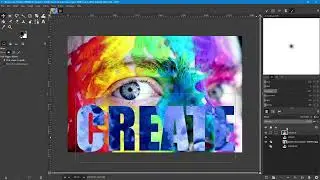
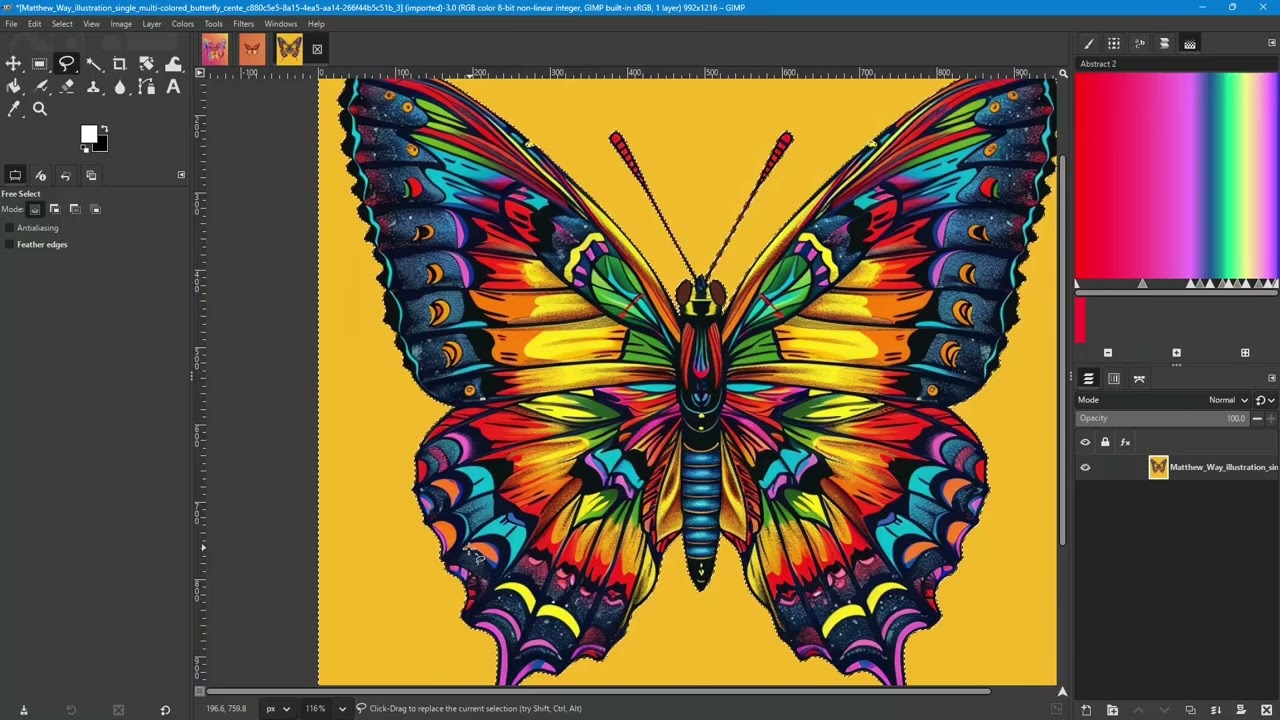
In this video I demonstrate various ways to use the selection tools in GIMP to remove backgrounds from images. Some of the things that are covered in the video are:
1. Using the Select by Color tool.
2. Fuzzy selections using the fuzzy select tool.
3. Scissor Select.
4. Adding to selections.
5. Layer Masks for non-destructive editing.
6. Growing a selection.
7. Using the Free Select Tool for accurate selections.
8. Controlling selections with the antialiasing and Threshold setting.
Website and Blog: https://wowdezign.com
Where to find my designs:
RedBubble: https://wayoutworks.redbubble.com
TeePublic: https://teepublic.com/user/wayoutworks
Printify: https://wayoutworks.printify.me
Phone Cases:
Printify: https://wayouttech.printify.me
Доступные форматы для скачивания:
Скачать видео mp4
-
Информация по загрузке: