Virtual Desktop VR Stutter in MSFS | Troubleshooting + Validation Run
Автор: 🜄 QuantumChronicle 🜄
Загружено: 2026-01-20
Просмотров: 17
This video is half help guide, half field test, and it exists for one reason: VR micro-stutter is infuriating, especially when it only shows up occasionally. You can run the sim looking perfect for minutes at a time, then get a brief burst of jitter that lasts a second or two and completely breaks the flow. If you fly for immersion, that kind of hiccup feels like someone yanking you out of the cockpit.
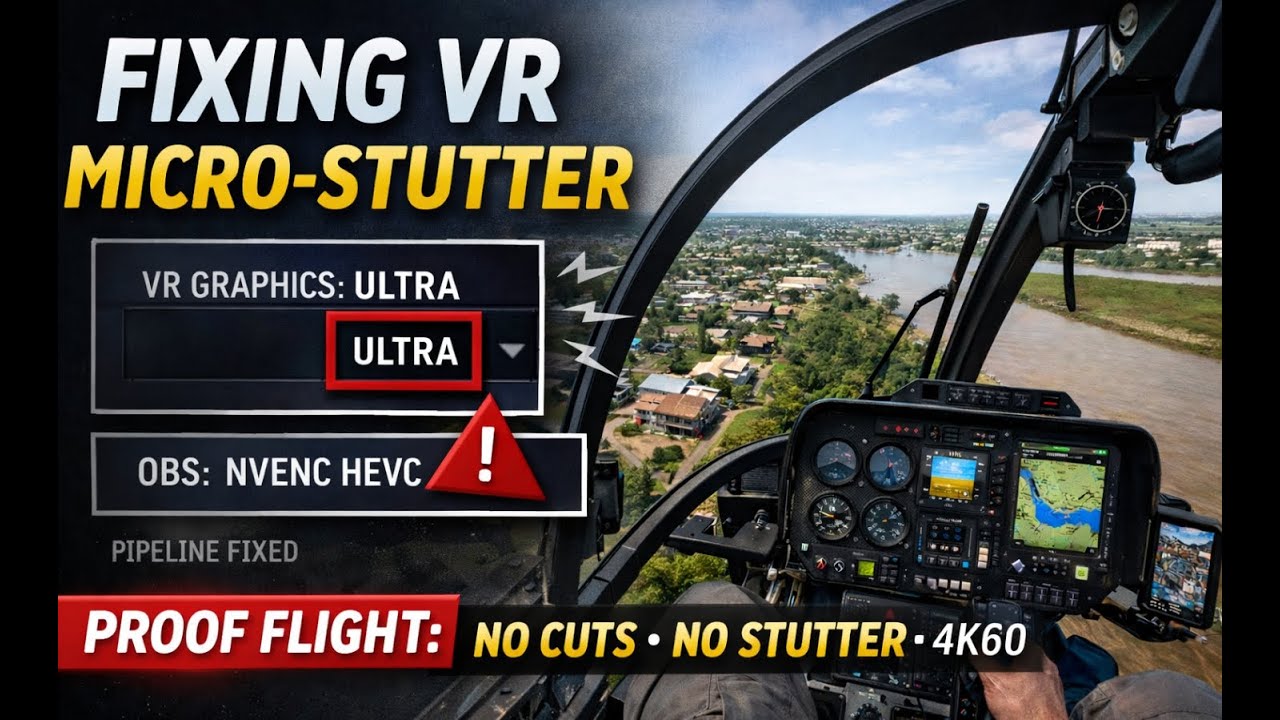
In the opening section, I outline the exact areas to check when dealing with intermittent micro-stutter in Microsoft Flight Simulator VR. I include screenshots and clear examples of settings because most VR advice online is either vague, random, or based on superstition. The goal is not to throw fifty tweaks at the wall. The goal is to isolate the real cause.
A big part of this story is that I eventually got sick of the quality and stability problems I was dealing with inside the Meta Quest PC app. I wanted consistency. I wanted smooth motion. I wanted to stop feeling like every update might change the rules again. So I switched to Virtual Desktop and worked with my AI through the necessary steps to get it running the way I like with OBS. No hype. No magic. Just careful changes, one variable at a time, until the pipeline behaved and the experience matched my standards.
Then comes the proof.
The second half of this video is a long, uninterrupted validation flight in the Little Bird over Guyana, near Georgetown. I chose this region deliberately because it is one of the best ways to expose micro-stutter. Low-level helicopter flight is brutal for VR smoothness: dense scenery, constant lateral motion, rapid shifts in perspective, and a ground reference so close that even small timing hitches become obvious. If your system is going to wobble, it will wobble here.
So this is not a cinematic montage. It’s not a highlight reel. It’s a real flight test, filmed as-is, because that’s the only way a “stutter fix” video is worth anything. No cuts, no hiding, no pretending. Just a long, low-level run to see if the stutter comes back.
And the result is clean. No micro-stutter. No periodic hitching. No flow-breaking jitter. Just smooth VR flight.
If you are dealing with similar issues, my advice is simple: change one thing at a time, test in a scenario that makes stutter obvious, and don’t accept fixes that rely on sacrificing visuals unless you can prove you actually need to. Most of the time, the problem is not “VR being VR”. It’s a specific bottleneck or conflict in the pipeline. Once you remove it, the sim becomes what it was always supposed to be: a place you can disappear into.
Доступные форматы для скачивания:
Скачать видео mp4
-
Информация по загрузке: