My Complete Portrait Editing Workflow | Lightroom + Evoto AI Retouching
Автор: JAG Videos - Winnipeg Videographer
Загружено: 2026-01-23
Просмотров: 13
🎓 Learn Photography & Video in Winnipeg
If you’re in Winnipeg and want to learn photography and video in my in-studio courses and training programs, you can learn more here:
👉 https://www.jagvideos.com/courses
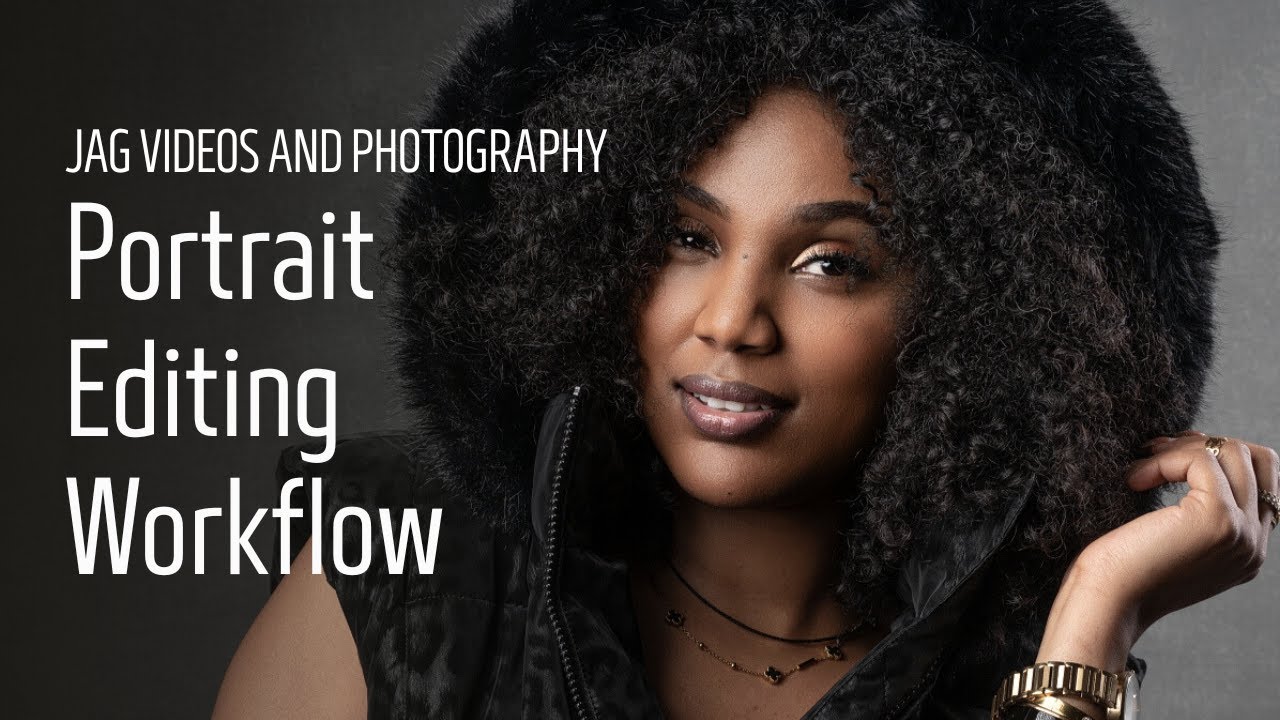
This in-depth tutorial walks through my complete portrait editing workflow, showing exactly how I edit professional portraits from start to finish.
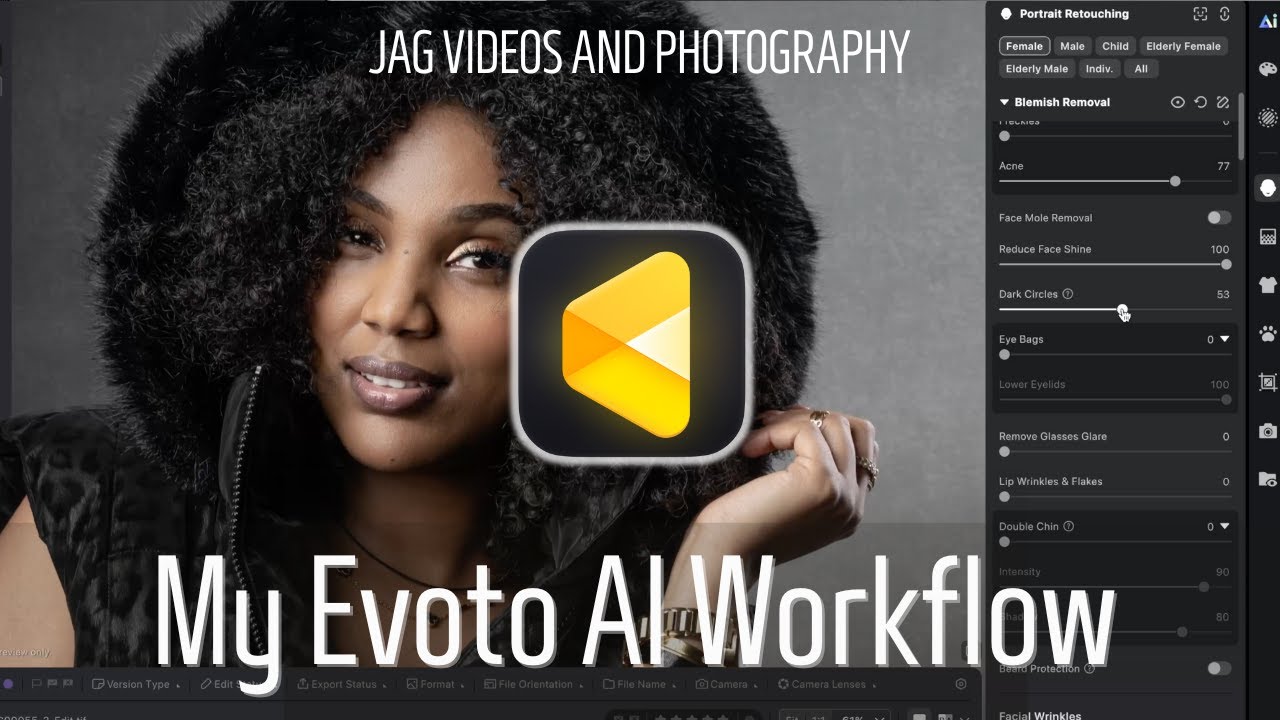
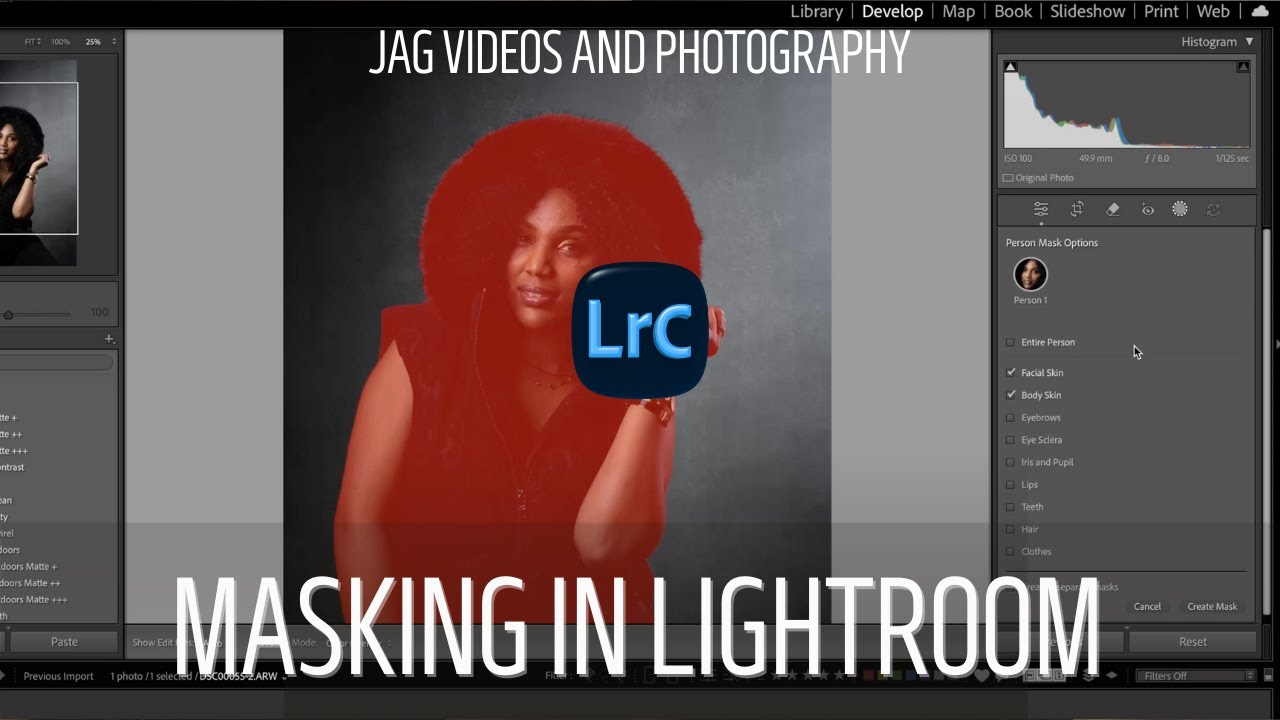
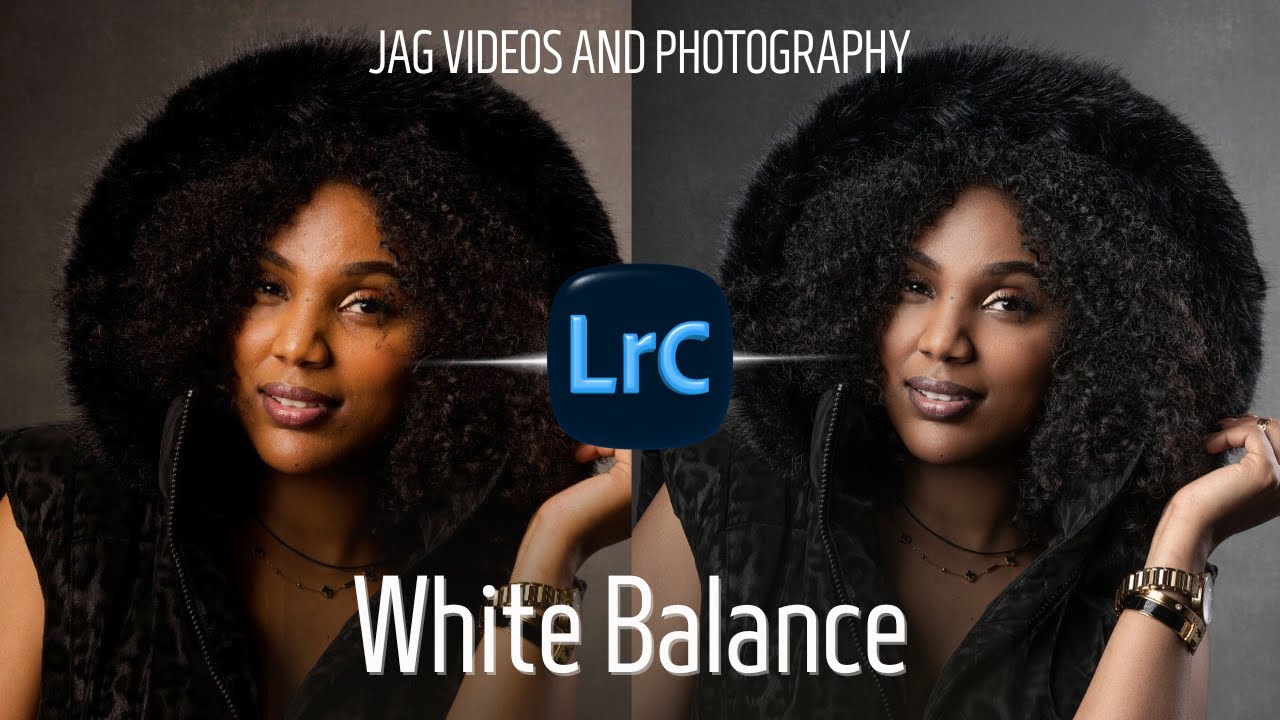
I begin by editing the image in Adobe Lightroom, focusing on exposure, white balance, color, contrast, and overall look. Once the base edit is complete, I send the image to Evoto AI for subtle, professional skin retouching and portrait cleanup. After retouching, the image is brought back into Lightroom for final tweaks and export.
This video is not a generic software walkthrough. It shows my real-world editing process and decision-making, including why I make certain adjustments, what I prioritize, and what I intentionally leave alone. The goal is to help photographers understand how to think through an edit, not just which sliders to move.
This workflow is the same process I use for professional headshots, portraits, and client work.
If you’re learning portrait photography, headshots, or photo editing, this tutorial will give you a clear, practical approach you can apply to your own images.
🎥 About JAG Videos and Photography
JAG Videos and Photography is a professional videographer and photographer in Winnipeg, Manitoba, working with businesses, professionals, and creatives on commercial video, portraits, headshots, interviews, and studio content - while also teaching hands-on photography and video education through courses and workshops.
Доступные форматы для скачивания:
Скачать видео mp4
-
Информация по загрузке: