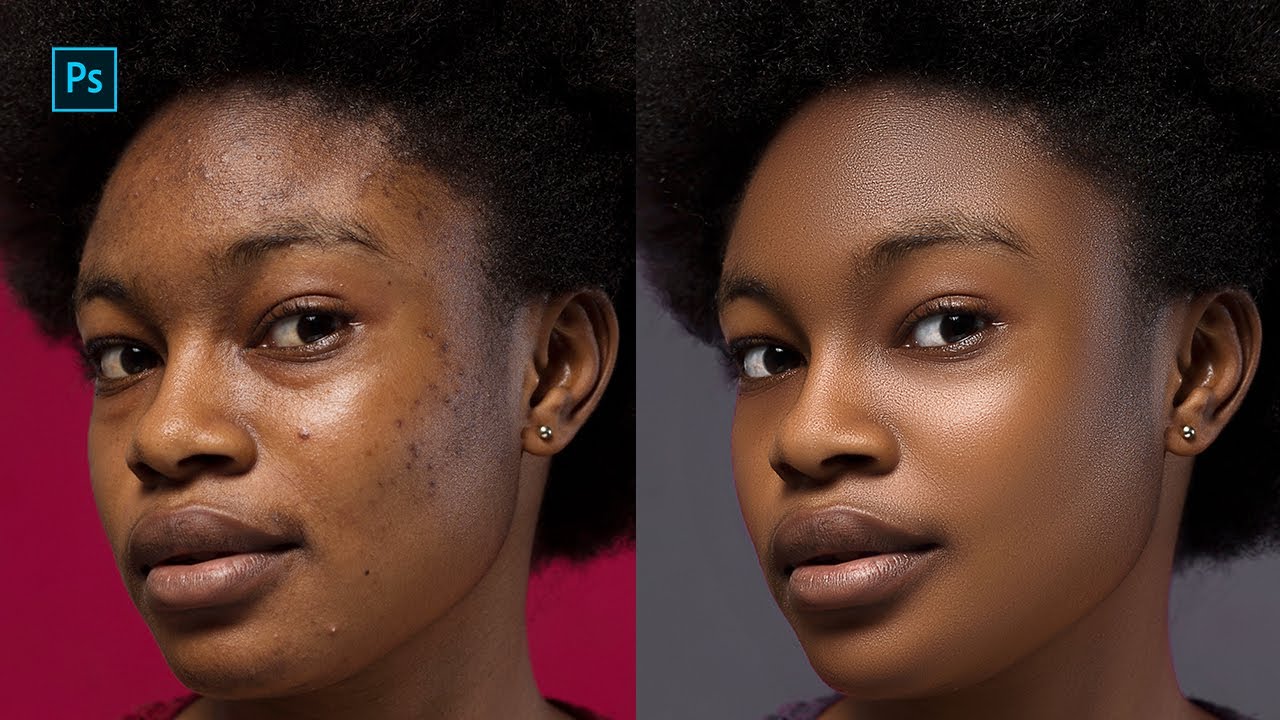
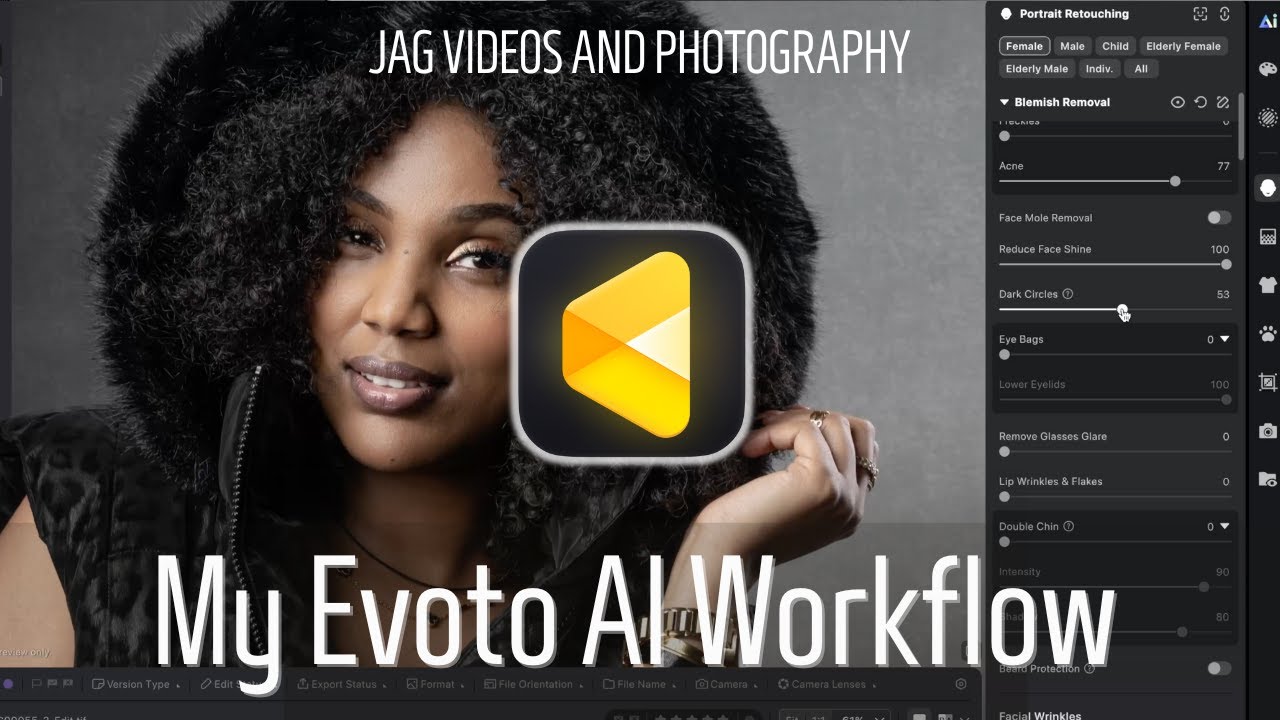
Evoto AI Retouching Workflow | Professional Portrait Editing Process
Автор: JAG Videos - Winnipeg Videographer
Загружено: 2026-01-24
Просмотров: 4
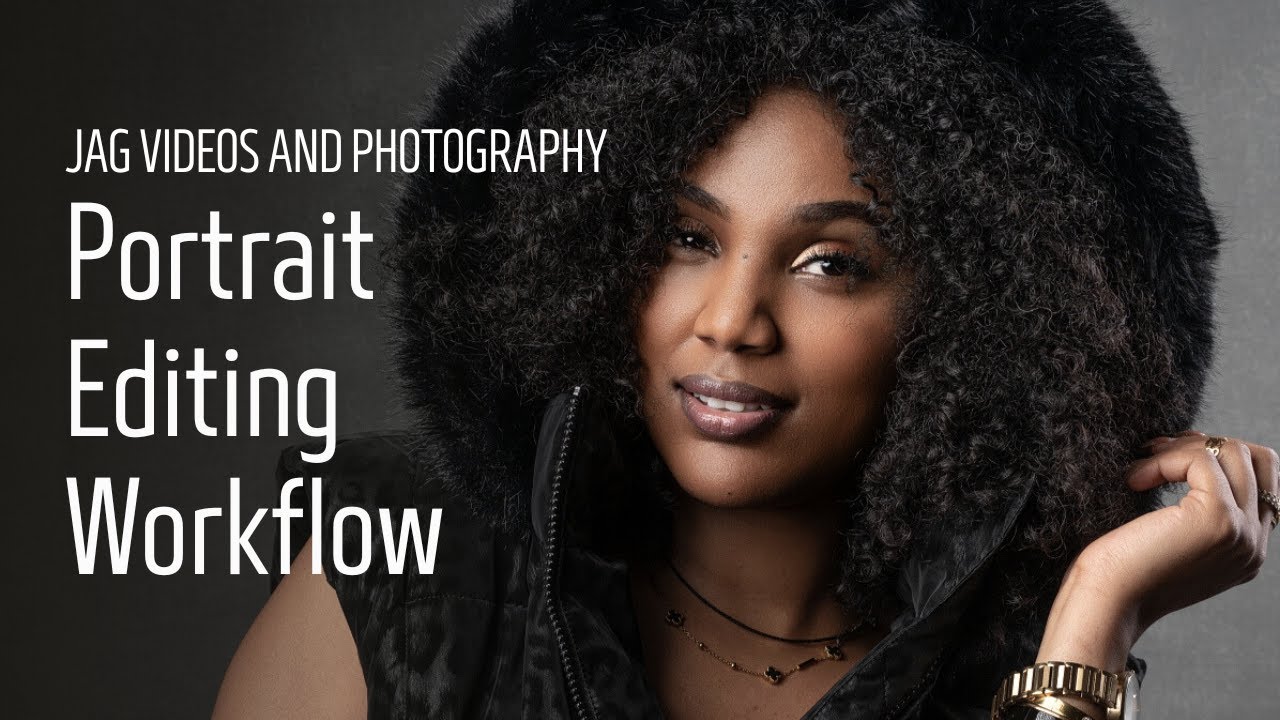
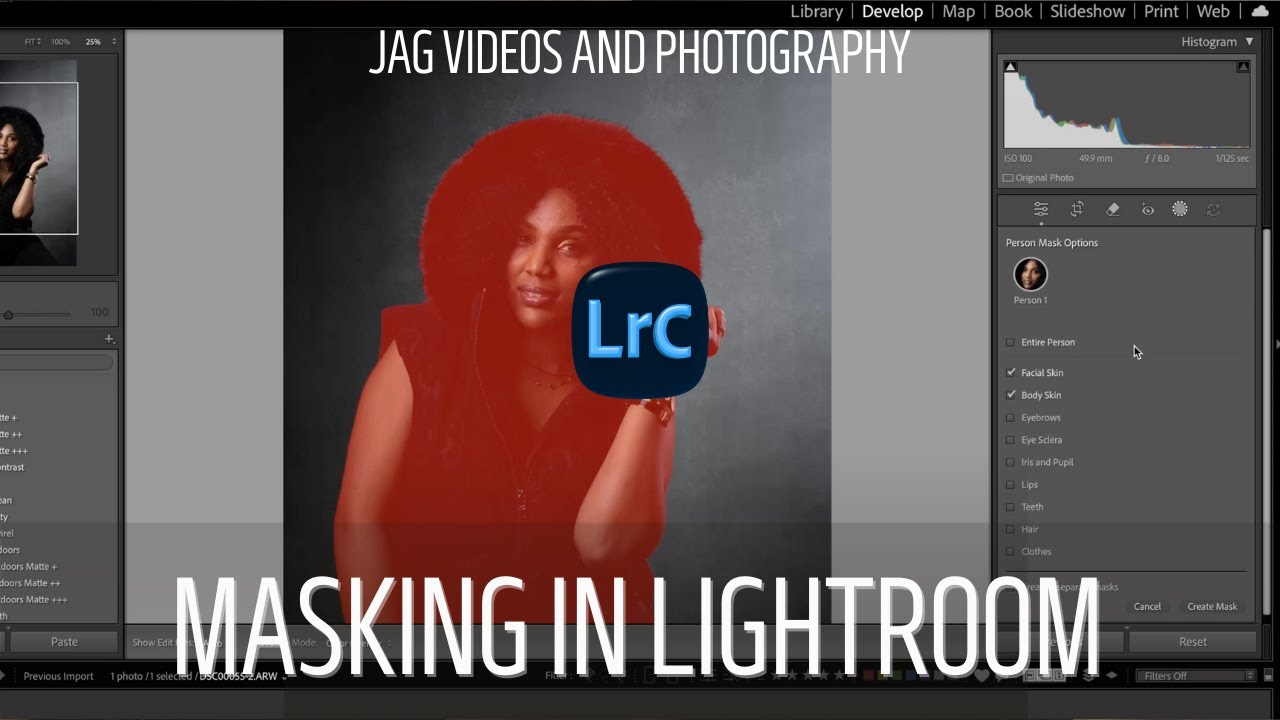
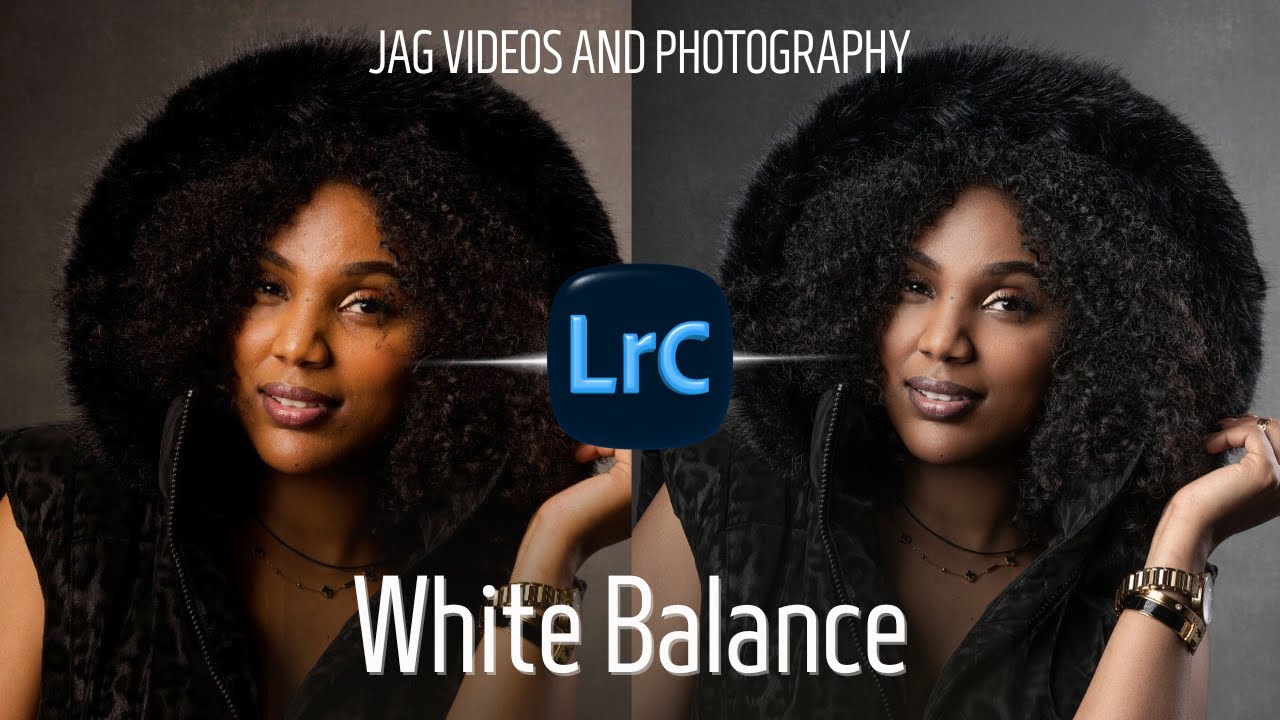
This tutorial walks through my Evoto AI retouching workflow, showing how I use Evoto as part of my professional portrait and headshot editing process.
In this video, I demonstrate how I use Evoto AI for subtle, natural-looking retouching, including skin smoothing, blemish removal, eye enhancement, and facial refinements. I explain what I adjust, what I avoid, and how I keep edits realistic rather than over-processed.
This is the same approach I use for professional headshots, portraits, and client work, and it’s designed to help photographers understand how to use AI tools responsibly and efficiently without losing control over their final image.
If you’re learning portrait retouching, headshot editing, or modern photo workflows, this tutorial will give you a clear, practical way to use Evoto AI with confidence.
🎓 Learn Photography & Video in Winnipeg
If you’re in Winnipeg and want to learn photography and video in my in-studio courses and training programs, you can learn more here:
👉 https://www.jagvideos.com/courses
🎥 About JAG Videos and Photography
JAG Videos and Photography is a professional videographer and photographer in Winnipeg, Manitoba, working with businesses, professionals, and creatives on commercial video, portraits, headshots, interviews, and studio content — while also teaching hands-on photography and video education through courses and workshops.
Доступные форматы для скачивания:
Скачать видео mp4
-
Информация по загрузке: