Where Winds Meet, Mac Mini M4, PlayCover vs CrossOver: Performance test
Автор: Truwa
Загружено: 2025-12-31
Просмотров: 628
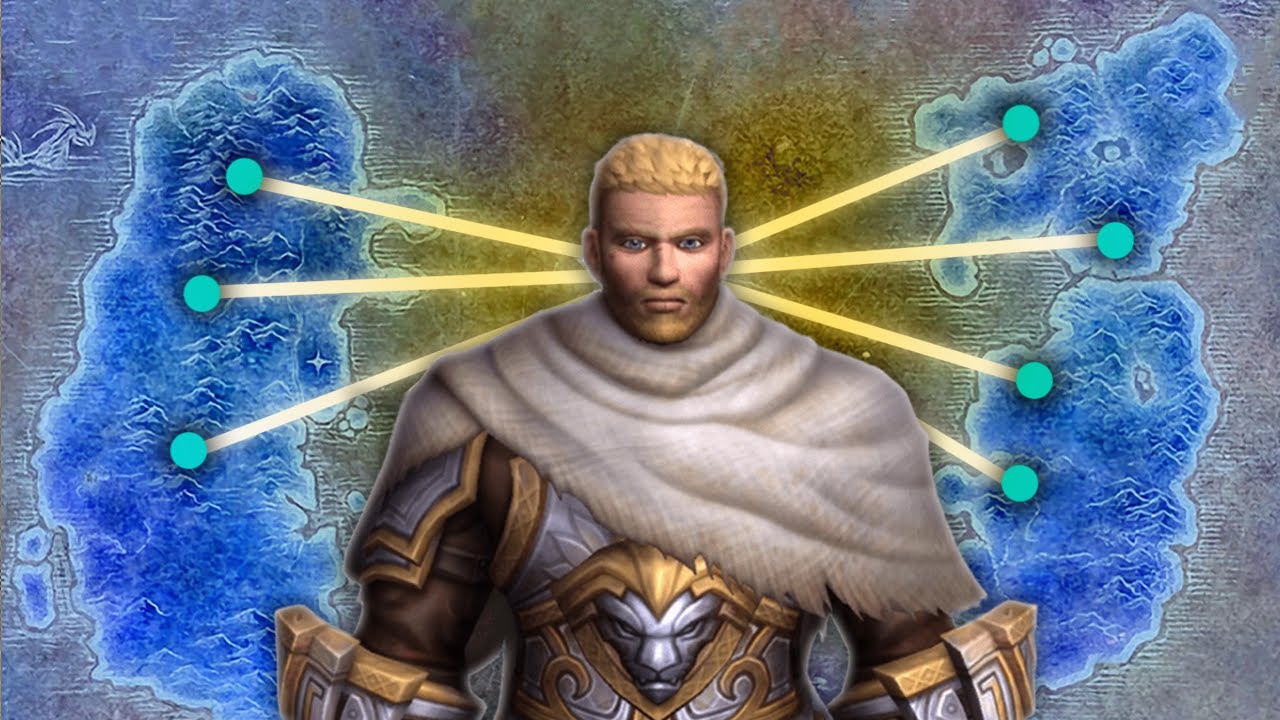
Where Winds Meet
A macOS version of this game has been announced. Until that becomes available, two methods for playing this game on a Mac Mini are compared:
1. App Store (iPad iOS version) with PlayCover
2. PC version (Steam) with CrossOver.
Test setup: Mac Mini M4 Base Model, macOS 26.2 Tahoe.
1) iPad version with PlayCover
Settings: PlayCover 3.1.0 (1345), Game version 1.04, 2160p resolution (scale 1.0), maximum graphics settings possible.
Performance is locked at 60 FPS by the game.
Summary: Installing PlayCover is easy. I have used the latest nightly build. The only downside is that an up-to-date decrypted .ipa file of the game is needed. Once the .ipa file is downloaded, it is very easy to import it and then to start playing.
A Mac Mini M4 is more than enough, so the performance and visual quality are pretty much capped by the game. A controller is fully supported by the game, and I did not need to use a key-mapping file. If playing with a keyboard and mouse is preferred, ready-made key-mapping files for this game can be found.
PlayCover download page link:
https://playcover.io/download/
2) PC version (Steam) with CrossOver:
Settings: CrossOver 26 Preview 20251216, DLSS, D3DMetal, MSync, 1080p resolution, Balanced graphics preset, DLSS set to Balanced, DLSS frame generation On, HDR On.
Performance usually stays between 50-60 FPS range, and in some closed areas, it goes up to 100 FPS. That is with the frame generation on; actual rendered values are much lower, as they can be seen on the Metal HUD.
There are some slowdowns (as low as 20 FPS) and occasional stutters. The game's memory usage keeps increasing during the session (I have seen it reach 19GB), but it did not cause a major problem for an hour of gameplay on a 16GB Mac Mini M4.
With HDR on, the texts on the game screen do flicker.
I tried to hit 60 FPS on an M4 Pro 24GB 14CPU/20GPU model at 1080p, without frame generation and Quality graphics preset; it failed.
Timeline:
00:00 Part I: PlayCover setup
00:12 Gameplay (I)
00:33 Graphics settings (I)
03:00 Playcover settings (I)
03:10 Part II: CrossOver setup
03:22 Gameplay (II)
05:52 Graphics Settings (II)
06:22 Results summary

Доступные форматы для скачивания:
Скачать видео mp4
-
Информация по загрузке: