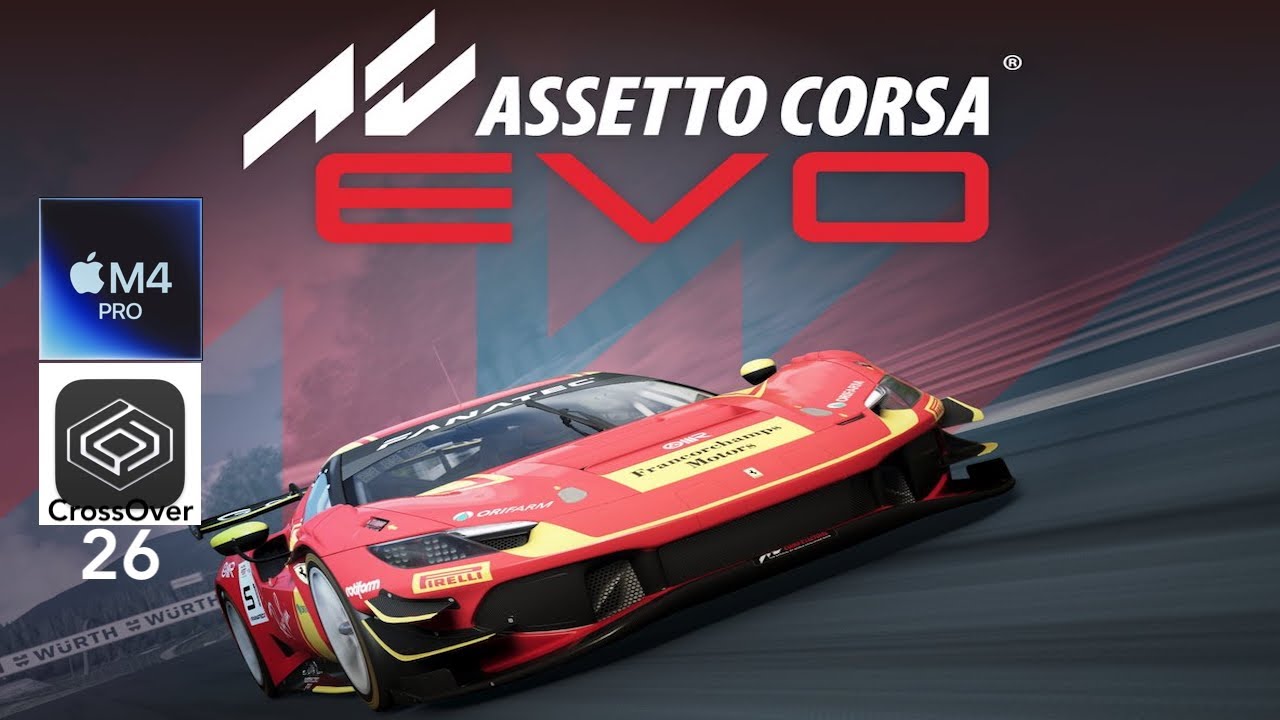
Assetto Corsa EVO, Mac M4 Pro, CrossOver: Performance test
Автор: Truwa
Загружено: 2026-01-16
Просмотров: 772
Assetto Corsa EVO
Setup: MacBook Pro M4 Pro (24GB 14CPU/20GPU), macOS 15.7.3 Sequoia, CrossOver 26 Beta 1, GPTK 3.0, D3DMetal, MSync.
Settings: 1080p resolution, unmodified Medium graphics preset, FSR 3.1 set to Quality.
Performance averages over 50FPS without screen recording (estimate). It may be possible to get higher performance by tweaking some graphics settings.
This game is listed as "now working" in CrossOver 26 Beta 1 release notes. It also runs with the latest CrossOver 26 Preview version (20251216).
But it was not a smooth experience. There are a lot of issues:
1. The game failed to launch on macOS 26 Tahoe for some reason. I only got a black screen with (sometimes with sound). It runs on macOS 15. This may not be a general issue though.
2. Using a "fullscreen" resolution that is less than the display's resolution may prevent the game from starting. Windowed or Borderless modes are okay.
3. The game's memory usage is high and quickly reaches 20+ GB. Running this game on a 16GB Mac would not be a good experience.
4. Some tracks (Nurburgring for example) may not be playable at all. I tried a quick race in Nurburgring several times, and the game appeared to be frozen and then slowed down to unplayable levels (2-3 FPS). A force-quit is needed.
5. The performance is not stable, and it seems to decrease upon discarding the current game and selecting new tracks/races. I had a couple of extreme slowdowns/freezes during testing.
Note: The game is listed as "early access" on Steam. It is a work in progress, and things may improve by updates to the game, and also by updates to the wine/crossover.
Timeline:
00:00 Test setup
00:18 Graphics settings
00:45 Race settings
01:10 Quickrace (start)
03:46 Replay and Pitstop
04:30 Race (continue)
05:39 Results summary
Доступные форматы для скачивания:
Скачать видео mp4
-
Информация по загрузке: