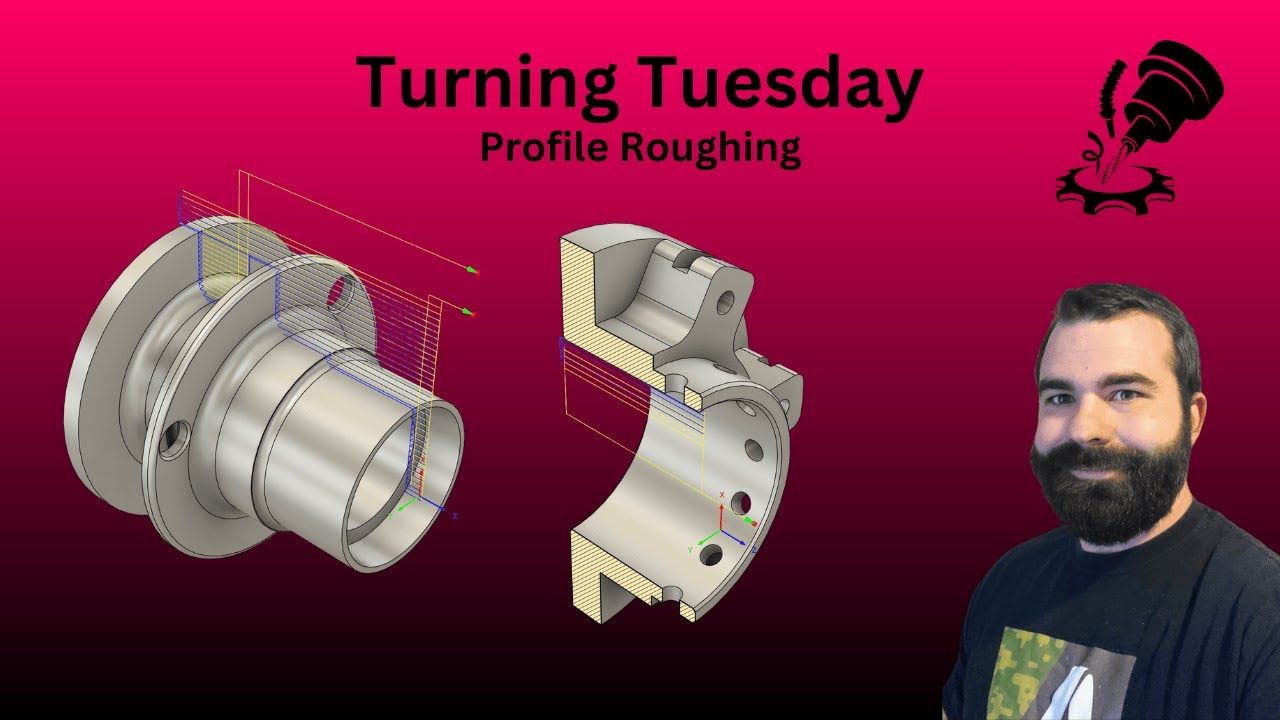
⚙️ Turning Tuesday: Nailing Profile Roughing in Autodesk Fusion 360
Автор: JIT CAD CAM
Загружено: 2026-01-06
Просмотров: 379
Welcome back to Turning Tuesday! Today, we’re moving out of the Design space and into the Manufacturing Workspace. If you've ever wondered how to efficiently clear bulk material from a part before moving to your finishing passes, this video is for you.
We are breaking down the Turn Profile Roughing toolpath—the workhorse of the CNC lathe. We’ll show you how to set up your tool, define your boundaries, and ensure you're removing material safely and quickly.
📍 What You’ll Learn Today:
The Setup: Properly defining your stock and coordinate system (WCS) for turning.
Tool Selection: Choosing the right insert shape and holder for roughing operations.
Outer Diameter (OD) vs. Inner Diameter (ID): How to apply roughing paths to different features.
Cycle Types: Understanding the difference between Vertical, Horizontal, and Back-cutting.
Managing "Stock to Leave": Why you need a margin for your finishing tool to do its best work.
💡 Tips & Tricks for Beginners:
Check Your Leads: Always double-check your Lead-in and Lead-out moves. A bad lead-in is the quickest way to chip an insert!
Use "Avoid Backplotting": If you have areas you don't want the tool to dive into (like a narrow groove), use the "Grooving" tab to suppress those movements during the roughing stage.
The "S" Key Shortcut: Just like in Design, hitting 'S' in Manufacturing lets you quickly search for "Profile Roughing" or "Face" without scrolling through the top ribbon.
Simulate Everything: Before you export your G-Code, use the Simulation tool with "Stock" turned on to look for red collisions in the timeline.
Don’t forget to: ✅ Subscribe for more CNC and Fusion 360 tips every Tuesday! 🔔 Hit the Bell to stay updated on the latest manufacturing workflows. 💬 Comment below: What’s the biggest "oops" you’ve had while roughing a part?
HFO Trident SE Free Fusion Bootcamp
https://www.jitcadcam.com/haas-triden...
Buy me a beer
https://www.jitcadcam.com/products/bu...
Website
www.jitcadcam.com
Email
Info@jitcadcam.com
Phone Number
1-833-869-3328
Support Website
www.jitcadcam.com/support-portal
Discord Server
/ discord
LinkTree
linktr.ee/jitcadcam
#Fusion360 #TurningTuesday #CNCMachining #Manufacturing #CAM #CNCLathe #RoughingToolpath #AutodeskFusion
Доступные форматы для скачивания:
Скачать видео mp4
-
Информация по загрузке: