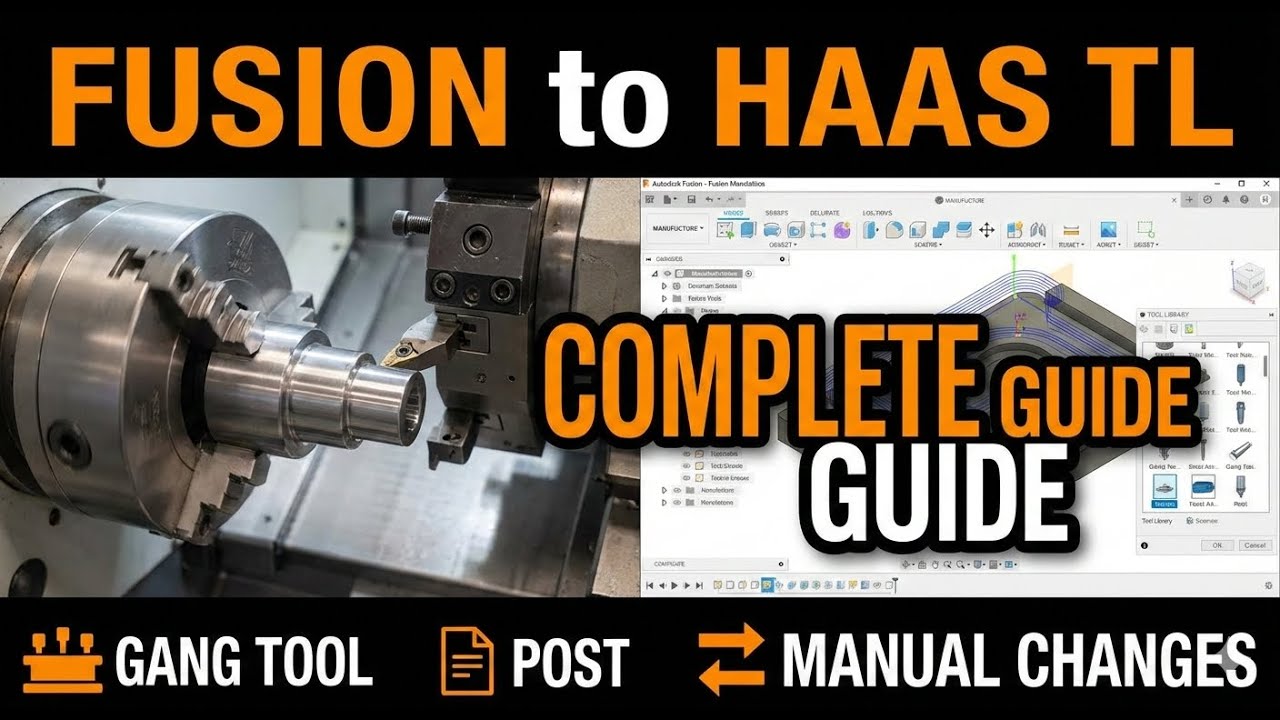
Mastering HAAS TL Series Lathes with Autodesk Fusion | Gang Tooling & Manual Changes
Автор: JIT CAD CAM
Загружено: 2026-01-24
Просмотров: 276
Unlock the full potential of your Haas TL Series lathe.In this deep dive, we’re bridging the gap between the Autodesk Fusion Manufacture workspace and the Haas TL-1 and TL-2 platforms. Whether you are running a traditional quick-change tool post or a high-efficiency gang-tooling plate, setting up your CAM correctly is the difference between a perfect part and a costly "rapid" into the chuck.
What’s Covered in This Video:
-The Manufacturer Workspace Setup: How to properly orient your Z and X axes for the Haas environment.
-Gang Tooling vs. Tool Post: * Setting up Gang Style lathes: Defining tool offsets and ensuring clearance.
-The Tool Library & Numbering: Why "Tool Number" is the most important field in your library. We’ll show you how to map your physical tools to Fusion’s library to ensure the G-code calls the right offsets ($T101, T202$, etc.).
-Manual Tool Changes: How to configure Fusion to output the correct M00 or M01 stops so you can safely swap tools on a TL series without an automatic turret.
-Post-Processing for Haas: Selecting the right .cps file and tweaking the properties (like G28 vs. G53) for a seamless transition to the Haas NGC or Classic control.
Join this channel to get access to perks:
/ @jitcadcam
In this video Fusion Phil shows you how to use Fusion 360
Buy me a beer
https://www.jitcadcam.com/products/bu...
Website
www.jitcadcam.com
Email
Info@jitcadcam.com
Phone Number
1-833-869-3328
Support Email
support@jitcadcam.zohodesk.com
Discord Server
/ discord
LinkTree
linktr.ee/jitcadcam
Доступные форматы для скачивания:
Скачать видео mp4
-
Информация по загрузке: