Strayos Academy: How to Set Ground Control Points for Greater Accuracy in Drone Mapping
Автор: Strayos
Загружено: 2021-01-05
Просмотров: 2199
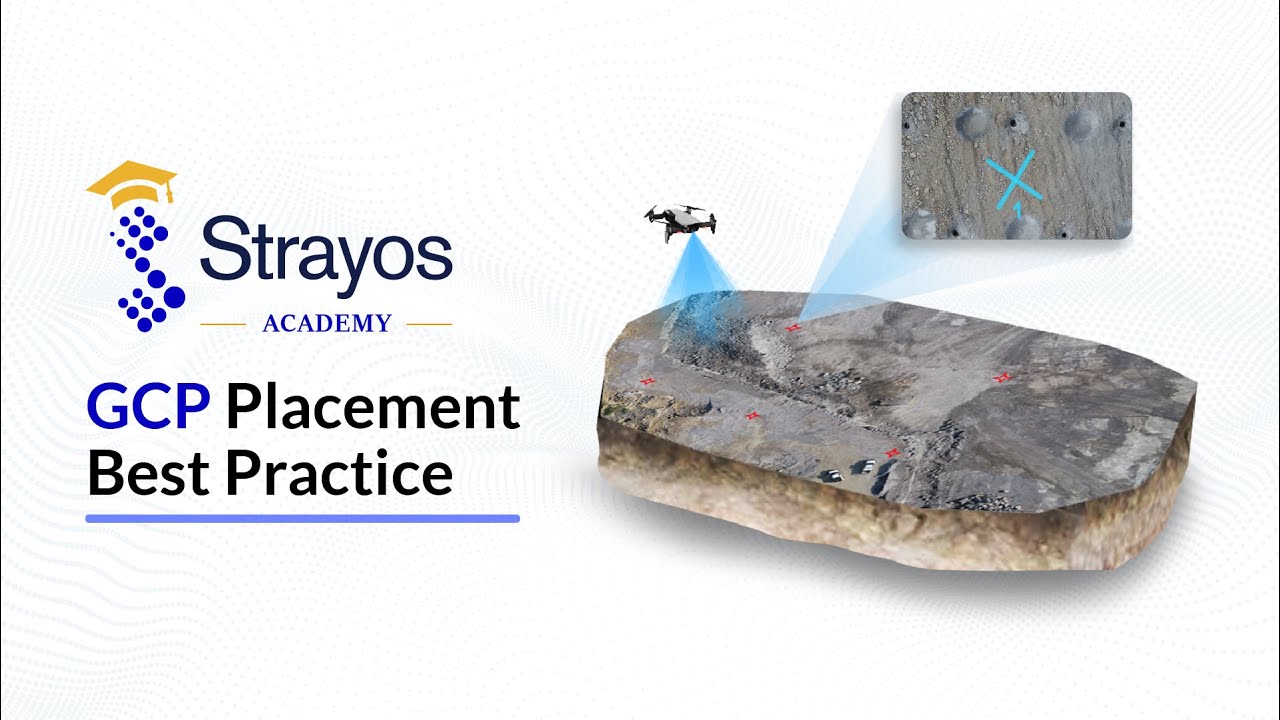
Ground Control Points (GCPs) give your model high precision accuracy🔎Learn the BEST techniques to placing GCPs for bench mapping in this how to video.
It's so simple to add GCP points to your mapping, watch now! ❌ 🚁🗺
LEARN MORE
👀 Watch another video on GCPs: • Strayos Academy: GCP AI Tutorial
📄 Read the how-to article: https://help.strayos.com/hc/en-us/art...
💻 Check out the Strayos Blog: https://blog.strayos.com/
📘 Download our Free E-Book: AI Guide for Drilling and Blasting: https://www.strayos.com/ai-guide-for-...
FOLLOW US
💌 Sign up for our Emails: https://www.strayos.com/contact.html
🌎 Visit the Website: https://www.strayos.com/
🙂 LinkedIn: / strayos
👷♂️ Facebook: / strayos
🦅 Twitter: / strayosai
GET IN TOUCH
Have questions?
Wanna see Strayos in action?
Contact us: https://www.strayos.com/contact.html
#StrayosAcademy #StrayosHowTo #StrayosAI #JonLewis #drones #UAV #mapping #photogrammetry #mining #quarry
TRANSCRIPT
Hi, Welcome to the Strayos Academy. My name is Jon Lewis and I'm going to be talking about the best practices for placing ground control points before capturing the images that will be used to create the 3D model.
The first thing to consider is what is a good GCP marker?
1. The GCP marker should be clearly visible as a target. Try to ensure that its atleast 4x4 feet in dimension. Use high-contrast colors so that marker color doesn't blend with ground color. Giant X's are the easiest to place as well as the easiest for the AI to detect.
2. Each GCP marker should have sequence number.
3. Survey the center point using high precision GPS equipment for desired accuracy.
We suggest 5 GCP's, 3 on top of the bench and 2 on the bottom, that can be found in a minimum of 3 images. This means that you should consider your GCP placement relative to the image capture locations, if you put the GCP's on the very edge of the flight path the GCP's may not be visible in 3 images. This is important because the model is a collection of images and metadata and the only way to relate a GPS location to the model is by the GCP's to be shown in the actual base images. If you would like to see how the GCP's are uploaded and processed within the Strayos platform, please defer to the "GCP AI Tutorial"
I hope this video has been helpful, if you want to find more information or videos like this please navigate to the Strayos website which is [Strayos.com](http://strayos.com) , the link is in the description. Thank you so much for listening and I’ll see you in the next video!
Доступные форматы для скачивания:
Скачать видео mp4
-
Информация по загрузке: