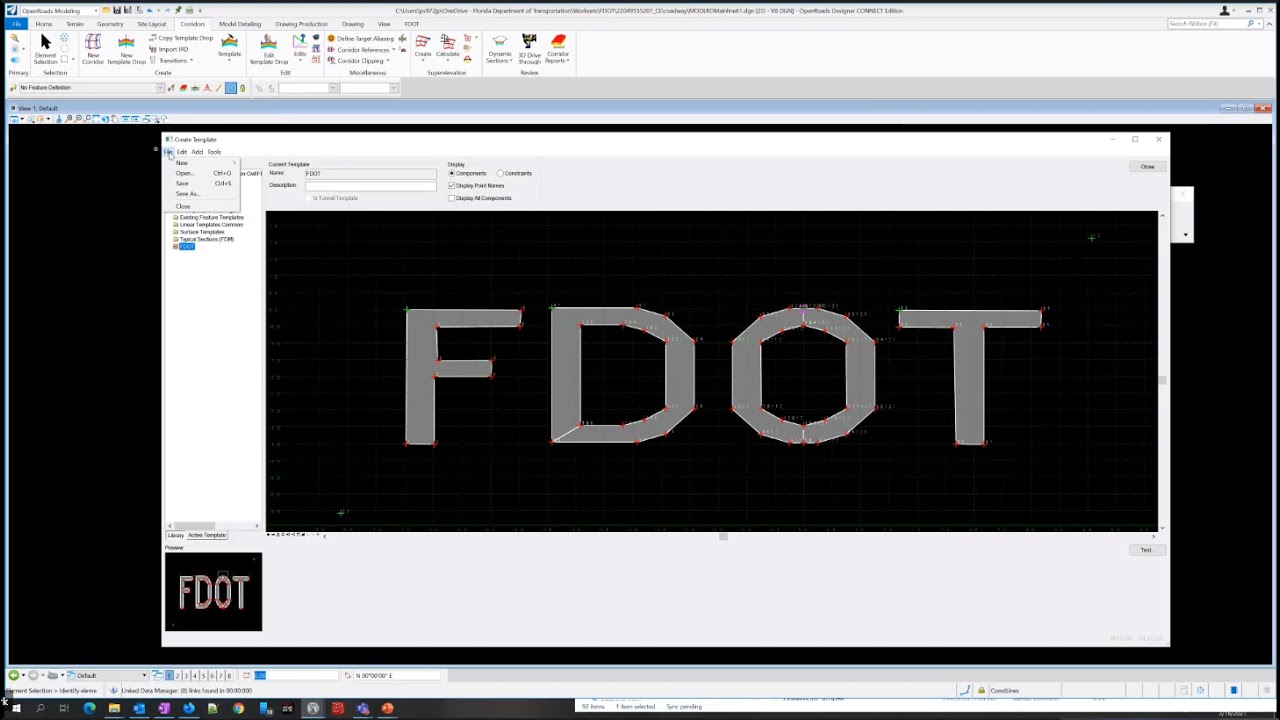
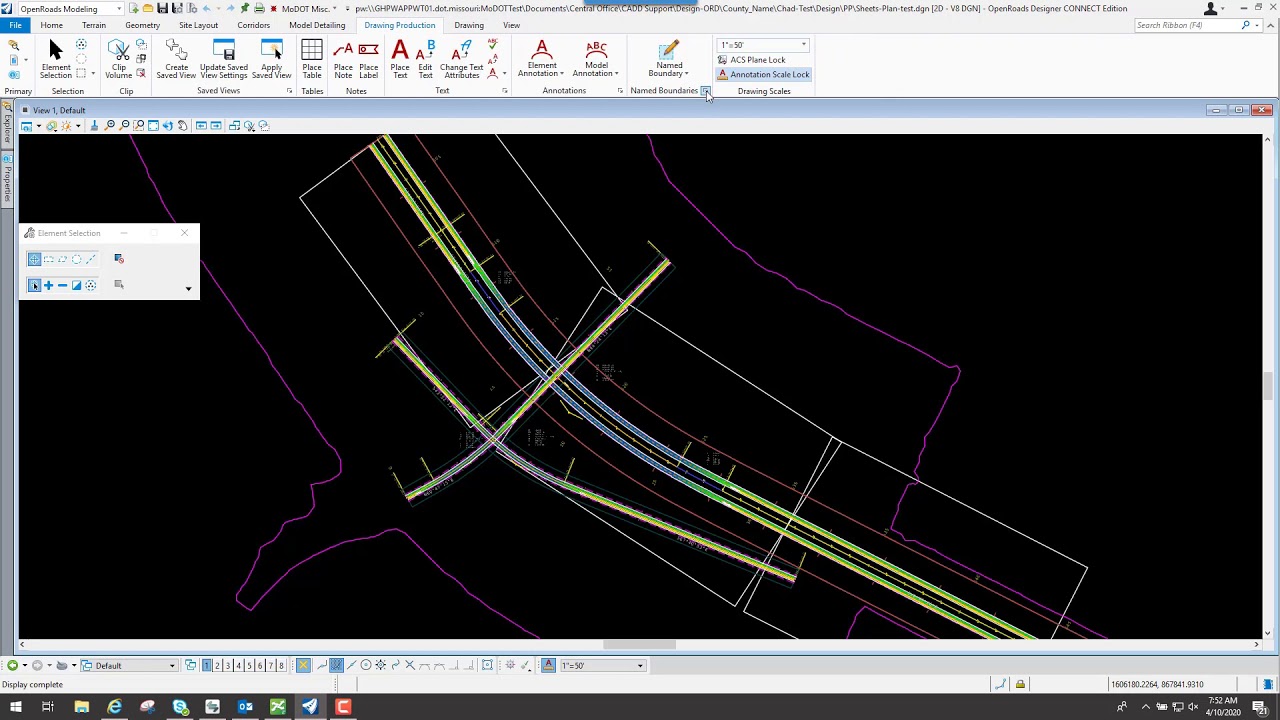
FDOTConnect (ORD) Roadway Design 2D Basics - Chapter 1
Автор: FDOT Training
Загружено: 2021-05-28
Просмотров: 7800
FDOTConnect (ORD) Roadway Design 2D Basics - Chapter 1
This video is certified on ORD version 10.08.01.33 and above
Table of Contents:
00:00 - Introduction
00:21 - Topics Covered
00:38 - Chapter 1 Introduction
01:03 - New termionology in the Guide
01:45 - Exercise Overview
03:58 - Launching FDOTCOnnect from the Desktop
04:09 - Exercise 1.1
04:58 - Start File (_BlankFIle.dgn)
05:20 - Create File Dialog
06:39 - Verify Models Created
06:58 - Verify having a SURVRD using Explore Dir
07:53 - Attach SURVRD file using Attach Survey R
09:56 - Attach Aerials.dgn
11:04 - Attach RWDTRD file
12:52 - Import Geomerty
14:11 - Import EX61
16:23 - Set Feature Defintion
17:59 - Exercise 1.2
18:53 - View Attritbutes to Display Back Ground
20:06 - Set the Feature Defintion Tool Bar
25:28 - Copy Parallel
25:44 - Single Off Set Entire Element
26:40 - Construction Line 4
32:58 - Trim to element
33:15 - Explorer Window
34:07 - OpenRoads Model Tab on Explorer
36:17 - File Settings Preferences
37:45 - Place Arc
37:57 - Design Standard
40:46 - Civil Message Center
42:07 - Review Civil Message Center
42:49 - Complex by Element Tool
46:48 - Add Stationing
47:58 - Horizontal Geometry Report
48:29 - Format of Report
49:31 - Export to Landxml
51:56 - Exercise 1.3 Import Side Roads
52:28 - Exercise 1.4
52:59 - Civil Accudraw
54:09 - Rotate View
58:12 - Annotation Groups
59:13 - Annotate Elements
59:53 - Exercise 1.5 Annotation Groups
1:00:39 - Level Display
1:02:03 - Attach Drawing Scale Tool Box
1:03:51 - REmove Annoations
1:04:21 - Ending

Доступные форматы для скачивания:
Скачать видео mp4
-
Информация по загрузке: