Applying a Finish Operation in OneCNC Lathe Expert - CAM Training 2
Автор: OneCNC CAD/CAM
Загружено: 2024-06-12
Просмотров: 357
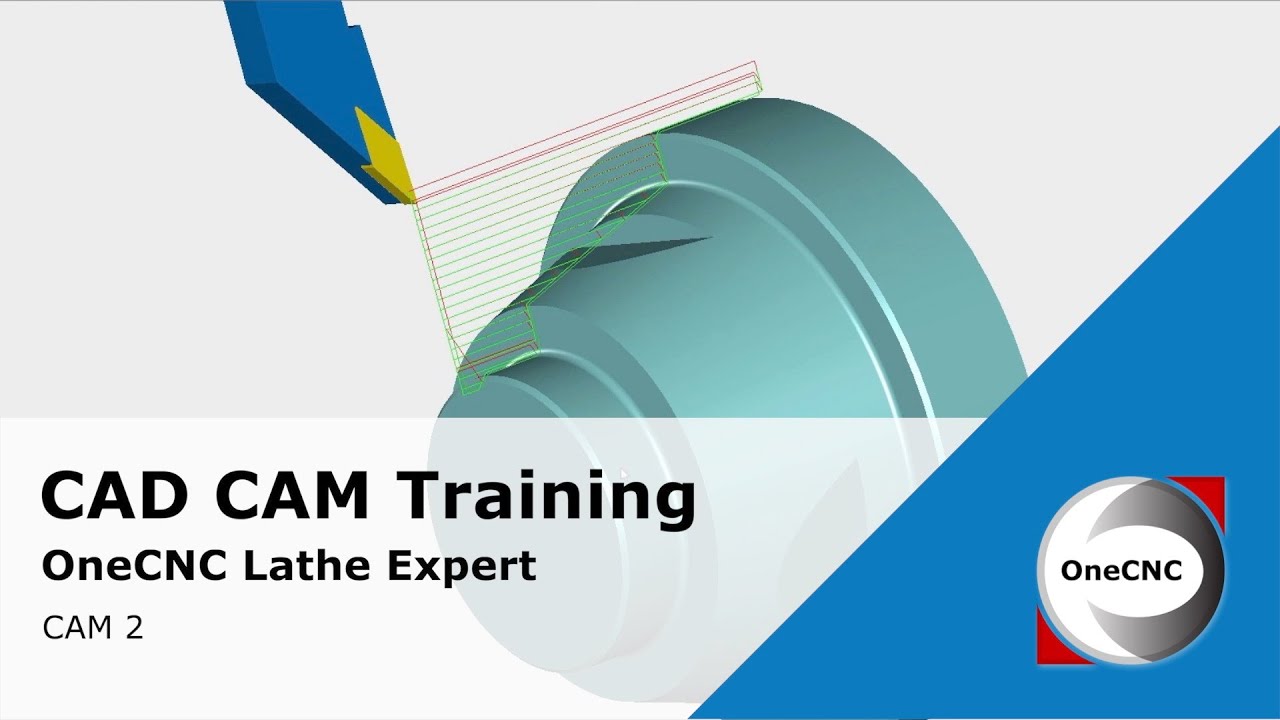
In this training video, we will continue working on our turn project by applying a finish operation using OneCNC Lathe Expert. We'll build on our previous video, where we performed a roughing operation, and now refine the part with a finishing tool path.
Key Topics Covered:
Review of Previous Roughing Operation:
Previewing the roughing tool path in the NC manager.
Selecting and Applying the Finish Operation:
Choosing the Turn Face Finishing option from lathe tool paths.
Selecting the start and end points for the tool path.
Tool Selection and Setup:
Accessing the tool library and choosing a 35° insert tool.
Setting tool parameters including turret position, feed rate, and spindle speed.
Configuring the Finish Operation:
Understanding Z and X clearance settings.
Adjusting approach clearance for precise tool path engagement.
Setting cut direction and nose compensation options.
Generating the Tool Path:
Finalizing the tool path generation and reviewing the applied tool path.
Previewing the Tool Path:
Bringing back the solid model for a comprehensive tool path preview.
Rotating, zooming, and panning to inspect the roughing and finishing operations.
Timestamps:
0:00 Introduction
0:08 Reviewing Previous Roughing Operation
0:30 Selecting and Applying the Finish Operation
1:50 Tool Selection and Setup
3:30 Configuring the Finish Operation
7:00 Generating the Tool Path
8:40 Previewing the Tool Path
9:40 Conclusion
By the end of this video, you'll have a clear understanding of how to apply a finish operation to your turn project in OneCNC Lathe Expert. This tutorial ensures that you can achieve precise and high-quality finishes on your machined parts.
Don't forget to like, comment, and subscribe for more training videos and updates.
Thank you for watching, and stay tuned for our next training video where we will continue enhancing your CNC programming skills!
Доступные форматы для скачивания:
Скачать видео mp4
-
Информация по загрузке: