Популярное

Музыка Кино и Анимация Автомобили Животные Спорт Путешествия Игры Юмор

Интересные видео

2025 Сериалы Трейлеры Новости Как сделать Видеоуроки Diy своими руками

Топ запросов

смотреть а4 schoolboy runaway турецкий сериал смотреть мультфильмы эдисон
dTub
Скачать

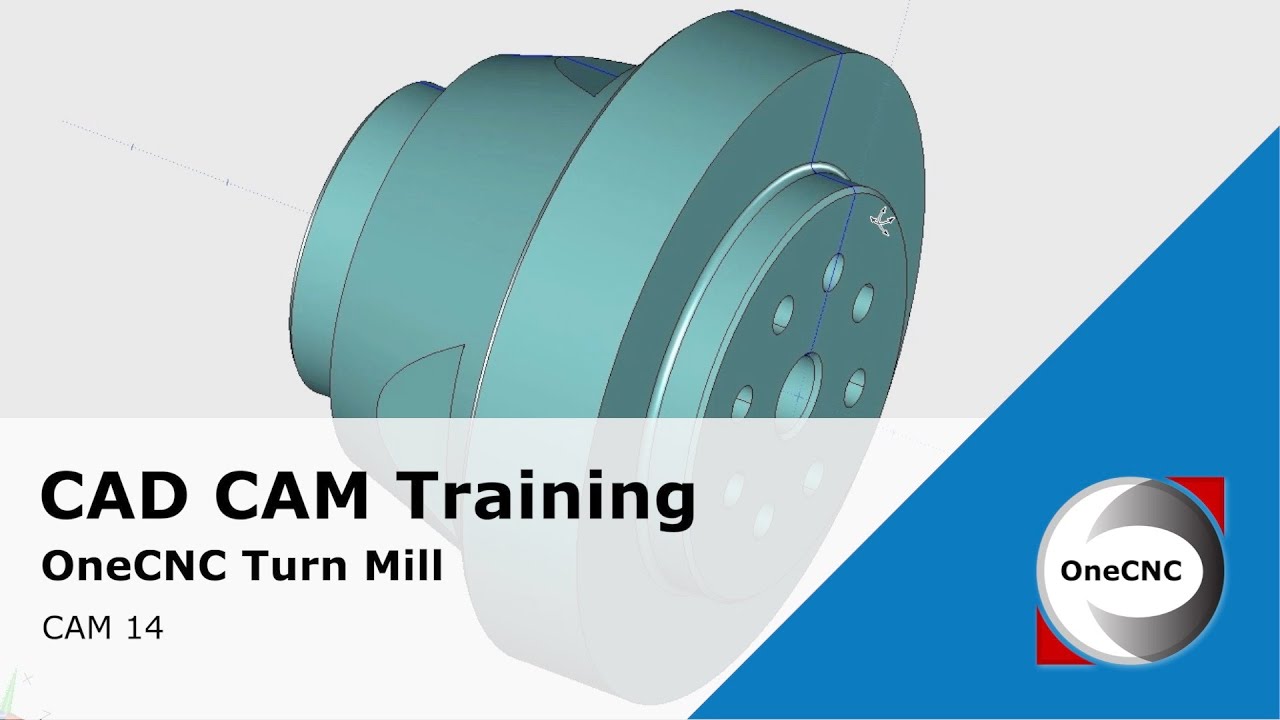
Applying Tool Paths for the Main Spindle in OneCNC Lathe Expert - CAM Training 1

Автор: OneCNC CAD/CAM

Загружено: 2024-06-12

Просмотров: 364

Описание:

In this training video, we will start applying tool paths for the main spindle using OneCNC Lathe Expert. We'll continue from where we left off in the previous video, managing and organizing tool paths for both the main spindle and subspindle operations.

Key Topics Covered:

Layer Creation:
Organizing geometry into separate layers for main spindle and subspindle operations.
Tool Path Group Setup:
Creating and renaming tool path groups for better organization.
Separating main spindle and subspindle tool paths into distinct groups.
Activating Tool Path Group:
Methods to activate tool path groups for focused operations.
Applying Tool Paths:
Steps to hide the solid model for better visibility of wireframe geometry.
Selecting and activating the appropriate machining operation.
Tool Selection and Setup:
Choosing the right tool from the tool library.
Setting tool parameters including turret position, feed rate, and spindle speed.
Configuring Machining Operations:
Understanding the options for tool path clearance and cut directions.
Adjusting settings for cut amount, groove control, and defining cut start and end points.
Generating Tool Paths:
Finalizing the tool path generation process.
Viewing the generated tool path in the NC manager.

Timestamps:
0:00 Introduction
0:08 Layer Creation
0:15 Tool Path Group Setup
0:35 Main Spindle Tool Path Group
1:30 Sub Spindle Tool Path Group
2:00 Activating Tool Path Group
2:30 Applying Tool Paths
3:20 Tool Selection and Setup
4:50 Configuring Machining Operations
7:45 Roughing Style and Groove Control
9:50 Defining Cut Start and End
12:00 Generating Tool Paths
13:00 Conclusion

By the end of this video, you'll have a solid understanding of how to organize and apply tool paths for the main spindle in OneCNC Lathe Expert. This tutorial covers essential steps for setting up your tool paths efficiently, ensuring a streamlined workflow for your machining operations.

Don't forget to like, comment, and subscribe for more training videos and updates.

Thank you for watching, and stay tuned for our next training video where we will continue enhancing your CNC programming skills!
Applying Tool Paths for the Main Spindle in OneCNC Lathe Expert - CAM Training  1

Поделиться в:

Доступные форматы для скачивания:

Скачать видео mp4

  • Информация по загрузке:

Скачать аудио mp3

Похожие видео

Applying a Finish Operation in OneCNC Lathe Expert - CAM Training 2

Applying a Finish Operation in OneCNC Lathe Expert - CAM Training 2

2D Lathe machining part 1

2D Lathe machining part 1

OneCNC Training Mill Express Geometry 1

OneCNC Training Mill Express Geometry 1

OD Threading | ProtoTRAK SLX CNC | Basic Programming Part 1

OD Threading | ProtoTRAK SLX CNC | Basic Programming Part 1

OneCNC CAD CAM Training

OneCNC CAD CAM Training

Mill Expert Series - 3D Boundaries

Mill Expert Series - 3D Boundaries

Для Чего РЕАЛЬНО Нужен был ГОРБ Boeing 747?

Для Чего РЕАЛЬНО Нужен был ГОРБ Boeing 747?

Drilling Holes with Live Tooling in OneCNC Lathe Expert - CAM Training 14

Drilling Holes with Live Tooling in OneCNC Lathe Expert - CAM Training 14

Механизмы, которые должен знать КАЖДЫЙ инженер-механик

Механизмы, которые должен знать КАЖДЫЙ инженер-механик

Новые подробности удара по заводу в Таганроге

Новые подробности удара по заводу в Таганроге

Лазер и Фрезер 2 в 1 - Идеальный ЧПУ по цене телефона!

Лазер и Фрезер 2 в 1 - Идеальный ЧПУ по цене телефона!

Если у тебя спросили «Как твои дела?» — НЕ ГОВОРИ! Ты теряешь свою силу | Еврейская мудрость

Если у тебя спросили «Как твои дела?» — НЕ ГОВОРИ! Ты теряешь свою силу | Еврейская мудрость

ВСЯ ПРАВДА ПРО ТЕЛЕВИЗОРЫ В 2026 году: OLED, MiniLED, бренды, цены, технологии

ВСЯ ПРАВДА ПРО ТЕЛЕВИЗОРЫ В 2026 году: OLED, MiniLED, бренды, цены, технологии

LLM и GPT - как работают большие языковые модели? Визуальное введение в трансформеры

LLM и GPT - как работают большие языковые модели? Визуальное введение в трансформеры

OneCNC Z Level Control - Tip 109

OneCNC Z Level Control - Tip 109

120 МИЛЛИАРДОВ: КТО и Зачем создал БИТКОИН? Тайна Сатоши Накамото

120 МИЛЛИАРДОВ: КТО и Зачем создал БИТКОИН? Тайна Сатоши Накамото

Заявление о победе в войне / Путин выступил с обращением

Заявление о победе в войне / Путин выступил с обращением

ЗАЧЕМ ТРАМПУ ГРЕНЛАНДИЯ? / Уроки истории @MINAEVLIVE

ЗАЧЕМ ТРАМПУ ГРЕНЛАНДИЯ? / Уроки истории @MINAEVLIVE

Понимание GD&T

Понимание GD&T

Турнир CAD против CAD — ПОЛУФИНАЛ 2025 ГОДА!! — FUSION против SOLIDWORKS — Листовой металл!

Турнир CAD против CAD — ПОЛУФИНАЛ 2025 ГОДА!! — FUSION против SOLIDWORKS — Листовой металл!

© 2025 dtub. Все права защищены.


  • Контакты
  • О нас
  • Политика конфиденциальности


Контакты для правообладателей: infodtube@gmail.com