Скачать
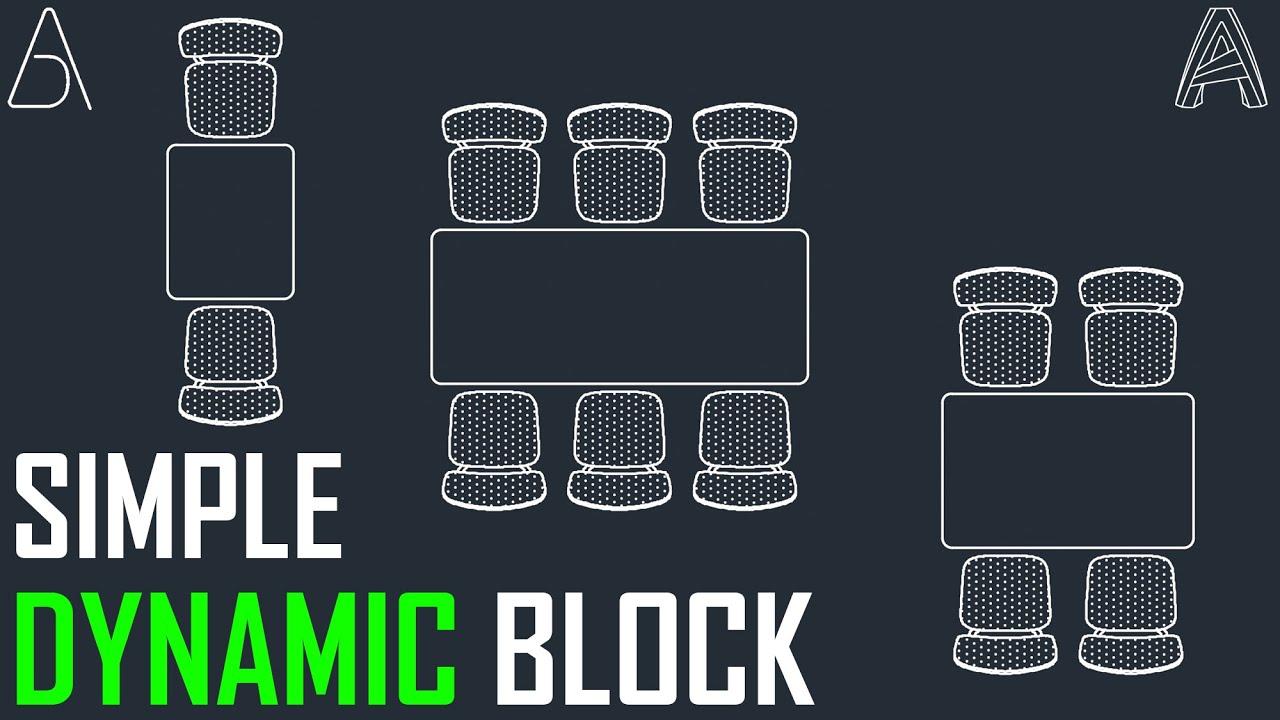
AutoCAD Dynamic Block with Visibility Parameters
Автор: AutoCAD & Revit Tools
Загружено: 2022-07-26
Просмотров: 2335
Описание:
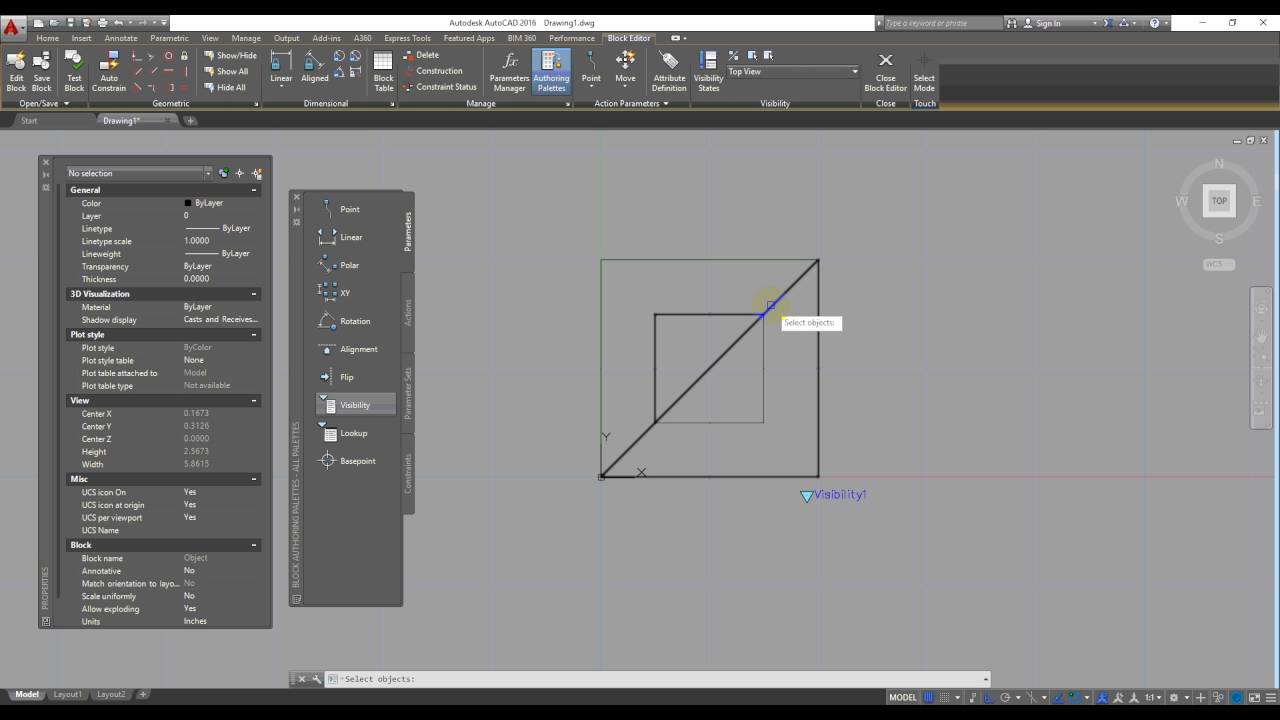
Click Insert tab Block Definition panel Block Editor.
Find In the Edit Block Definition dialog box, select the block you want to modify.
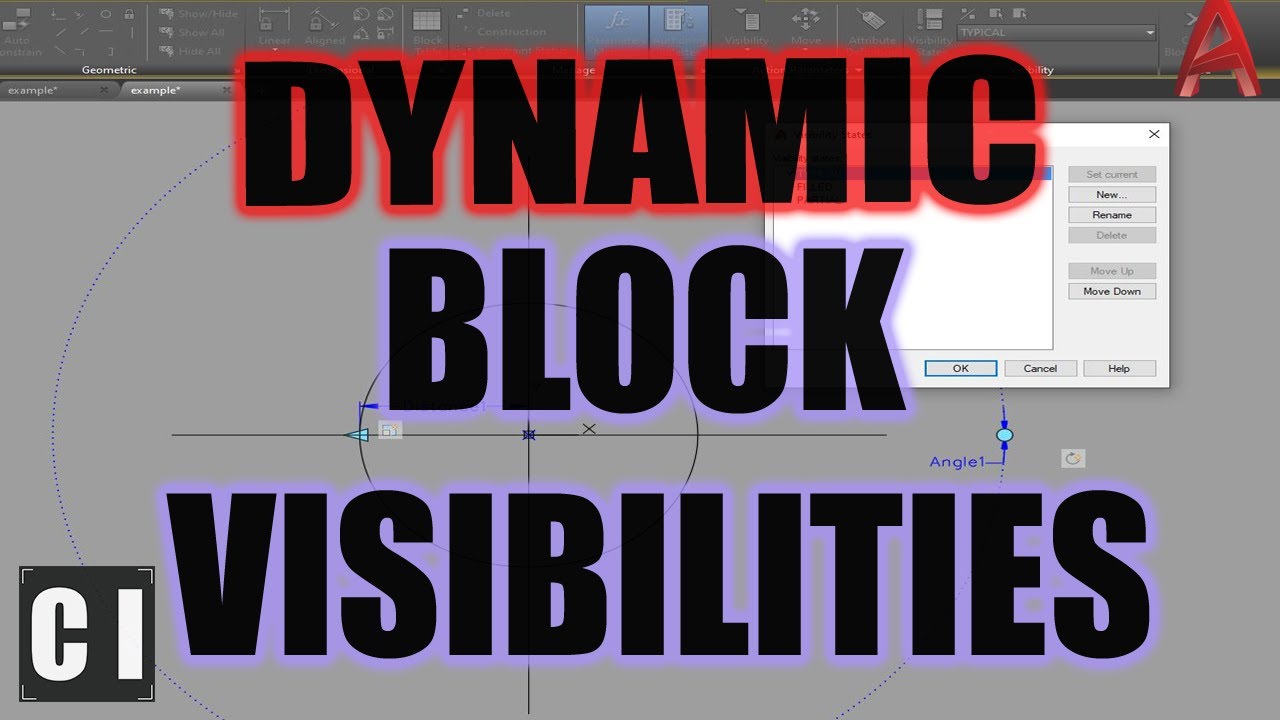
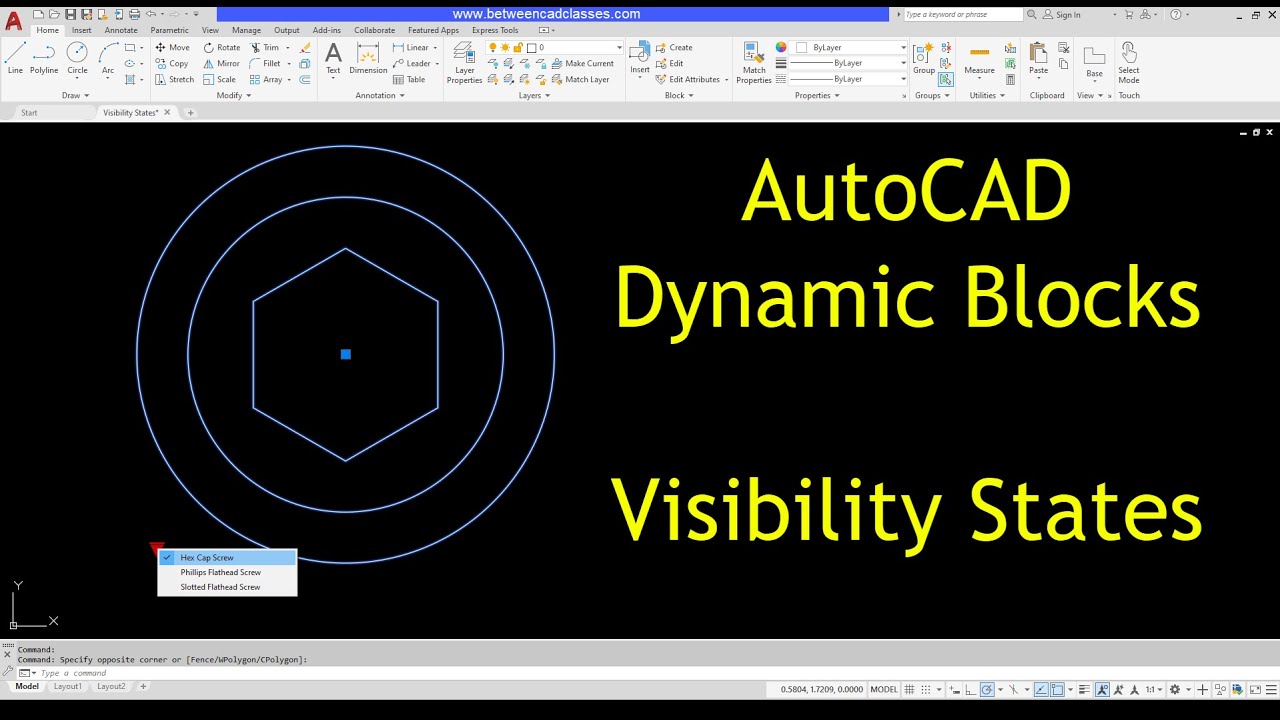
Click Block Editor tabVisibility panelVisibility States.
Find In the Visibility States dialog box, click New.
In the New Visibility State dialog box, enter a name for the new visibility state.
Select one of the following:
Hide All Existing Objects in New State
Show All Existing Objects in New State
Leave Visibility of Existing Objects Unchanged in New State
Click OK twice.
~-~~-~~~-~~-~
Please watch: "Navisworks Sectioning Tool"
• Unlock Your Design's Potential With The Am...
~-~~-~~~-~~-~

Доступные форматы для скачивания:
Скачать видео mp4
-
Информация по загрузке: