How to Set Up Cables on a Celestron CGX L Mount for Astrophotography using a C11 Telescope | Part II
Автор: Luis Omar Rivera-Lopez
Загружено: 2026-01-15
Просмотров: 45
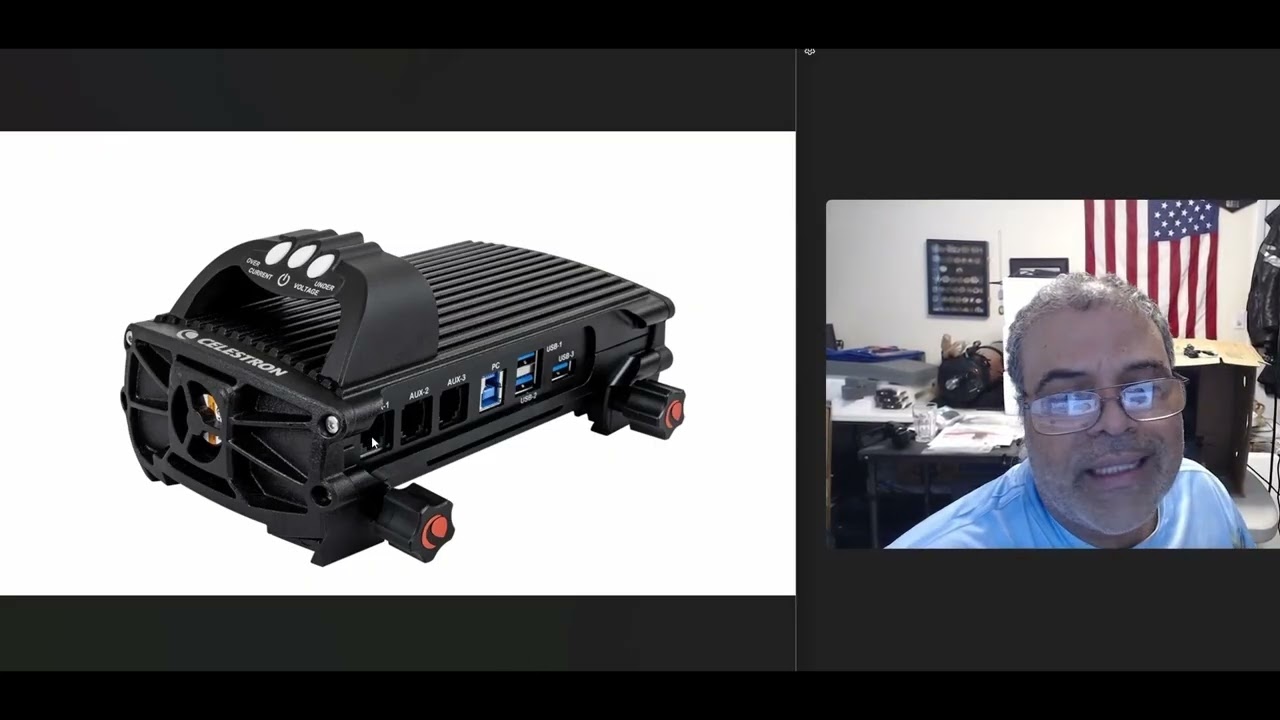
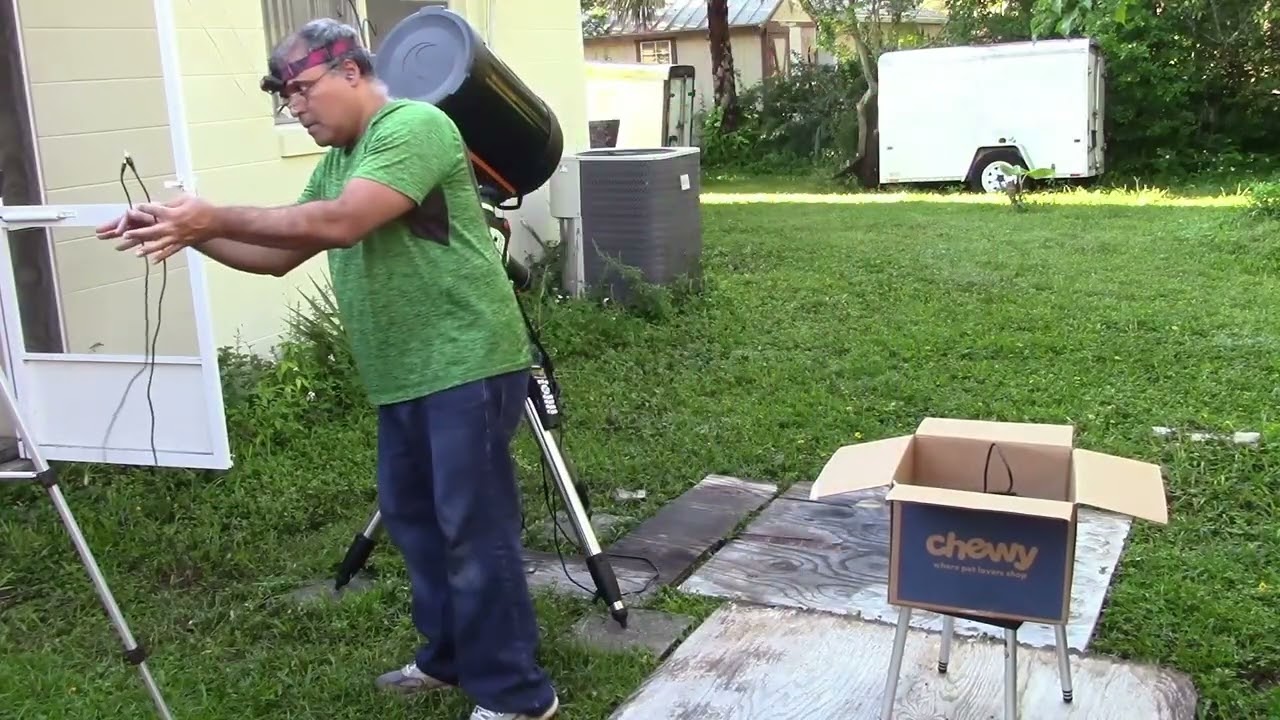
This video show ten power point slides with pictures for you to have a quick reference on how to connect cables for astrophotography using a Celestron CGX-L mount with tripod and a C11 A-XLT telescope. Clear skies my friends.
Below are 18 cables needed for astrophotography using a Celestron CGX-L Mount and a C11 Telescope:
1- Power Jack extension cable that comes with the Dew Heater Ring 11“. It is a 6" long, 12V DC, 5.5mm/2.1mm barrel connector on one end, male RCA connector on another end, tip positive. Connect from the Dew Heater Ring 11" to the 4x Smart Dew Heater Controller.
2- Thermistor for Smart DewHeater Controllers Item #:94037. Connect from the Dew Heater Ring 11”to the 4x Smart Dew Heater Controller).
3- USB 2.0 Hi-Speed Cable A to USB Type C M/Right-Angle, 10ft (3 meters). Connect from StarSense Autoguider to PC Laptop.
4- Orion Heating Band for 50 mm Finder Scopes and 2" Eyepieces (StarSense Autoguider Heater Strip) Connect from StarSense Autoguider to the 4x Smart Dew Heater Controller.
5- Thermistor for Smart DewHeater Controllers Item #:94037. Connect from the StarSense Autoguider to the 4x Smart Dew Heater Controller.
6- ST4 Cable uses an RJ12 (6P6C) connector. Connect from StarSense Autoguider to CGX-L Mount AUX2 (about 6 feet or 2 meters).
7- USB 3.0 data cable (included with the camera). Connect from camera to the Laptop.
8- ST4 Cable uses an RJ12 (6P6C) connector. Connect from the Focus Motor to the CGX-L Mount AUX3 in the DEC Axis (measures around 1 feet or 30.5 centimeters).
9- USB-A to USB-B 2.0 Cable for Printer, Gold-Plated Connectors, 10 feet. Connect from CGX-L Mount PC input to the PC Laptop.
10- ST4 Cable uses an RJ12 (6P6C) connector. Connect from to AUX1 in the Smart DewHeater and Power Controller 4X to the AUX 1 in the CGX-L Mount (measures about 6 feet or 2 meters).
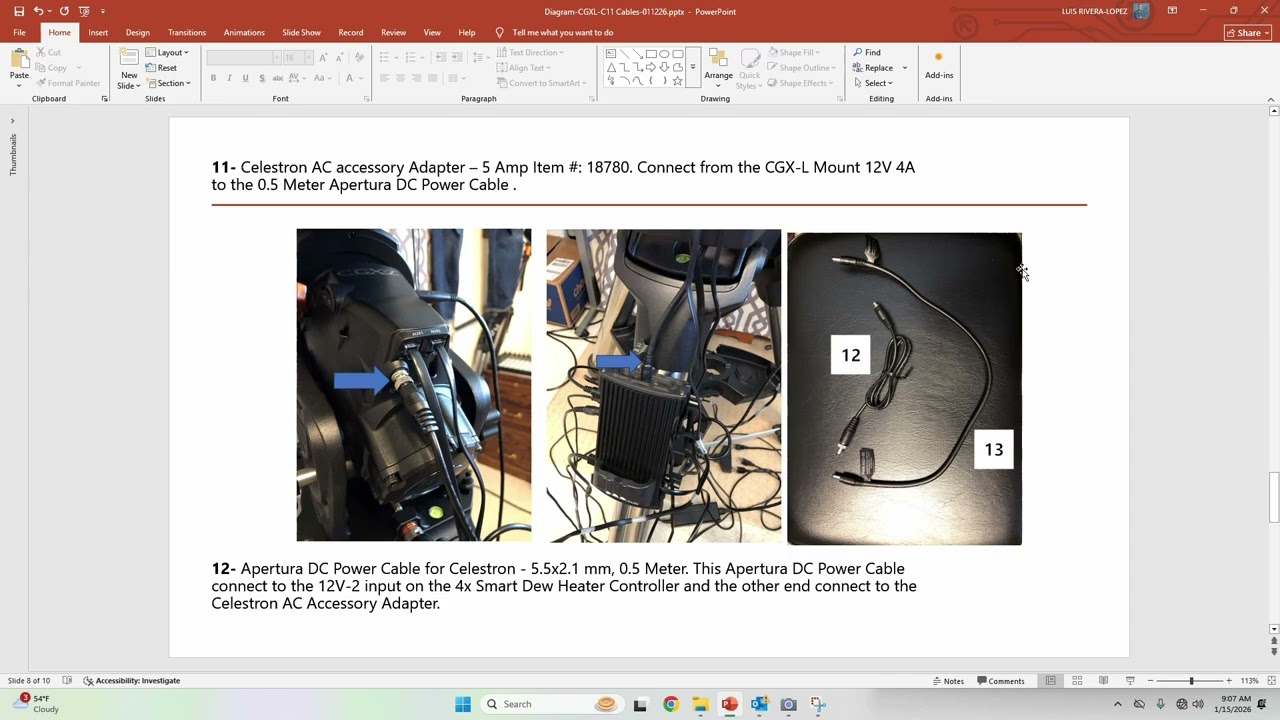
11- Celestron AC accessory Adapter – 5 Amp Item #: 18780. Connect from the CGX-L Mount 12V 4A to the 0.5 Meter Apertura DC Power Cable .
12- Apertura DC Power Cable for Celestron - 5.5x2.1 mm, 0.5 Meter. This Apertura DC Power Cable connect to the 12V-2 input on the 4x Smart Dew Heater Controller and the other end connect to the Celestron AC Accessory Adapter.
13- Pegasus Astro 12V/10A AC/DC Power Supply for Ultimate Powerbox (Smart DewHeater and Power Controller 4X AC Adapter). Connect from the 4x Smart Dew Heater Controller to the Wall AC Outlet.
14- XT60 to DC Adapter Cable XT60 Male/Female to DC 5.5mm X 2.5mm Male/Female Power Cable XT-60 Charging Cable for Fats-Hark Sky-Zone FPV Monitor Power,Drone Power Cord[1ft/2Pack/m-f] Connect from the Pegasus Astro 12V/10A AC/DC Power Supply to the Smart DewHeater and Power Controller 4X.
15- USB 3.1 USB-C to USB-A Female Adapter Cable Converter for Laptops (4 inch or 10.16 centimeter). Connect from the Laptop to the camera.
16-17-18- Three AC/DC Power Supply Adapters for the Laptop, the Camera and the 4x Smart Dew Heater Power Controller which are connected to the wall outlet throughout an extension cable.
Доступные форматы для скачивания:
Скачать видео mp4
-
Информация по загрузке: