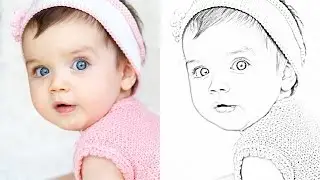
How to Transform PHOTOS into COLOR PENCIL DRAWINGS using GIMP | Photoshop Alternative | #19
Автор: f&D
Загружено: 2016-10-04
Просмотров: 21147
GIMP Tutorial #19
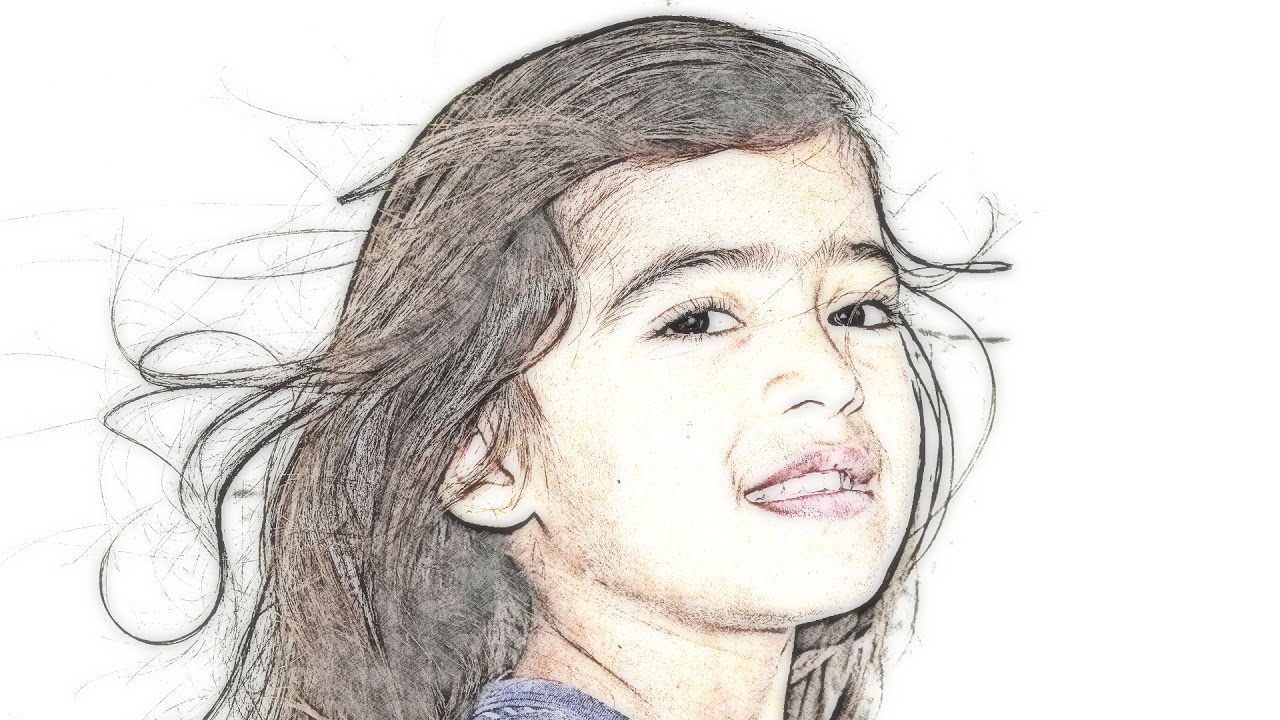
Hi Everyone, In this video I'm gonna show you How to turn your Images into Squishy Color Pencil Drawings in GIMP.
Note:
GIMP is the Alternative for Photoshop. Hence you can try this same method in Photoshop as well
Steps:
1. The Duplicate the Layer Twice
2. Give Gaussian Blur to the top most Duplicated Layer
3. Change its Mode to Grain Extract
4. Merge down the top duplicated layer to the bottom one
5. Use Curves to Lighten up
6. Make the mode to Grain Merge
7. Create a New Transparent Layer and Fill that Layer with Paper Pattern.
8. Make the Mode of the Paper Pattern to Overlay
9. Create a New Layer from Visible
10. Give Gaussian Blur to that Layer
11. Drop Down the Opacity to 50%
That's it. Thanks for Watching. Make sure to Subscribe this channel for more GIMP Tutorials
Also Watch:
Switch Normal Images to Pencil Drawing - • How to Turn Images into PENCIL DRAWINGS us...
Subscribe us: / fdferozdaniel
Доступные форматы для скачивания:
Скачать видео mp4
-
Информация по загрузке: