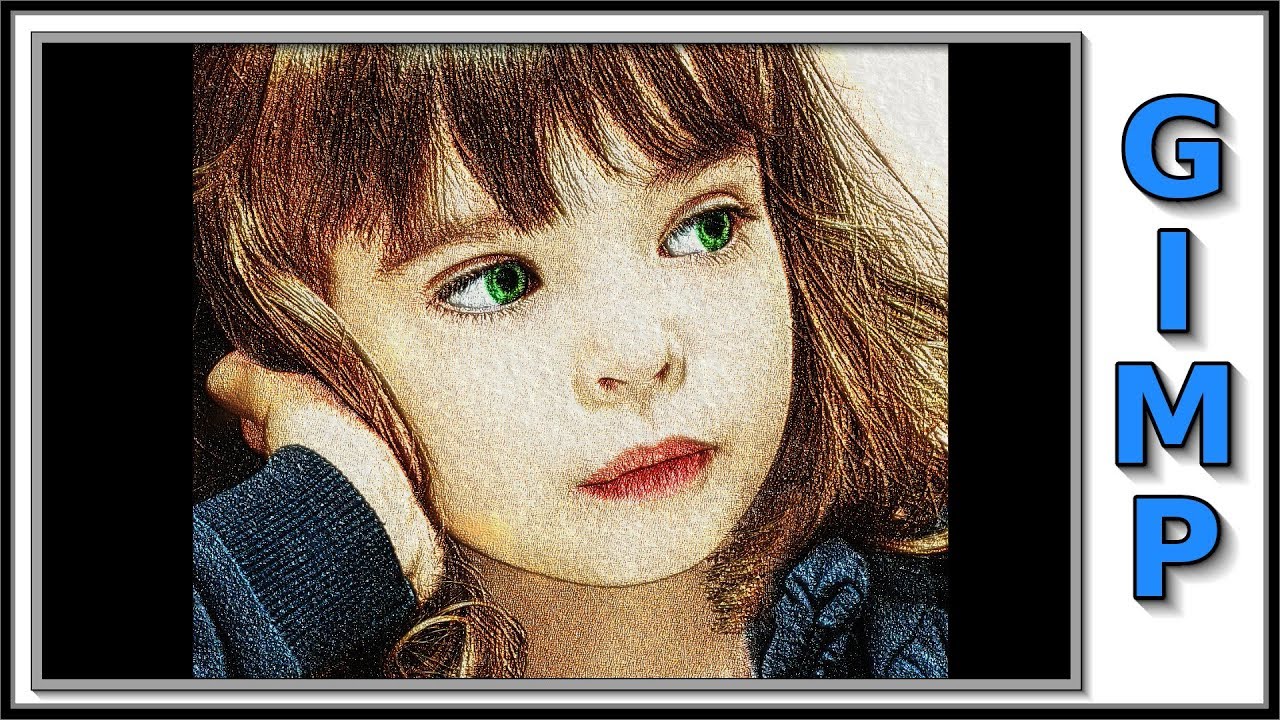
Gimp: From Photo to Soft Color Pencil Drawing
Автор: gimp workshop
Загружено: 2018-01-30
Просмотров: 11570
Gimp: How to change a color photo into a soft color pencil drawing. Step by step tutorial, easy to implement.
Gimp 2.8.22 standard – Windows 10
👉👉👉NOTE FOR GIMP 2.10 USERS: Adjust the emboss value to your liking.👈👈👈
Click on the CC button at the bottom of the video for English subtitles. Or click on ⚙️ settings, subtitles, auto-translate, choose your language. Sorry for my 'home made' English 😉
Download the Images for the tutorial: https://drive.google.com/drive/folder...
Original image on Pixabay: https://pixabay.com/nl/portret-het-kl...
Music: Getting There, Silent Partner. YouTube audio library: / downloyotubeaudio
I hope you have some fun, making this tutorial. If that is the case, please be so kind to give it thumbs up, maybe post a nice comment, and subscribe if you have not done already, to support my channel. I would appreciate that very much!
When you hit the bell, next to the subscribe button, you will be notified of every new tutorial upload. Speaking about buttons: there is also a 'Coffee ☕️ for Jan' button on the channel page 😉. Have a great day, and again: enjoy and have fun with Gimp!
Доступные форматы для скачивания:
Скачать видео mp4
-
Информация по загрузке: