Python in Excel: AUTOMATE Employee Workload & Capacity Analysis (HR & Project Management Dashboard)
Автор: @MrCrimexpoze
Загружено: 2025-08-02
Просмотров: 107
Hello AiGyaanGuru4u viewers! Tired of manually tracking employee tasks and capacity in Excel? Discover today's unique Python in Excel trick to build an automated Employee Workload & Capacity Analyzer dashboard. This essential tool for HR and project managers solves a critical challenge: instantly understanding who has too much work on their plate, who has spare capacity, and if the work is distributed fairly across your team.
In this 10-minute tutorial, your expert Python + Excel educator will guide you step-by-step to replace complex, manual COUNTIFS, SUMIFS, and nested IF formulas with one elegant Python script. We'll demonstrate exactly how to:
• Load your task assignment log directly from your Excel sheet into a Python DataFrame, handling your headers automatically.
• Use the powerful combination of .groupby() and .agg() on the 'AssignedTo' column to summarise employee data.
• Calculate the Total Number of Tasks Assigned by counting 'TaskID' and the Total Hours of Work Assigned by summing 'EstimatedHours' for each person, all in one command. This replaces both COUNTIF and SUMIF.
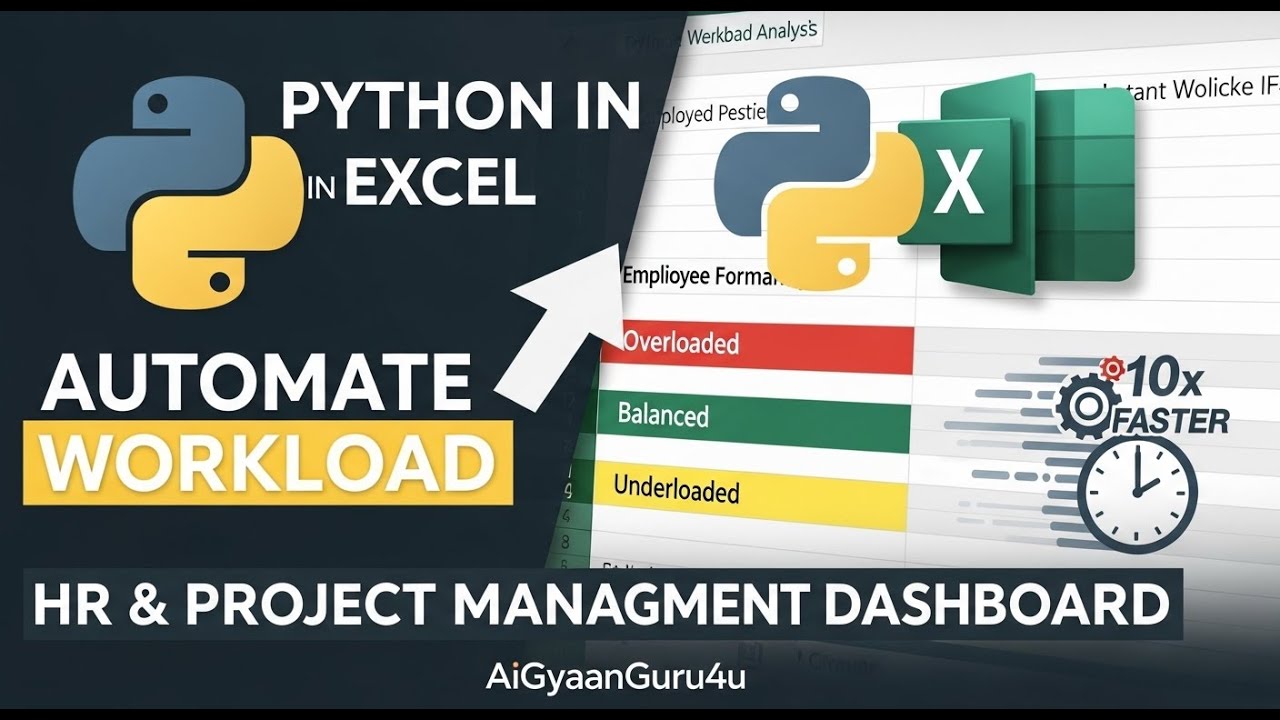
• Define a standard work capacity (e.g., 40 hours) and create a dynamic WorkloadStatus (e.g., 'Underloaded' for less than 80% capacity, 'Balanced' for 80-110%, and 'Overloaded' for more than 110% capacity). This is much cleaner than a nested IF.
• Apply your custom status function to the 'TotalHours' column to create your final, presentation-ready Workload Analysis Report.
This powerful use of Python for operational reporting in Excel provides instant clarity for managers. The report is fully dynamic; as you add or change tasks in your source data, this entire workload analysis will refresh instantly, giving you a live view of your team's capacity. Gain actionable insights to identify 'Overloaded' or 'Underloaded' employees and effectively re-distribute tasks to prevent burnout and ensure projects stay on track.
Keywords: Python in Excel, Employee Workload Analysis, Capacity Planning, HR Reporting, Project Management Dashboard, Task Allocation, Automated Reports, Data Analysis Excel, Pandas Groupby, Team Management, Workload Balancing, Excel Automation, AiGyaanGuru4u, Employee Productivity.
If this tutorial has given you a powerful new tool for team leadership and project management, please Like this video, Leave a comment with what you'd like to analyze next, and Subscribe to AiGyaanGuru4u for your daily guide to data mastery! Thank you for watching!
Доступные форматы для скачивания:
Скачать видео mp4
-
Информация по загрузке:






