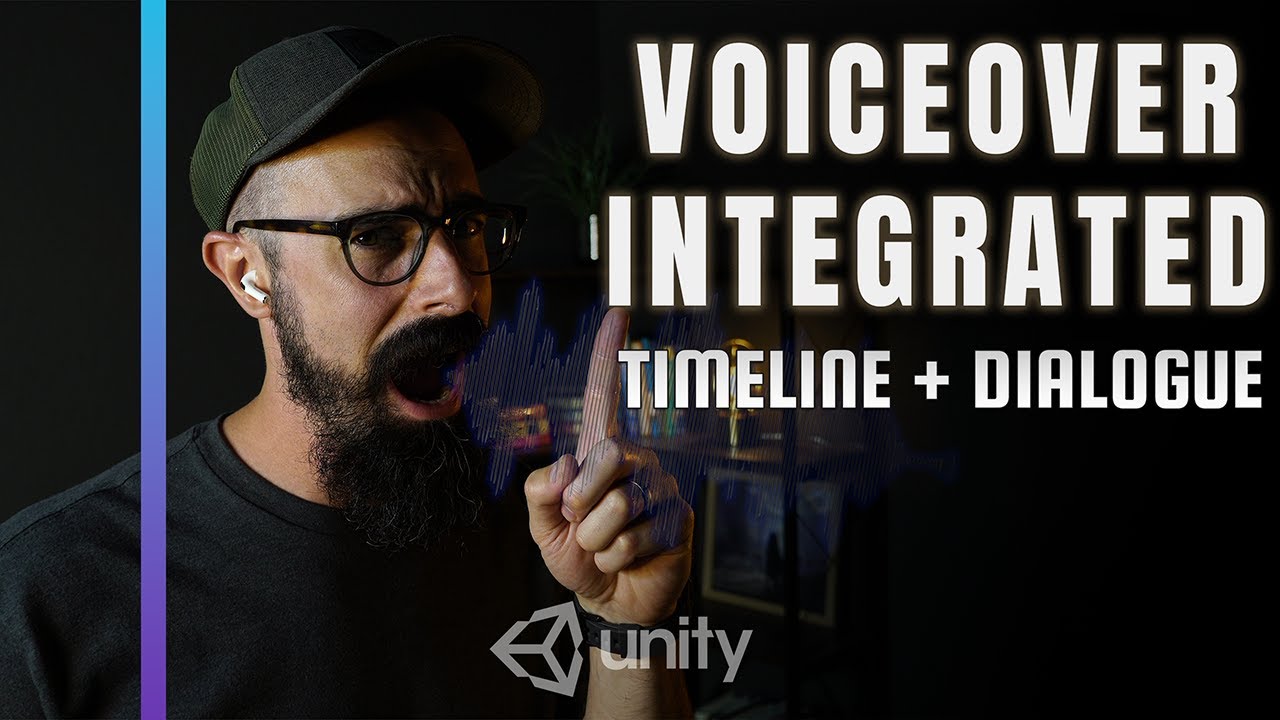
Unity Dialogue System DONE! Syncing VO, Text, & Avatar w/ Timeline
Автор: Unity Visionaries
Загружено: 2025-11-08
Просмотров: 34
I just had a ton of fun: integrating more of the dialogue system! This 25-minute working session covers the complete workflow:
1. Recording a clean VO track in Adobe Audition (in real-time).
2. Implementing the audio alongside Timeline Emission Tracks to trigger the dialogue text and avatar.
3. Fine-tuning the audio levels and doing a final systems check.
Did you spot the new Easter Egg? Let me know in the comments!
🚀 Chapter Markers (The Path to a Working Dialogue System):
0:00 Intro & Today's Goal (Timeline, VO, and Dialogue)
Setting up the problem/solution and tools.
0:28 Unity Setup: Timeline & Dialogue Manager Overview
Showing how Signals and Text lines link to the Dialogue Manager.
2:06 Live VO Recording Setup (Adobe Audition)
Moving to Audition and setting up the multitrack session.
3:33 Critical Edit: Applying Robot Filter & Delay Effect
Using FFT Filter, EQ, and track delays to get the robot reverb.
5:36 Troubleshooting: Filter Not Copying (Common Error)
Identifying and fixing the issue where filters didn't carry over during copy/paste.
7:56 Recording Captain's Voice (Changing Filters to Voicemail)
Recording the second character and changing the filter to "telephone voicemail".
9:06 Unity Integration: Importing VO and Placing in Timeline
Dragging WAV files into the project and positioning the audio tracks.
11:07 Tying VO to Text Array (Fixing the Dialogue Manager)
Correcting the array setup to match the chunked dialogue lines.
14:48 Final Playthrough, Audio Check, & Easter Egg Challenge!
Listening to the final dialogue and challenging the audience to spot the hidden feature.
---
Unity Keywords: #UnityDialogue #TimelineEmissions #GameAudioIntegration #VoiceOver #AdobeAudition #UnityTutorial
Доступные форматы для скачивания:
Скачать видео mp4
-
Информация по загрузке: