Scrape Websites in Python with BeautifulSoup Find and Find_all
Автор: Ryan & Matt Data Science
Загружено: 2025-06-25
Просмотров: 724
🧠 Don’t miss out! Get FREE access to my Skool community — packed with resources, tools, and support to help you with Data, Machine Learning, and AI Automations! 📈 https://www.skool.com/data-and-ai-aut...
Ready to start scraping websites using Python? In this beginner-friendly tutorial, we’ll show you how to use find() and find_all() from the BeautifulSoup library to extract data from HTML pages.
Whether you're building a data project or just curious about how web scraping works, this is the perfect place to begin!
Code: https://ryanandmattdatascience.com/be...
🚀 Hire me for Data Work: https://ryanandmattdatascience.com/da...
👨💻 Mentorships: https://ryanandmattdatascience.com/me...
📧 Email: ryannolandata@gmail.com
🌐 Website & Blog: https://ryanandmattdatascience.com/
🖥️ Discord: / discord
📚 *Practice SQL & Python Interview Questions: https://stratascratch.com/?via=ryan
📖 *SQL and Python Courses: https://datacamp.pxf.io/XYD7Qg
🍿 WATCH NEXT
Python Web Scraping Playlist: • Python Website Scraping
In this comprehensive Beautiful Soup tutorial, we dive deep into the fundamentals of web scraping with Python, focusing on the critical differences between find and find all methods. This video is packed with 25+ real-world examples that will take you from basic HTML parsing to building complete data extraction pipelines.
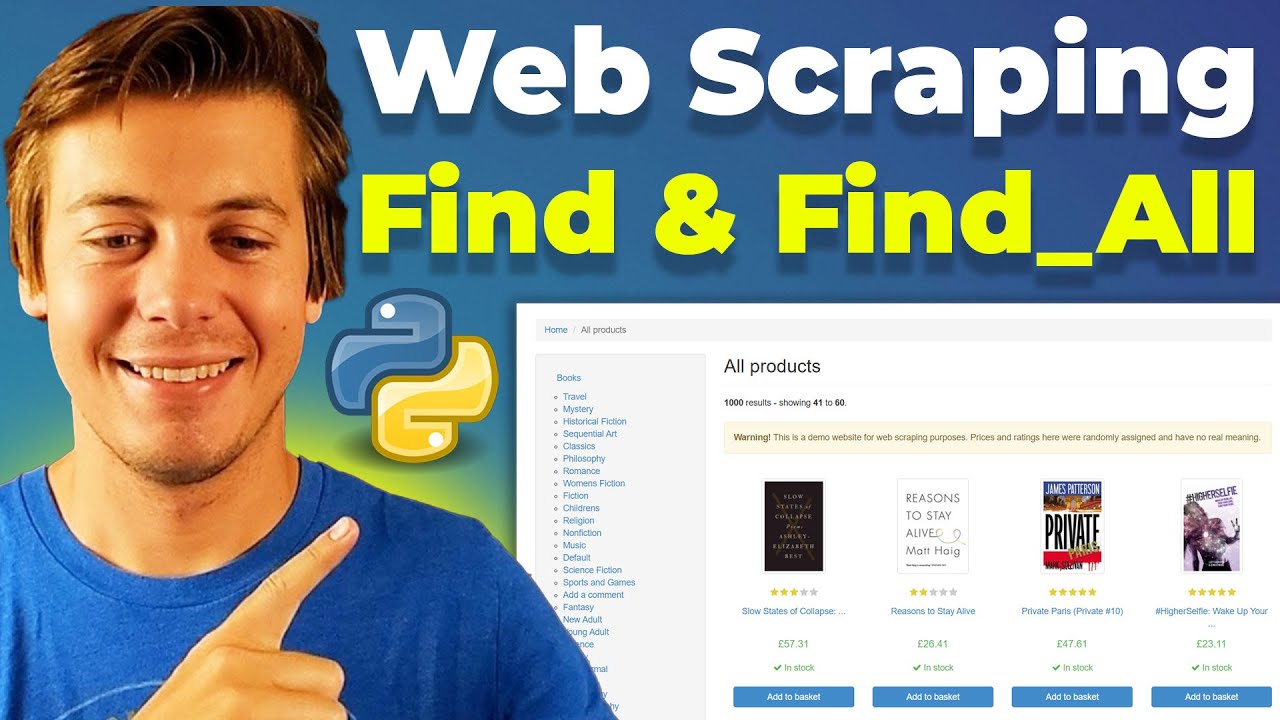
We start with simple static HTML examples to understand core concepts, then progress to scraping a live website (books.toscrape.com) where you'll learn to extract titles, prices, and URLs. You'll discover how to chain requests, work with CSS classes and attributes, handle parent-child relationships, and use regex for flexible pattern matching.
The tutorial covers essential data cleaning techniques, including currency conversion and string manipulation, before showing you how to export your scraped data to CSV and Excel files using Pandas. We walk through practical scenarios like looping through results with find_all, building dataframes from scraped data, and organizing information for real-world applications.
Whether you're scraping e-commerce sites, real estate listings, or government data, these Beautiful Soup techniques form the foundation you need. Perfect for beginners starting their web scraping journey or anyone looking to solidify their understanding of Beautiful Soup's find and find_all methods. Note: CSS selectors will be covered in the next video of this series.
All code examples and Google Colab notebook available on my website - link in description below!
TIMESTAMPS
00:00 Introduction & Video Overview
01:42 Setting Up & Importing Libraries
03:09 Part 1: Parsing HTML from Webpage
05:17 Using Prettify
06:42 Grabbing Page Titles & Elements
09:20 Example 9: Find with Text
10:40 Find vs Find All Explained
13:07 Example 15: Looping Through Results
16:10 Finding First or Second Elements
18:15 Example 19: Search for Strings
20:36 Example 21: Parent Child Relationships
23:46 Real Website Example: Books to Scrape
27:32 Example 22: Find All Books on Page
29:13 Example 23: Grab Multiple Things at Once
32:03 Example 24: Save to Data Frame
34:40 Example 25: Clean Data Frame
37:27 Example 26: Export as CSV/XLSX
39:00 Key Takeaways & Wrap Up
OTHER SOCIALS:
Ryan’s LinkedIn: / ryan-p-nolan
Matt’s LinkedIn: / matt-payne-ceo
Twitter/X: https://x.com/RyanMattDS
Who is Ryan
Ryan is a Data Scientist at a fintech company, where he focuses on fraud prevention in underwriting and risk. Before that, he worked as a Data Analyst at a tax software company. He holds a degree in Electrical Engineering from UCF.
Who is Matt
Matt is the founder of Width.ai, an AI and Machine Learning agency. Before starting his own company, he was a Machine Learning Engineer at Capital One.
*This is an affiliate program. We receive a small portion of the final sale at no extra cost to you.
Доступные форматы для скачивания:
Скачать видео mp4
-
Информация по загрузке: