DJI FPV FCC HACK
Автор: Bruno V FPV
Загружено: 2022-01-29
Просмотров: 25250
00:00 intro
00:23 radio transmission
00:31 video transmission
00:49 radio and video transmission in the usa
1:03 how to apply the fcc hack with your smartphone
2:05 how to remove the fcc hack
2:23 how to apply the fcc hack with your computer
4:00 FAQ
The dji fpv is locked i am going to show you 2 ways to unlock it , with your smartphone and your computer , thanks to the fcc hack
"In the previous video we saw that video transmission and radio transmission on the dji fpv drone are locked by European laws Radio transmission is the transmission between the drone and the remote controller (100mw in 5.8ghz band) Video transmission is the transmission between the drone and the goggles (25mw in 2.4ghz band) Contrary to the USA where: Radio and Video transmission are: 1412mw in 2.4ghz and 5.8ghz bands
FREQUENTLY ASKED QUESTIONS
Can this brick my drone ?
No The software simply sends a command to your DJI FPV Drone that will change its region to US, unlocking full radio power on the drone, no permanent modification is made. Connecting your drone back to DJI Fly App will reset the location on your DJI FPV Drone to its default, you can reapply the modification at anytime by visiting this page.
Will this invalidate my warranty ?
No The modification makes no permanent change to your DJI FPV Drone. Connecting your drone back to DJI Fly App will reset the region on your DJI FPV Drone to its default.
Will my range be better?
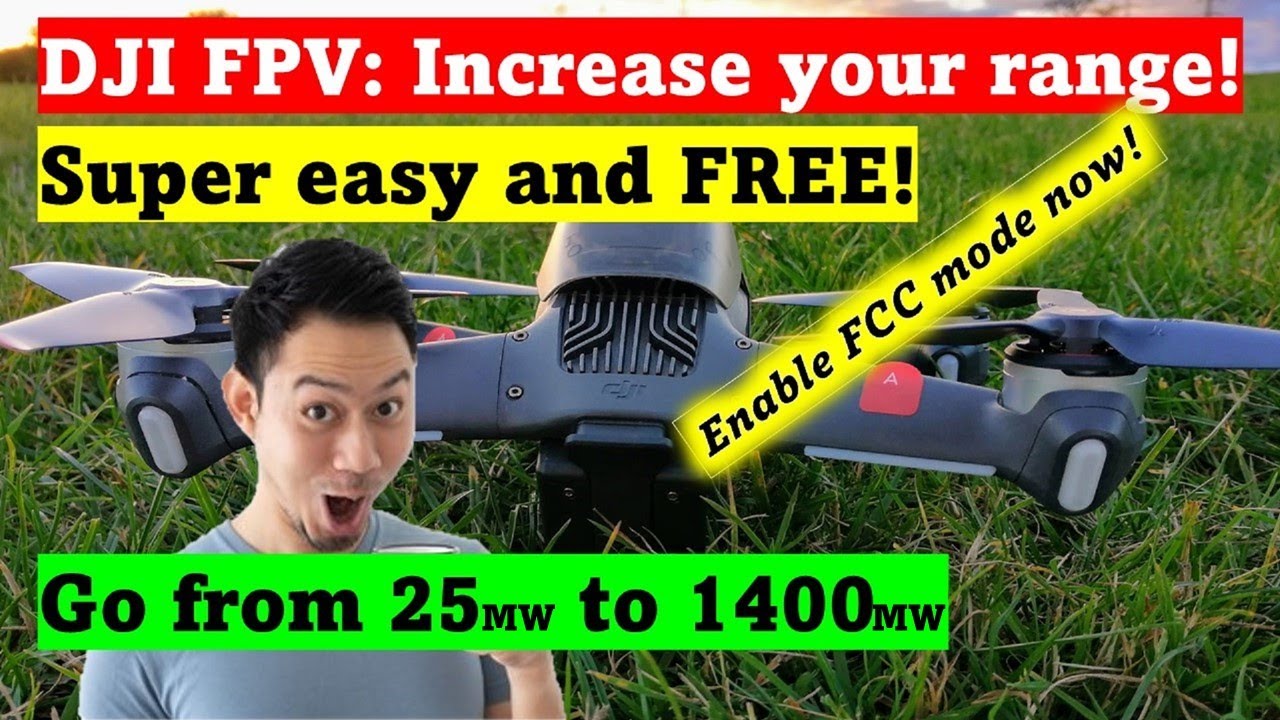
Yes The DJI FPV Drone will be unlocked from 25mw to a staggering 1412mw, Substantialy increasing the range, reliability and signal penetration through objects of your DJI FPV Drone.
Could the flight characteristics be altered?
No The only change made to your DJI FPV drone is the region, increasing the output power of the Transmitters, no other changes are made to your DJI FPV Drone
Is this really free ?
Yes We strongly believe in paying it forward, You've already spent alot on your new DJI FPV Drone, Why should you have to pay more just to be able to use it to it's full potential?
If our software helped you you can make a donation with the button below, This helps encourage us to make more great software and release it for free for all to use.
My device does not show up
• Ensure you are running Chrome version 89 or Edge version 89 or above
• Restart your web browser
• Follow all the steps in the guide exactly
• Reconnect your DJI FPV Drone
• Ensure your Drone/Goggles have at least 50% charge
Where can I get the mobile app?
You can now find B3YOND on Google Play!
I don’t like using chrome or edge , is there a desktop app?
Not to worry! We have a windows native app you can download here!
We wanted to release an app for Mac too, however, there's an insane amount of hoops to jump through with them just to allow an end user to install it!
For the minute, we recommend using the latest chrome on Mac if possible!
Here is the link of the previous video:
• DJI FPV MANUAL MODE
Here is the link to do it from your computer :
https://b3yond.d3vl.com/
You can follow me on instagram as well:
/ brunovfpv
Доступные форматы для скачивания:
Скачать видео mp4
-
Информация по загрузке: