You Won't Believe the DIFFERENCE Between Filmora and Mocha Plugin for Video Editing
Автор: Filmora for Creators
Загружено: 2025-09-12
Просмотров: 2525
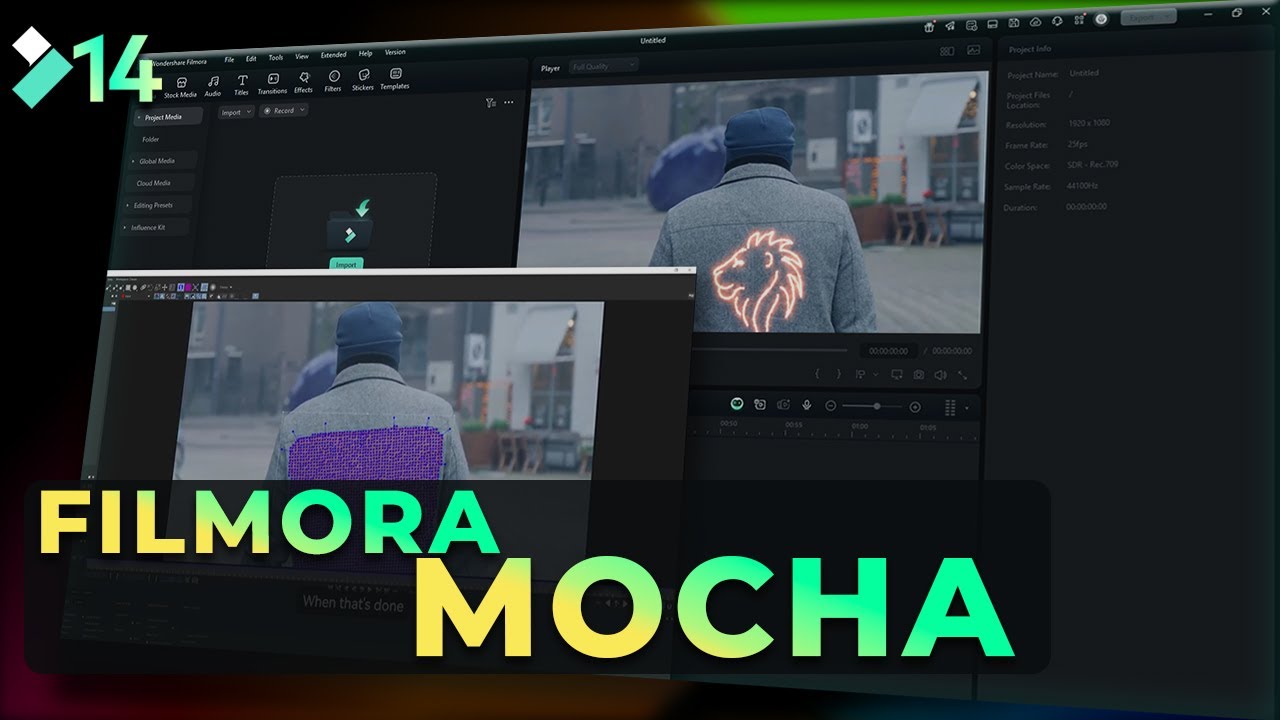
Want pro-level motion tracking inside Filmora? In this quick Filmora Mocha tutorial, I’ll show you how to:
✅ Download and install the Mocha plugin for Filmora
✅ Track and attach footage using Mocha
✅ Return it to Filmora and polish it with effects, text, and stickers
In just under 3 minutes, you’ll learn how to use Filmora Mocha tracking to make your edits more dynamic and cinematic.
👉 Try Filmora FREE today: https://bit.ly/4njqo5Y
⏱️ Timestamps
00:00 – Intro: How to Download & Install Mocha Plugin
00:30 – Tracking Footage in Mocha
01:30 – Bringing it Back into Filmora
02:15 – Final Result & Tips: Adding Filmora Effects, Text & Stickers
New Features of Wondershare Filmora 14
Multicam Editing
Video Denoise
Image Sequence
Video Compressor
AI Video Enhancer
AI Portrait Cutout
Planar Tracker
AI Sound Effect Generator
Keyframing
AI Color Palette
AI Translation
Text To Speech
AI Face Mosaic
Smart Short Clips
AI Voice Enhancer
Smart Scene Cut
AI Video Editing
#filmora #wondershare #filmoraMVP
Доступные форматы для скачивания:
Скачать видео mp4
-
Информация по загрузке: