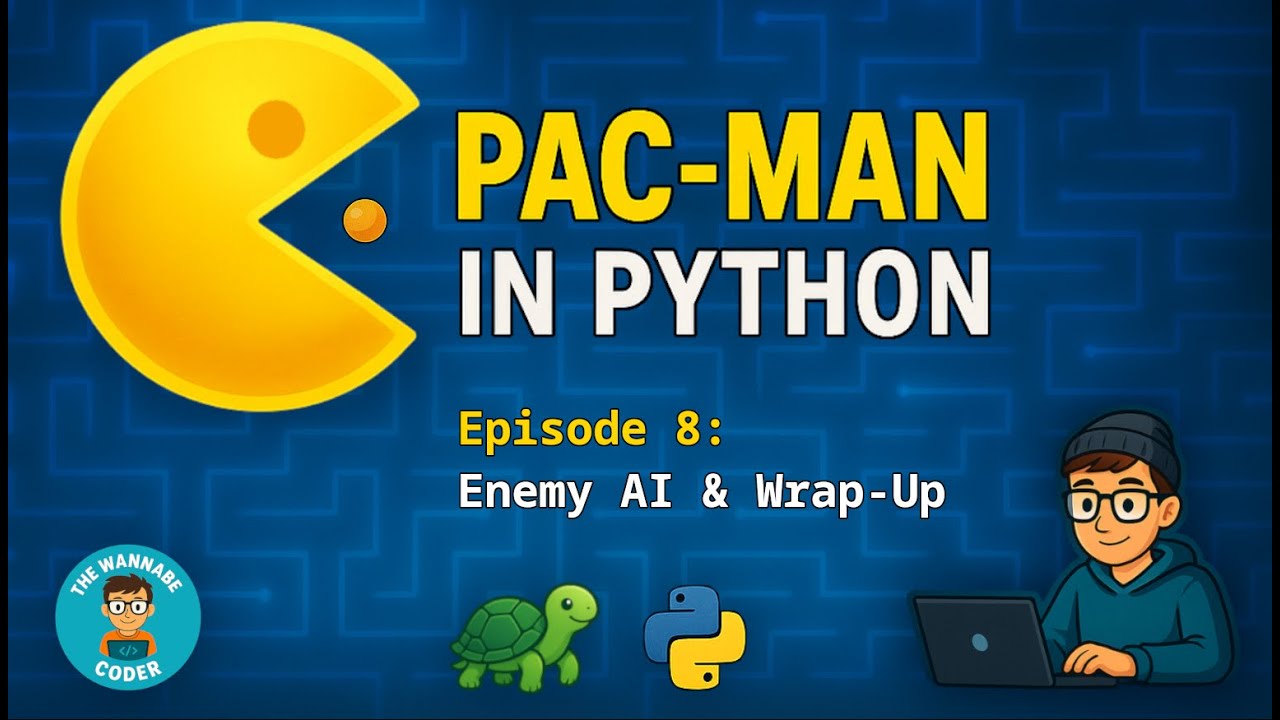
Add Pac-Man Player & Arrow Key Movement | Build Pac-Man in Python – Ep. 4 (Beginner Tutorial Series)
Автор: TheWannabeCoder
Загружено: 2025-05-12
Просмотров: 111
🎮 Add Pac-Man Player & Arrow Key Movement | Build Pac-Man in Python – Ep. 4 (Beginner Tutorial Series)
In this episode, we add the Pac-Man player to our game — complete with a custom shape, smooth movement, keyboard controls, and classic wraparound behavior using Python & the Turtle Graphics module.
We’ll create a new file called `actors.py` to hold our class-based logic. Inside it, we build a reusable `Actor` class, then extend it to create a `Player` class with direction handling, movement speed, and turn methods.
You’ll also learn how to capture keyboard input and implement screen wraparound — just like in the original Pac-Man.
By the end of this episode, Pac-Man will be fully controllable and moving through the maze — ready for wall collision logic in Episode 5.
You’ll learn how to:
• 👾 Create and organize the new actors.py file
• 🛠️ Build a reusable Actor class for game entities
• 🎮 Control Pac-Man using keyboard input
• 🔁 Add screen wraparound using Turtle’s position methods
• 🔄 Update `main.py` and the game loop to enable movement
▶️ Watch the full Pac-Man in Python playlist:
👉 • Pac-Man in Python & Turtle Graphics (Begin...
📂 Get the source code:
👉 https://github.com/TheWannabeCoder92/...
⏰ Chapters:
00:00 Welcome to Episode Four
00:36 Episode Three Recap
01:16 Actors File
04:14 Actor Class
06:16 Player Class
09:28 Move Method
14:31 Turn Methods
16:15 Main File
17:06 Binding Keyboard Input
19:01 Create Class Objects in Main Function
21:00 Game Loop Function
22:42 Test Code
23:15 Recap & What's Coming in Episode 5
💬 Questions? Drop them in the comments — I reply to every one.
👍 Like the video? Hit Like & Subscribe to follow the full Beginner Tutorial Series.
🎙️ Voiceover generated using ElevenLabs (Ryan Kurk)
#python #turtlegraphics #gamedev #pacman #programming

Доступные форматы для скачивания:
Скачать видео mp4
-
Информация по загрузке: