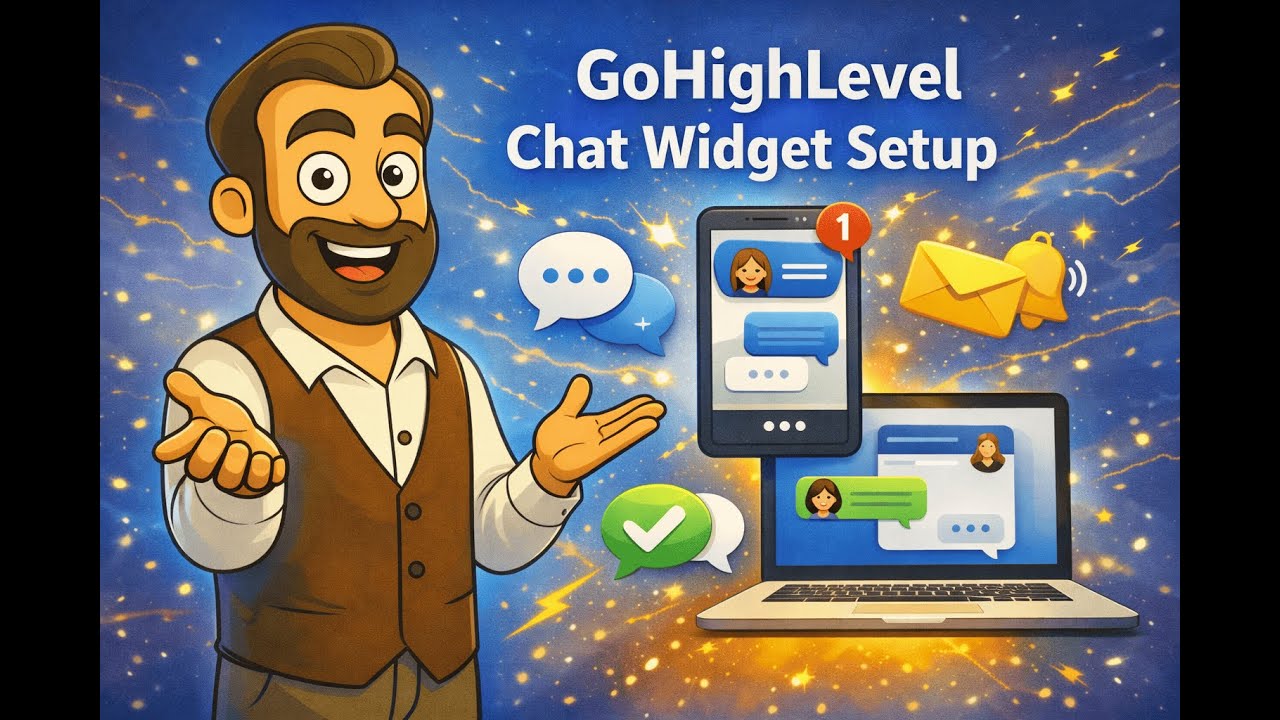
GoHighLevel Chat Widget Tutorial: Setup, Customization & Workflow Automation
Автор: Localnichemarketing
Загружено: 2026-01-08
Просмотров: 30
Complete GoHighLevel chat widget tutorial covering all 6 types, installation, customization, and automation workflows. Learn to set up live chat, Facebook, Instagram widgets with conversational AI integration.
WHAT YOU'LL LEARN:
6 types of chat widgets in GoHighLevel
Live chat installation and customization
Chat widget automation workflows
Staff notification setup
Pipeline integration
Conversational AI for chat widgets
Choosing the right widget for your audience
TIMESTAMPS:
0:00 - Introduction
0:26 - 6 Chat Widget Types
2:02 - All-in-One Chat (Best)
3:10 - Live Chat Setup
5:46 - Creating Live Chat Widget
6:33 - Welcome Messages
7:48 - Contact Form Settings
9:13 - Live Chat Assignment
10:25 - Business Hours Setup
11:30 - Language Options
12:16 - Installing on Website
12:51 - Automation Workflow
16:22 - Conversational AI Integration
19:40 - Timeout & Follow-Up
6 CHAT WIDGET TYPES:
1. ALL-IN-ONE CHAT (Recommended)
Covers all channels in one widget
Live chat, SMS, email, Facebook, Instagram
Requires WhatsApp integration
Voice AI enabled
Best for comprehensive coverage
2. SMS & EMAIL CHAT
Perfect for non-24/7 teams
Collects contact info for follow-up
Auto-replies with business hours
Good for service businesses
3. LIVE CHAT
Real-time website communication
Great with conversational AI
Instant customer engagement
Higher conversion rates
4. FACEBOOK CHAT
Connects to Facebook Messenger
Lead messages on Facebook page
Good for younger demographics
5. INSTAGRAM CHAT
Direct Instagram messaging
Mobile-first audience
Visual business types (tattoo, fashion)
6. WHATSAPP CHAT
Additional $2.90/month
High engagement rates
International businesses
Popular in many markets
CHOOSING THE RIGHT WIDGET:
Consider Your Audience:
Chiropractors (Age 30-60): SMS/Email or Live Chat
Tattoo/Fashion (Under 30): Instagram/Facebook
B2B Services: Live Chat with AI
International: WhatsApp
24/7 Availability: All-in-One
LIVE CHAT CUSTOMIZATION:
Styles & Branding:
Custom welcome message
Greeting for returning users
Theme colors matching brand
Custom icon upload
Widget position (left/right/corner)
Custom dimensions
Chat Window Settings:
Custom title and description
Contact form fields (name, email, phone)
Custom fields integration
Redirect call-to-action option
HIPAA consent checkbox
Smart Features:
5-minute assignment wait
"Finding best person" message
Inactivity timeout (2-10 minutes)
Business hours restriction
Multi-language support
Powered by branding
INSTALLATION:
Steps:
1. Sites - Chat Widget
2. Create new widget
3. Customize all settings
4. Go to your website/funnel
5. Settings - Select chat widget
6. Save
Widget appears on all pages automatically.
AUTOMATION WORKFLOW:
Trigger: Customer replied to Chat Widget
Actions:
1. Add "Chat Widget" tag
2. Assign to team member
3. Send staff notification email with details
4. Create opportunity in pipeline
5. Send SMS to lead: "Got your message"
6. Offer emergency contact/booking option
Benefits:
No lead falls through cracks
Staff instantly notified
Pipeline automatically updated
Lead gets immediate response
CONVERSATIONAL AI SETUP:
When to Use:
24/7 availability needed
Qualify leads automatically
Handle common questions
Reduce staff workload
Configuration:
Set bot personality
Define objectives
Add instructions
Create first response question
Set response limits (5-15 messages)
Configure wait time (10-20 seconds)
Add timeout follow-up sequence
Example First Response:
"What service are you interested in?"
Pipe repair
Drain cleaning
Emergency service
Channels: Select "Live Chat"
Bot handles initial conversation, qualifies lead, then hands off to staff if needed.
BUSINESS HOURS SETUP:
Enable to:
Show availability status
Automatic "We're closed" message
Collect info for next-day follow-up
Professional communication
Perfect for service businesses with set hours.
HIPAA COMPLIANCE:
For medical practices:
Enable consent checkbox
HIPAA-compliant messaging
Required before chat submission
Protects patient privacy
PRO TIPS:
Assignment Wait Time:
5 minutes keeps lead engaged
"Finding best person" message
Prevents immediate abandonment
Inactivity Timeout:
2-5 minutes standard
Captures contact info before closing
Follow-up workflow triggered
Call-to-Action:
Use sparingly (breaks flow)
Good for emergencies (HVAC, plumbing)
Direct calendar booking for high-intent
NEED GOHIGHLEVEL OR ADVERTISING HELP?
Contact Local Niche Marketing:
Website: https://localniche-marketing.com/cont...
LinkedIn: / local-niche-marketing
SUBSCRIBE for more GoHighLevel & advertising tutorials!
#GoHighLevel #ChatWidget #LiveChat #ConversationalAI #GHLTutorial #WebsiteChat #CustomerEngagement #ChatAutomation #GoHighLevel2025 #LeadGeneration
Local Niche Marketing - GoHighLevel Experts
Доступные форматы для скачивания:
Скачать видео mp4
-
Информация по загрузке: