SAM Capstone Project 1a – PowerPoint 365/2021 Modules 1–3 | SC PPT365 2021 CS1 3a
Автор: Study With Stewart
Загружено: 2026-01-14
Просмотров: 3
Contact Us
Whatsapp No : +994-401583314
Shelly Cashman PowerPoint 365/2021 | Modules 1-3: SAM Capstone Project 1a
City of Santa Rita Planning Department
COMPLETING A PRESENTATION WITH MEDIA AND SPECIAL EFFECTS
GETTING STARTED
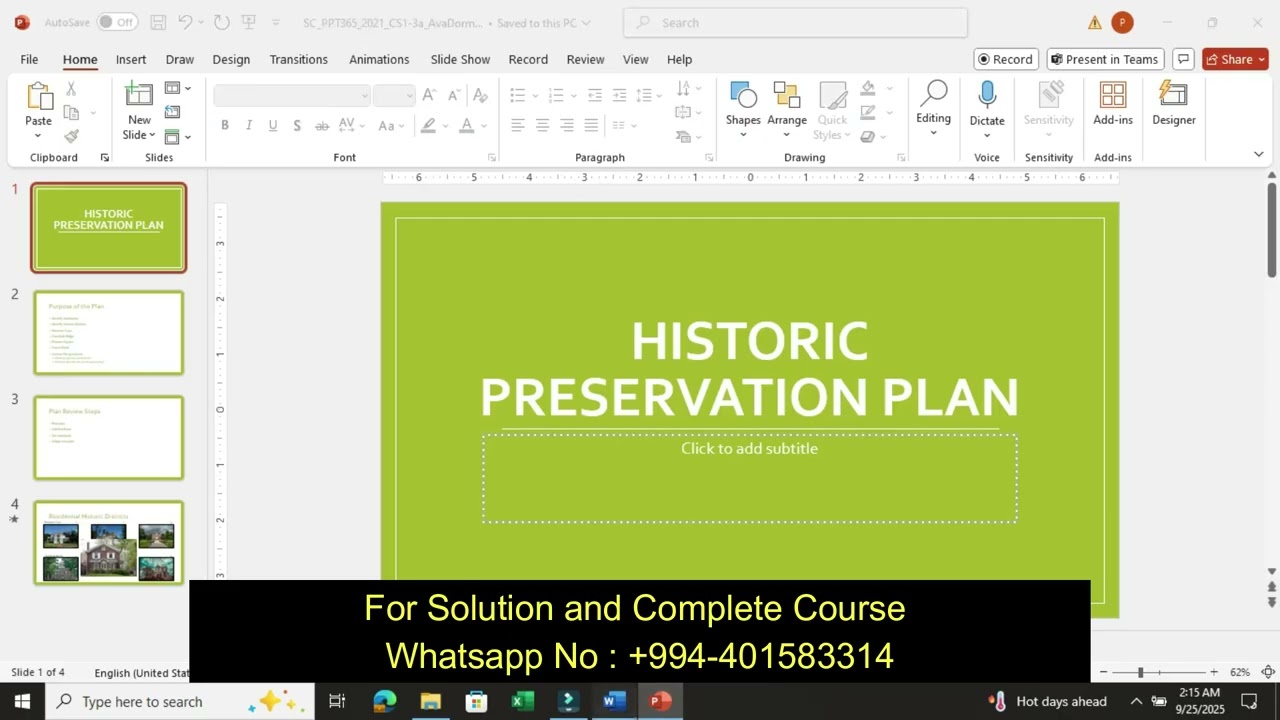
• Save the file SC_PPT365_2021_CS1-3a_FirstLastName_1.pptx as SC_PPT365_2021_CS1-3a_FirstLastName_2.pptx
o Edit the file name by changing “1” to “2”.
o If you do not see the .pptx file extension, do not type it. The file extension will be added for you automatically.
• To complete this Project, you will also need the following files:
o Support_PPT365_2021_CS1-3a_Mansion.jpg
o Support_PPT365_2021_CS1-3a_Map.png
o Support_PPT365_2021_CS1-3a_Slides.pptx
• With the file SC_PPT365_2021_CS1-3a_FirstLastName_2.pptx open, ensure that your first and last name is displayed in the presenter notes on Slide 1.
o If the presenter notes do not display your name, delete the file and download a new copy.
PROJECT STEPS
1. As a member of the Planning Department in Santa Rita, California, you are developing a presentation about historic preservation to give to neighborhood groups and other interested residents.
Reuse the slides from the file Support_PPT365_2021_CS1-3a_Slides.pptx and insert them in the same order at the end of the presentation.
2. Change the design of the presentation as follows to use the theme and colors the department uses for all of its presentations:
a. Change the theme to Office.
b. Change the theme colors to Red.
3. Insert a footer as follows to identify the department throughout the presentation:
a. Include the slide number in the footer.
b. Enter Santa Rita Planning Department as the footer text.
c. Display the footer on all slides except the title slide.
4. On Slide 1 ("Historic Preservation Plan"), enter Santa Rita, CA in the subtitle placeholder to provide a subtitle for the presentation.
5. On Slide 2 ("Purpose of the Plan"), insert a picture as follows to add visual interest:
a. Use the content placeholder on the right to insert the picture in the file Support_PPT365_2021_CS1-3a_Map.png.
b. Crop out the dark red rectangle at the bottom of the picture.
6. With Slide 2 still displayed, format the bulleted list as follows to improve its organization and appearance:
a. Delete the list item "Forest Road", which is not a historic district.
b. Increase the indent of the list items "Mansion Cove", "Overlook Ridge", and "Pioneer Square" in the bulleted list.
c. Change the font color of the entire list to Dark Red, Accent 1, Darker 25% (5th column, 5th row in the Theme Colors Palette).
d. Bold the level-1 list items ("Identify landmarks.", "Identify historic districts:", and "Answer the questions:").
7. Remaining on Slide 2, animate the text on the slide as follows to make the content more engaging:
a. Animate the content placeholder on the left using the Fly In Entrance animation.
b. Animate the text All at once.
c. Change the direction of the animation to From Left.
d. Change the Duration to 1.00 second to give the audience time to read the text.
8. On Slide 3 ("Plan Review Steps"), insert SmartArt as follows to make the four review steps more vivid:
a. Convert the bulleted list to the Basic Timeline SmartArt in the Convert to SmartArt gallery.
b. Change the SmartArt style to Moderate Effect.
9. With Slide 3 still displayed, add the following slide note:
Request feedback from city residents.
10. On Slide 4 ("Residential Historic Districts"), format the picture in the center of the slide as follows to suit the slide design:
a. Resize the picture to a width of 3".
b. Align the bottom of the picture with the bottom of picture 4 (the first Overlook Ridge picture).
c. Align the right side of the picture with the right side of picture 2 (the second Mansion Cove picture).
d. Apply the Simple Frame, Black picture style.
Доступные форматы для скачивания:
Скачать видео mp4
-
Информация по загрузке: