How to Self-Host Your Own Password Manager with Vaultwarden
Автор: Tony Teaches Tech
Загружено: 2025-09-08
Просмотров: 13830
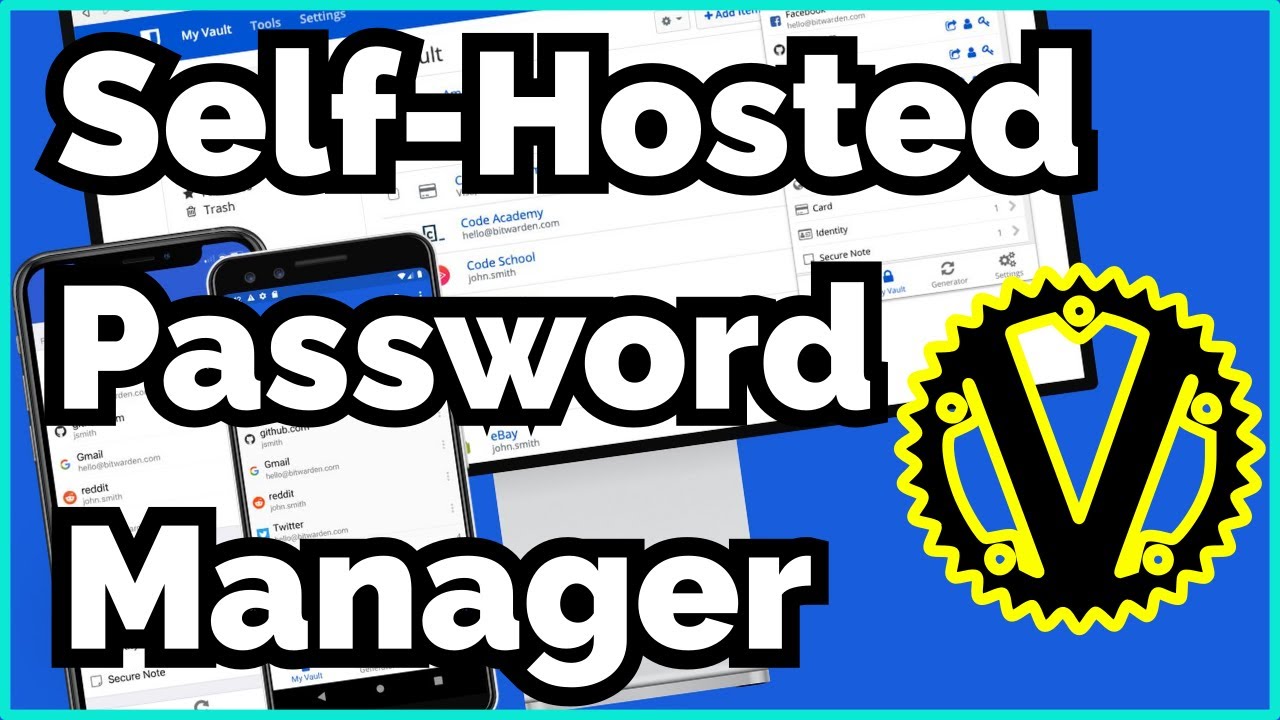
Learn how to set up Vaultwarden and run your own self-hosted password manager privately and securely. This step-by-step tutorial shows you how to easily host Vaultwarden on a VPS using Docker, so you stay in full control of your passwords. Vaultwarden is an open-source Bitwarden password vault, so hosting it is free when you use your own hardware.
🔗 Get $100 free server credits (follow along for free!): https://ttt.do/KamateraVaultwarden
The above link is an affiliate link. I may earn a commission if you sign up, at no extra cost to you!
Code snippets and more 👉 https://tonyteaches.tech/self-host-va...
What You’ll Learn
✅ Self host Vaultwarden with Docker Compose
✅ Use Caddy as a reverse proxy to enable HTTPS encryption for security
✅ Secure your server using UFW firewall rules
✅ Connect Vaultwarden with official Bitwarden browser extensions
⏱️ Chapters
00:00 Intro
00:39 Provision a VPS for Vaultwarden
02:00 Set up DNS for your domain name
03:10 Login with SSH
03:51 Update and upgrade Ubuntu
04:18 Create sudo user
05:11 Install Docker & Docker Compose
06:12 Vaultwarden Docker Compose config
07:36 Caddy reverse proxy with HTTPS config
09:13 Deploy Docker containers
09:51 Fix 502 error
10:48 Access Vaultwarden web dashboard
11:36 Disable Vaultwarden sign ups
12:23 Enable UFW firewall
13:19 Bitwarden vs Vaultwarden
13:45 Install Bitwarden browser extension
14:01 Log in self-hosted with master password
14:34 Add your first login (Reddit example)
15:56 Import existing password databases
16:13 Enable 2FA for added protection
16:29 Next steps to secure your VPS (SSH hardening)
https://github.com/dani-garcia/vaultw...
Доступные форматы для скачивания:
Скачать видео mp4
-
Информация по загрузке: