Securely Host Bitwarden For FREE With Vaultwarden NOW!
Автор: Thomas Wilde
Загружено: 2025-04-12
Просмотров: 22375
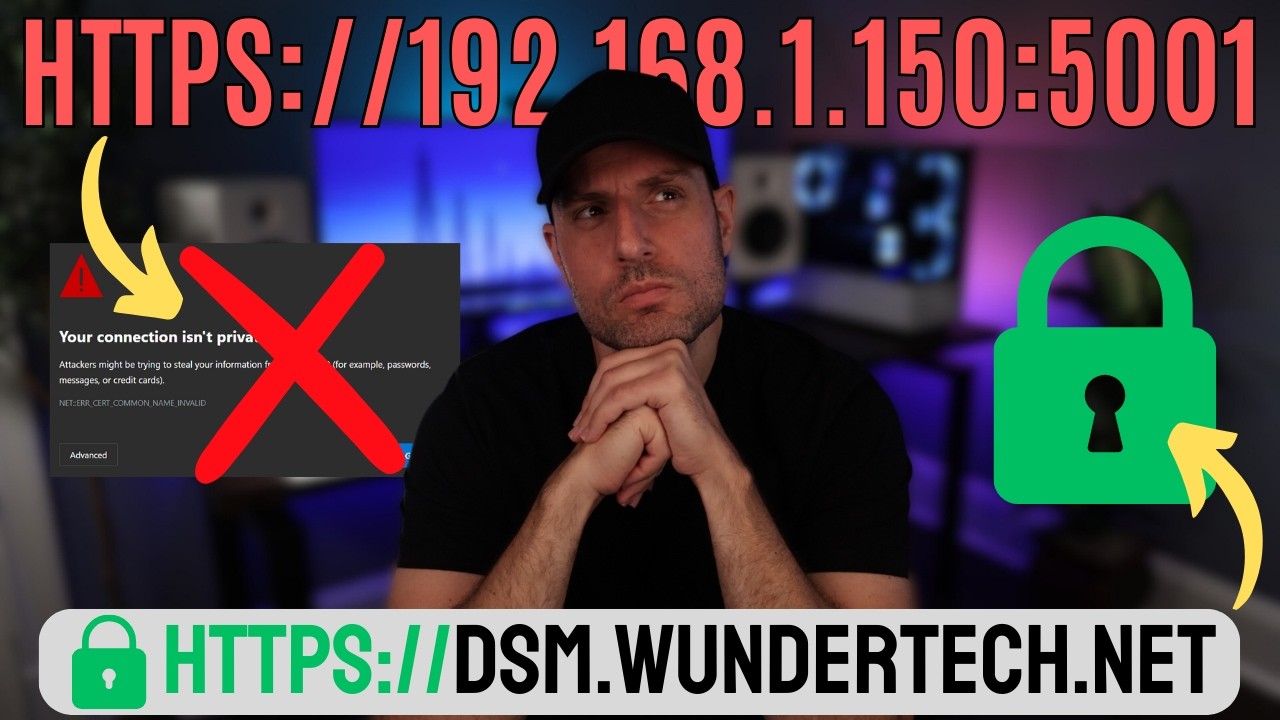
Take control of your password management with secure connections to your self hosted Vaultwarden server over Tailscale with a custom https domain routed through Nginx Proxy Manager. That's right, this is a FULL TUTORIAL, from beginning to end, we're installing docker and everything else we need right in this tutorial. I'll go over wildcard SSL/TLS certs using a DNS challenge to a domain that resolves to our Tailscale IP address.
I'll give you a good tour through Vaultwarden and how to set up the Bitwarden apps on mobile and chrome.
⬇️NPM docker-compose file link⬇️
https://thomaswildetech.com/blog/2025...
Make sure to like this video!
-------- Timeline -----------
00:00 Intro
00:36 VM setup
00:51 Install Docker
01:22 Install NPM
04:33 Install Tailscale
06:05 Create TRUSTED HTTPS cert
07:52 DNS Routing
08:37 Install Vaultwarden
09:47 Create Proxy Host
11:06 Logging into Vaultwarden
11:26 Setting up 2FA for Vaultwarden / Bitwarden
12:47 Accessing from the Tailnet
13:51 Creating a Password in the Vault
15:26 Changing Password Generation Preferences
15:51 Creating a Folder Vault
16:11 Install the Bitwarden Mobile App
17:09 Install the Chrome Extension
18:58 Creating an Organization
19:59 Enabling the Server /admin page
22:24 Sum it up
---------------------------------------
Доступные форматы для скачивания:
Скачать видео mp4
-
Информация по загрузке: