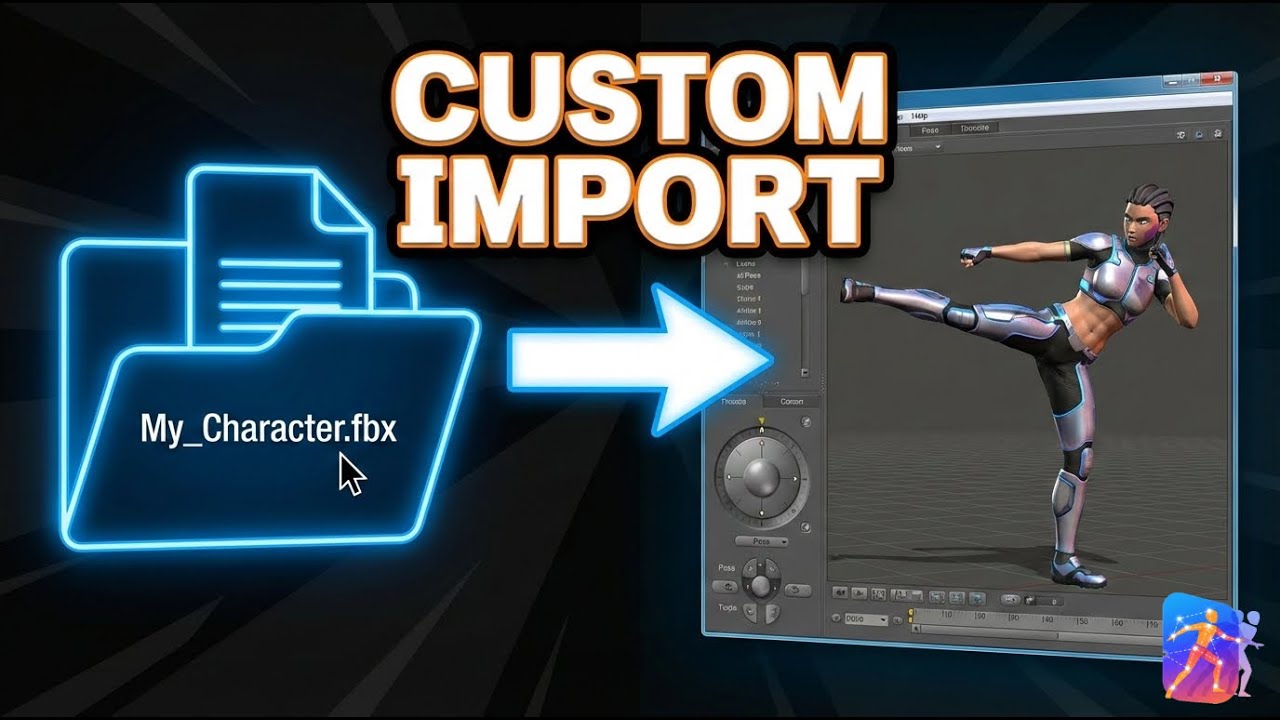
How to Animate Custom FBX Characters for Unity & Unreal | Poser V2
Автор: LimitPixel ᯅ
Загружено: 2025-12-18
Просмотров: 25
Poser V2 is the first browser-based AI animation engine that runs 100% locally.
In this tutorial, we break down the complete workflow for importing your own custom rigged characters, applying AI motion capture, and exporting for your game engine.
🚀 Try Poser V2 for Free: https://poser.limitpixel.com
Why use Poser V2?
Stop wasting hours on manual keyframing or paying expensive cloud subscriptions. Poser V2 uses TensorFlow.js to turn your webcam or video files into professional motion capture data instantly. No servers. No data harvesting. Zero latency.
Key Features Covered:
✅ Custom FBX Import: Bring your own rigged characters (Humanoid, Creature, or Robot).
✅ AI Auto-Mapping: Intelligent bone retargeting system.
✅ Webcam Mocap: Control your character in real-time.
✅ Universal Export: Clean .GLTF/.JSON files compatible with Unity, Unreal Engine 5, Godot, and Blender.
⏱️ Timestamps:
0:00 - Intro & Workflow Overview
0:15 - Importing a Custom FBX Model
0:45 - Auto-Mapping Bones (The easy way)
1:10 - Applying Webcam Mocap & AI Animation
1:45 - Exporting to Unity/Unreal/Blender
The LimitPixel Ecosystem:
Poser V2 is part of the LimitPixel suite—tools built by developers, for developers. We believe in one-time purchases and privacy-first software.
Links:
🌐 Official Site: https://limitpixel.com
🎥 Poser Tool: https://poser.limitpixel.com
#gamedev #3danimation #indiedev #unity3d #unrealengine5 #motioncapture #blender3d #nocode #ai #tensorflow
Доступные форматы для скачивания:
Скачать видео mp4
-
Информация по загрузке:





![ChatGPT и Gemini устарели. Вот реально рабочий инструмент [Opal]](https://image.4k-video.ru/id-video/0RvCVXVMftE)


