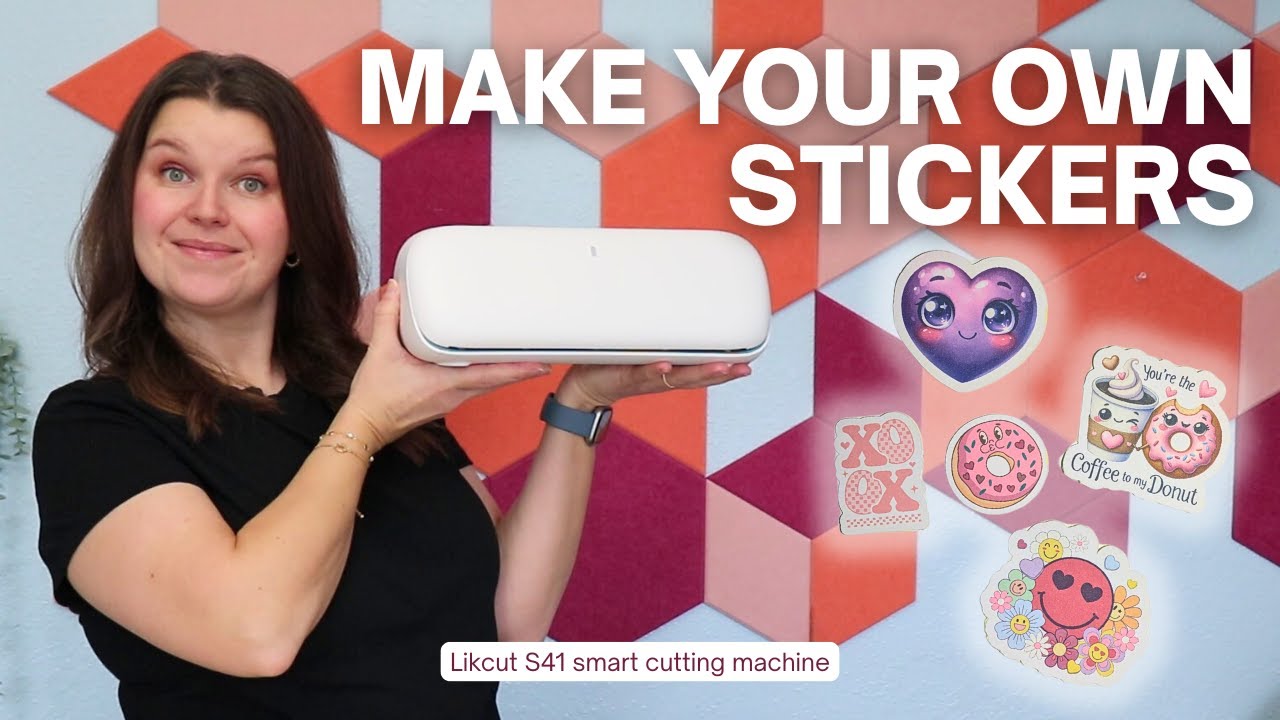
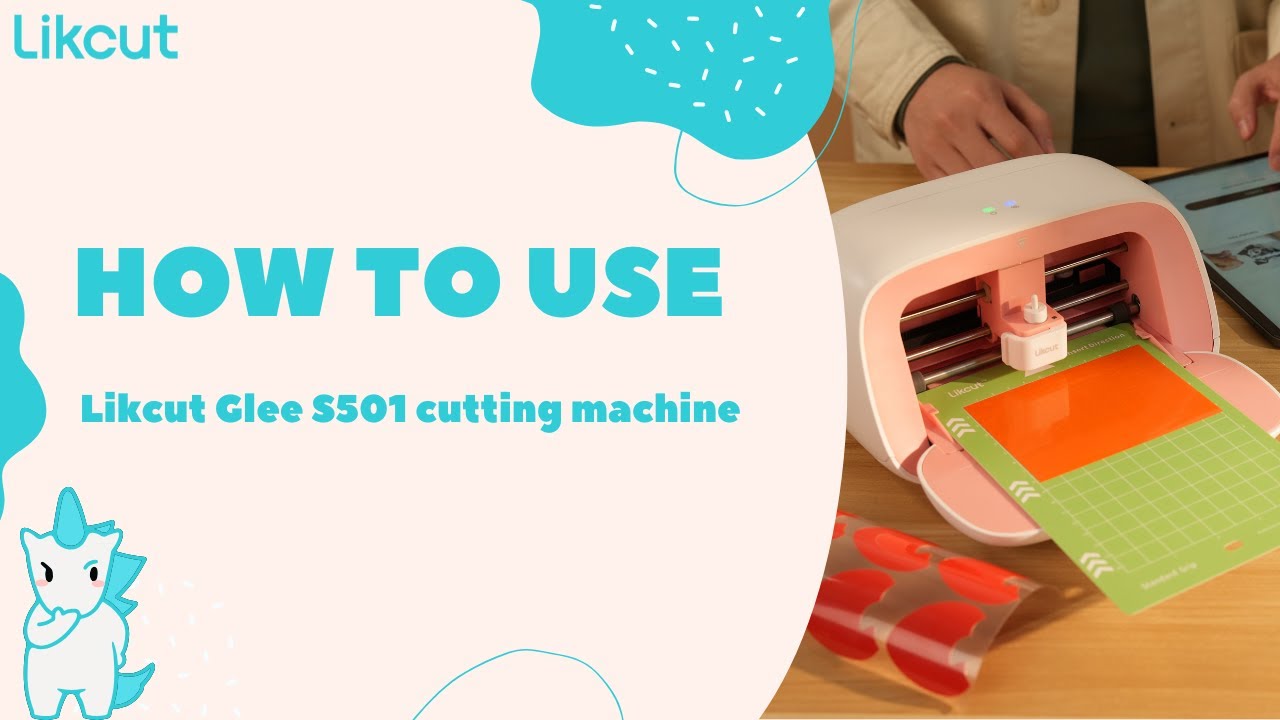
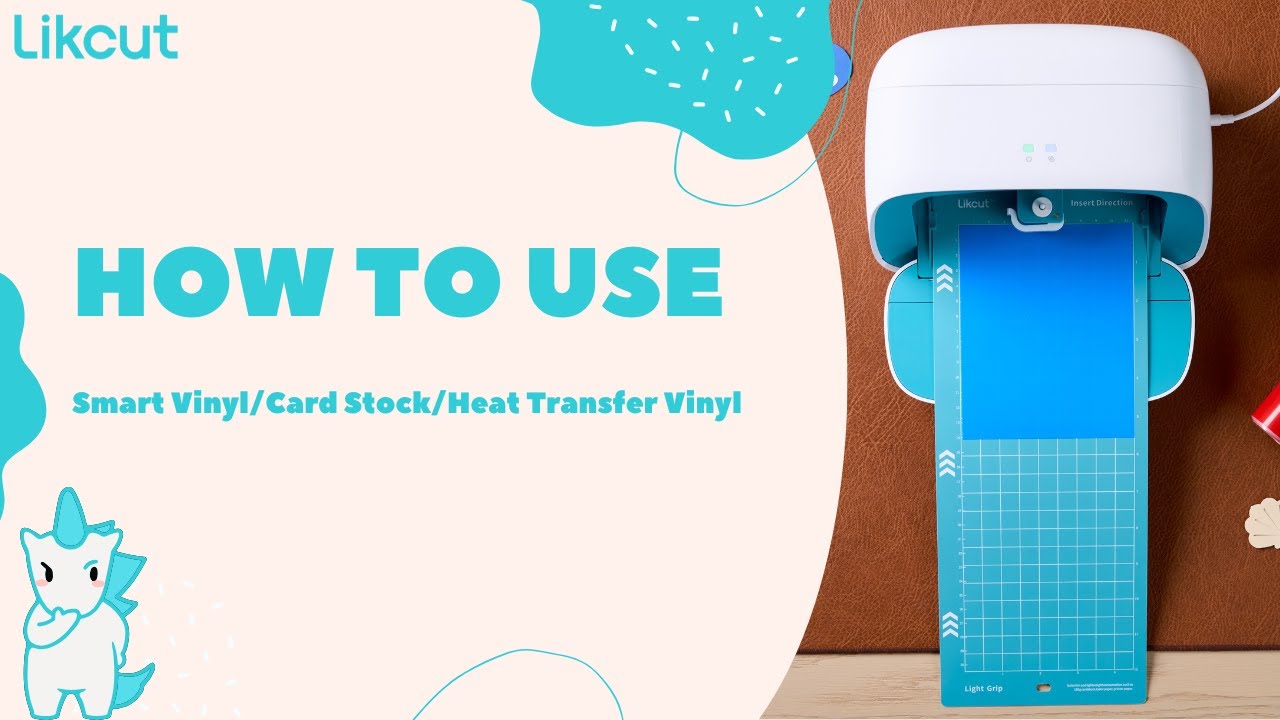
Likcut S41 Cutting Machine Tutorial | Easy for Beginners, Smarter Cutting for Everyday DIY!
Автор: Likcut_official
Загружено: 2025-12-09
Просмотров: 314
Timestamps & Corresponding Steps:
00:04 – Unboxing
Unbox the Likcut S41 and display all included accessories — cutting mat, blade holder, pen adapter, power cable, and user manuals.
00:12– Powering On
Connect the power cord, turn on the machine, and show the smart screen interface as it boots up.
00:24 – Edit & Cut in App
Open the Likcut Design Space app. Import or create your design, adjust the workspace, and choose the cutting mode.
00:40 – Edit
Refine sizing, adjust positioning, and set cutting details for best results. Demonstrate how beginners can easily edit with the S41’s simplified interface.
01:02 – Prepare
Place your material (vinyl, sticker paper, cardstock, etc.) onto the cutting mat. Load the mat into the machine — the smart screen will guide you step-by-step.
01:40 – Weed
Remove excess vinyl or paper from your design, leaving only the clean cut shapes. Highlight how precise cuts make weeding easier.
01:55 – Transfer
Use transfer tape (or adhesive tools) to apply your finished design onto the final surface, such as glass, notebooks, cards, or home décor.
By following these steps, you’ll learn the full workflow of the Likcut S41 — from the very first unboxing all the way to completing a polished DIY craft.
Whether you’re a beginner or upgrading from another machine, S41 makes every project simple, smooth, and satisfying!
#LikcutS41 #CuttingMachine #DIY #CraftTutorial #BeginnerFriendly #VinylCutting #Weeding #TransferTape #SmartCutting #DesignSpace #Handmade #Maker

Доступные форматы для скачивания:
Скачать видео mp4
-
Информация по загрузке: