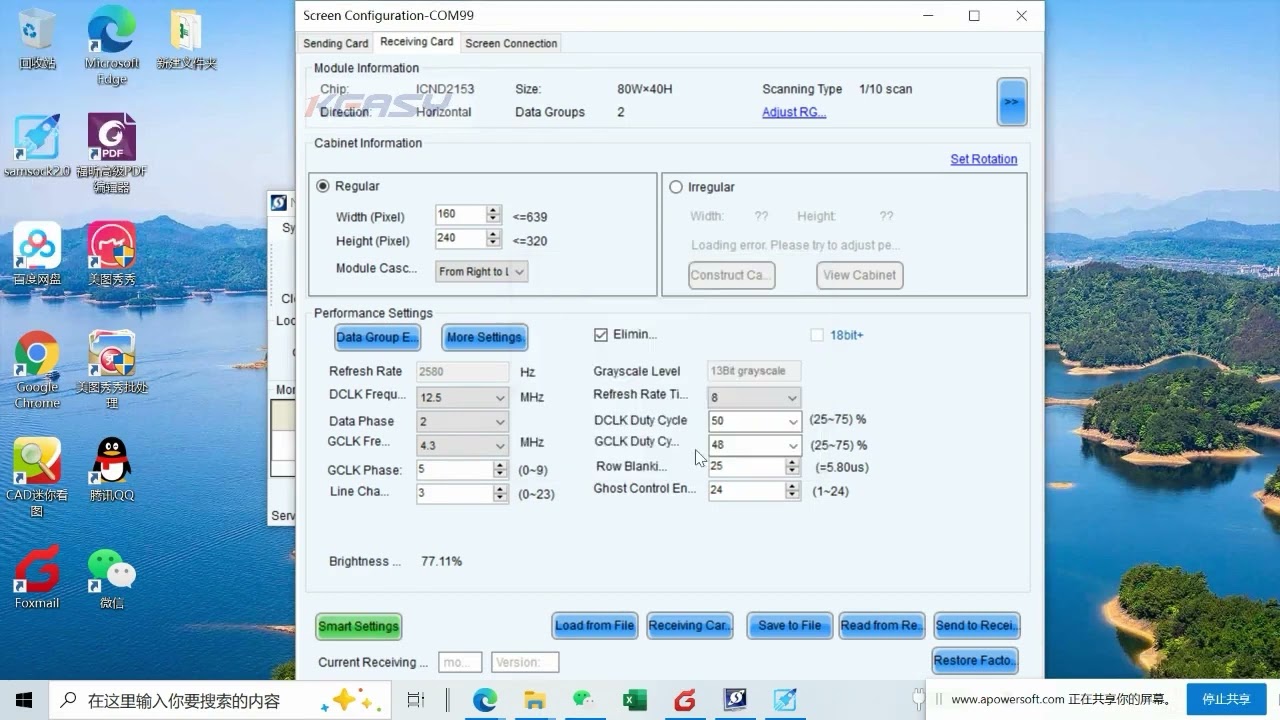
NovaStar Configure Redundancy in NovaLCT | Backup Settings for LED Controllers
Автор: LEDSCREENPARTS
Загружено: 2025-07-28
Просмотров: 308
NovaLCT Redundancy Configuration Tutorial | Single, Cascaded & Non-Cascaded Backup Setup Explained
Learn how to configure redundancy in NovaLCT for stable and reliable LED screen performance. In this NovaStar Certified Engineer (NCE) training session, you’ll gain a comprehensive understanding of how to set up primary and backup signal paths using single units, cascaded controllers, and non-cascaded units.
Whether you are a technician working on fixed installations or live events, this video will walk you through all steps needed to ensure continuous display output—even in the event of cable failures or hardware faults. From hardware connections to NovaLCT software setup, everything is explained in detail.
🎯 What You’ll Learn in This Video:
Introduction to NovaStar NCE Training Program
Overview of the NovaStar Certified Engineer (NCE) course structure, certification process, and global training coverage.
What is Redundancy Backup?
Understand the concept and importance of redundancy in LED control systems—how it prevents black screens during cable or port failures.
🔧 Redundancy Configuration Methods:
1. Single Controller Redundancy
Using available ports (e.g., Port 1 as primary, Port 2 as backup) on the same controller.
Example shown using VX4S controller and NovaLCT software step-by-step.
Configure primary and backup ports one by one.
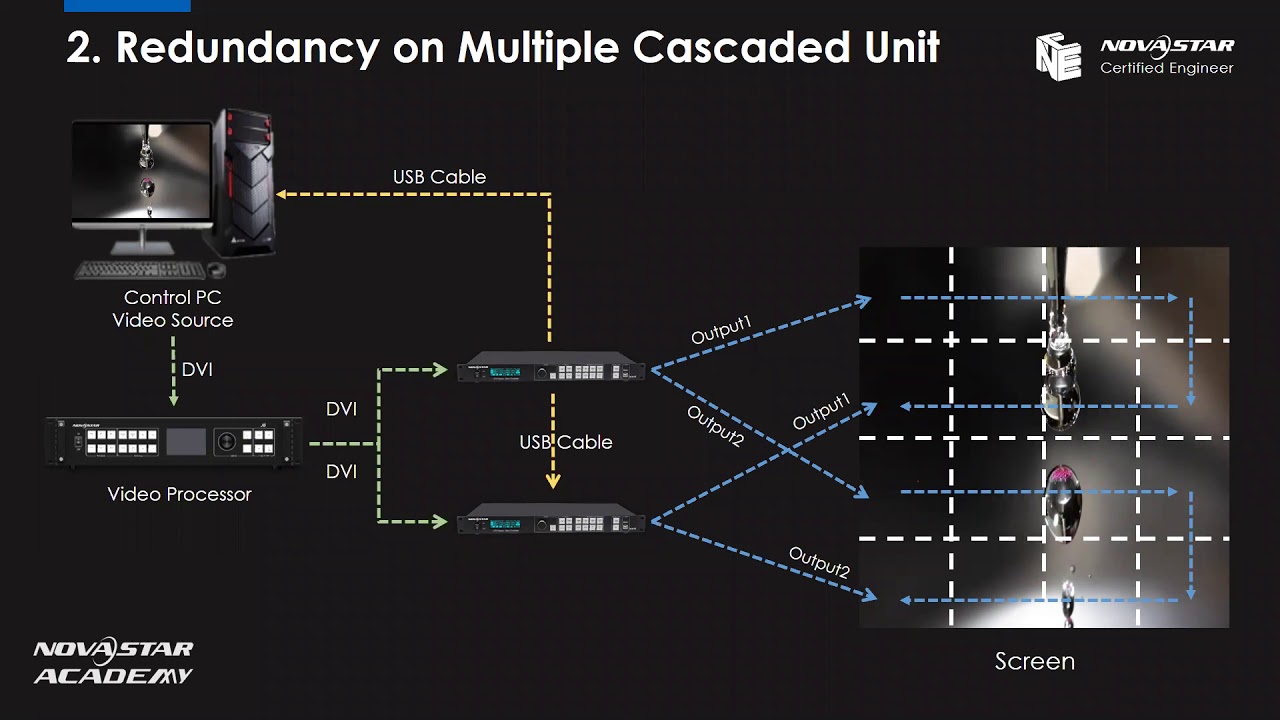
2. Cascaded Controllers Redundancy
Uses USB cable daisy-chaining between multiple controllers.
Demonstrates how to cascade controllers such as VX4S, MCTRL660, and Pro UHD Jr.
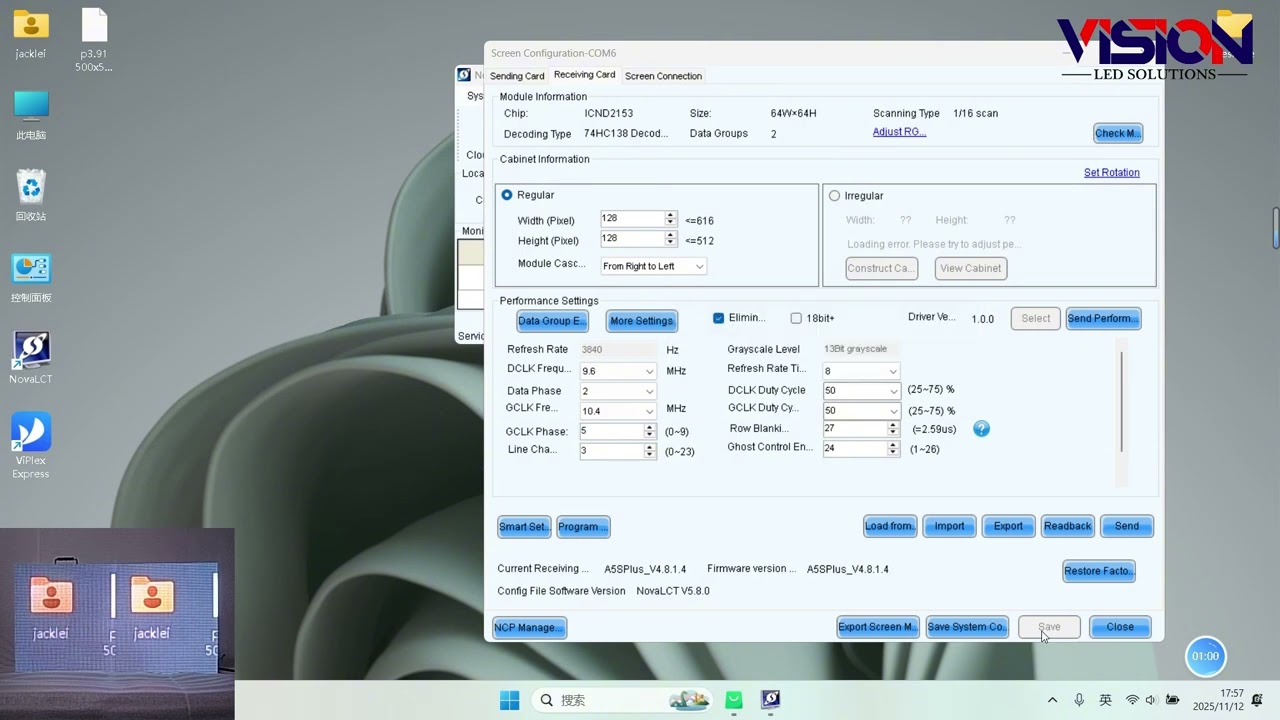
Configure ports in NovaLCT based on primary and backup port/controller numbers.
Only the primary controller needs port-by-port screen configuration.
3. Non-Cascaded Controllers Redundancy
Each controller is connected directly to the control PC via separate USB ports.
Requires identical configuration files on both controllers.
Use “Save to File” and “Load from File” functions to ensure backup controller mirrors the primary.
Set entire unit as “Primary” or “Backup” without configuring ports individually.
📦 Supported Hardware in This Training:
VX4S – All-in-one controller with 2.3 million pixels loading capacity, supports auto-scaling and PiP.
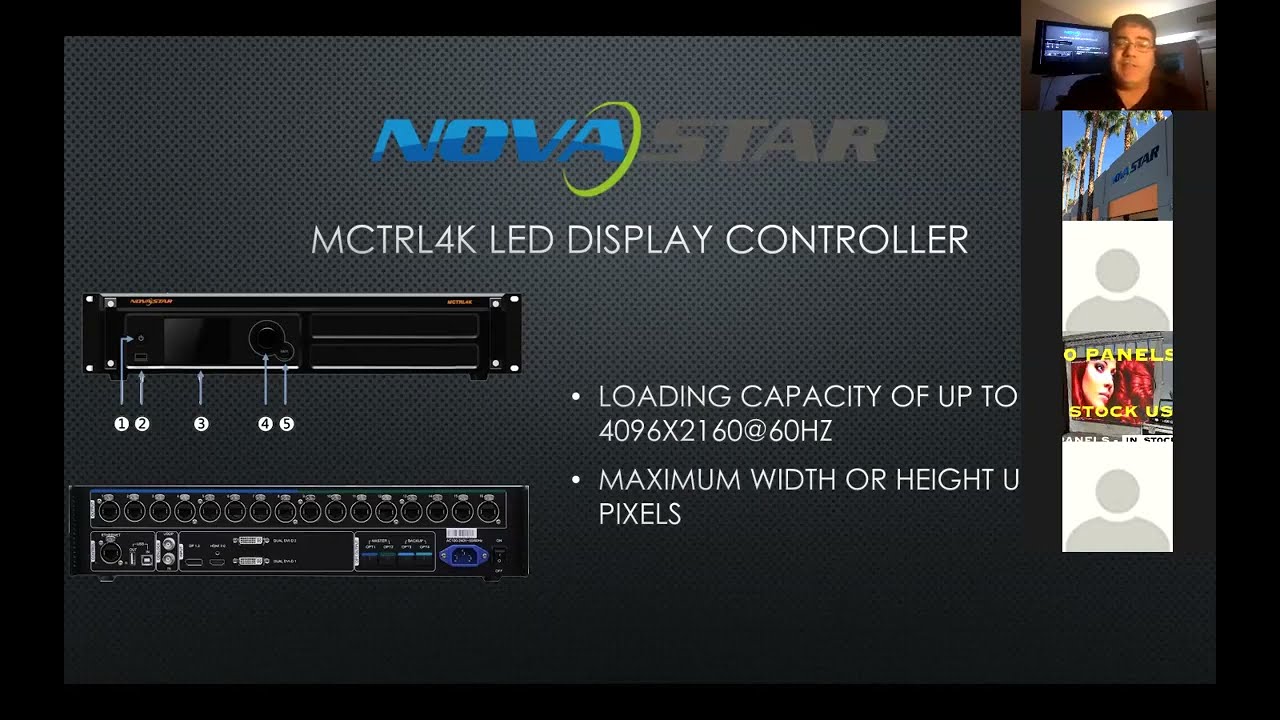
MCTRL660 – Classic controller with UART or Ethernet cascading.
MCTRL660 Pro – Upgraded version with 6 ports, low latency, and SDI/HDMI input support.
Pro UHD Jr – 4K controller with 16 ports, supports HDR, low latency, 3 layers + background.
Redundancy Backup, NovaLCT Redundancy Settings, VX4S Backup Setup, Cascading NovaStar Controllers, MCTRL660 Configuration, Pro UHD Jr Redundancy, LED Controller Backup, NovaStar NCE Training, USB and UART Cascading, Port Failover Protection, NovaLCT Step-by-Step Tutorial
Ensure your LED screens never go black again—learn how to implement professional redundancy settings for maximum reliability. Watch the full training and upgrade your LED control expertise.
📧 Contact us today for a quote or expert consultation:
🌐 Website: www.ledscreenparts.com
✉️ Email: sales@ledscreenparts.com
📲 WhatsApp: +86 13316541431
“NovaLCT Software Tutorial | Step-by-Step LED Screen Configuration”
“How to Set Up Backup Controllers with VX4S and MCTRL660”
“NovaStar Pro UHD Jr Explained | 4K LED Controller Features & Redundancy Support”
NovaLCT Redundancy, VX4S Redundancy Setup, LED Controller Backup, NovaStar Training, MCTRL660 Backup, Pro UHD Jr Tutorial, Cascading NovaStar Controllers, LED Failover Protection, USB Cascade VX4S, NovaLCT Redundancy Settings, NovaStar Certified Engineer, LED Display Reliability

Доступные форматы для скачивания:
Скачать видео mp4
-
Информация по загрузке: