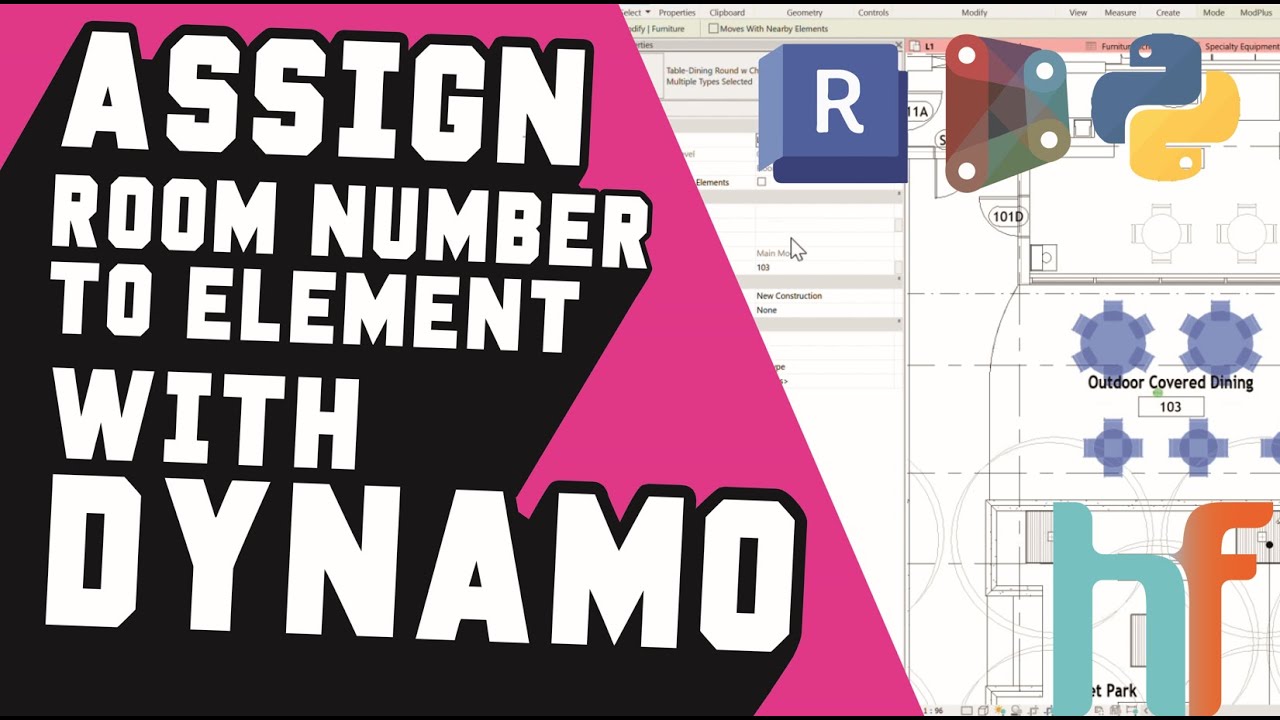
Add ROOM NUMBER TO ELEMENTS in Revit using Dynamo 🚀
Автор: HeroFlow-DE
Загружено: 2025-08-21
Просмотров: 157
🚀 BIM Automation with Dynamo: Add Room Numbers to Elements in Revit
In this video, we show you how to automatically add Room Numbers into a custom parameter of elements inside Revit using Dynamo. 🚀
Instead of manually checking each room and typing its number into every furniture or equipment element, this workflow does it all for you in just a few clicks.
➡️ Works for Furniture, Specialty Equipment, or any other category
➡️ Pulls the Room Number (or any other text parameter) directly from the room
➡️ Writes it automatically into your chosen element parameter
🔍 What problem does this solve?
✅ No more manual entry, element by element
✅ Room data becomes available in schedules and filters
✅ Improved model organization and quality control
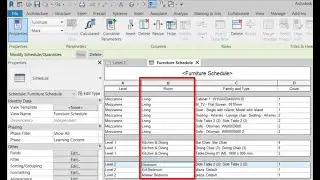
🔧 We walk you through the full process: creating the custom parameter, running the Dynamo Player script, and verifying the results in Schedules.
💡 Do you use Dynamo in your projects?
👍 Like this video if it helped
🔔 Subscribe for more BIM automation tips
💬 Got ideas for what we should automate next? Drop them in the comments!
Music track: Funky Monkey
Source: https://freetouse.com/music
Copyright Free Music (Free Download)
Доступные форматы для скачивания:
Скачать видео mp4
-
Информация по загрузке:


![[2026] Feeling Good Mix - English Deep House, Vocal House, Nu Disco | Emotional / Intimate Mood](https://image.4k-video.ru/id-video/cxLdtvzf2sI)


