NUMBERING YOUR FURNITURE based on the ROOM where they are with dynamo
Автор: HeroFlow-DE
Загружено: 2025-08-17
Просмотров: 53
🚀 BIM Automation with Dynamo: Automating Furniture Marks in Revit
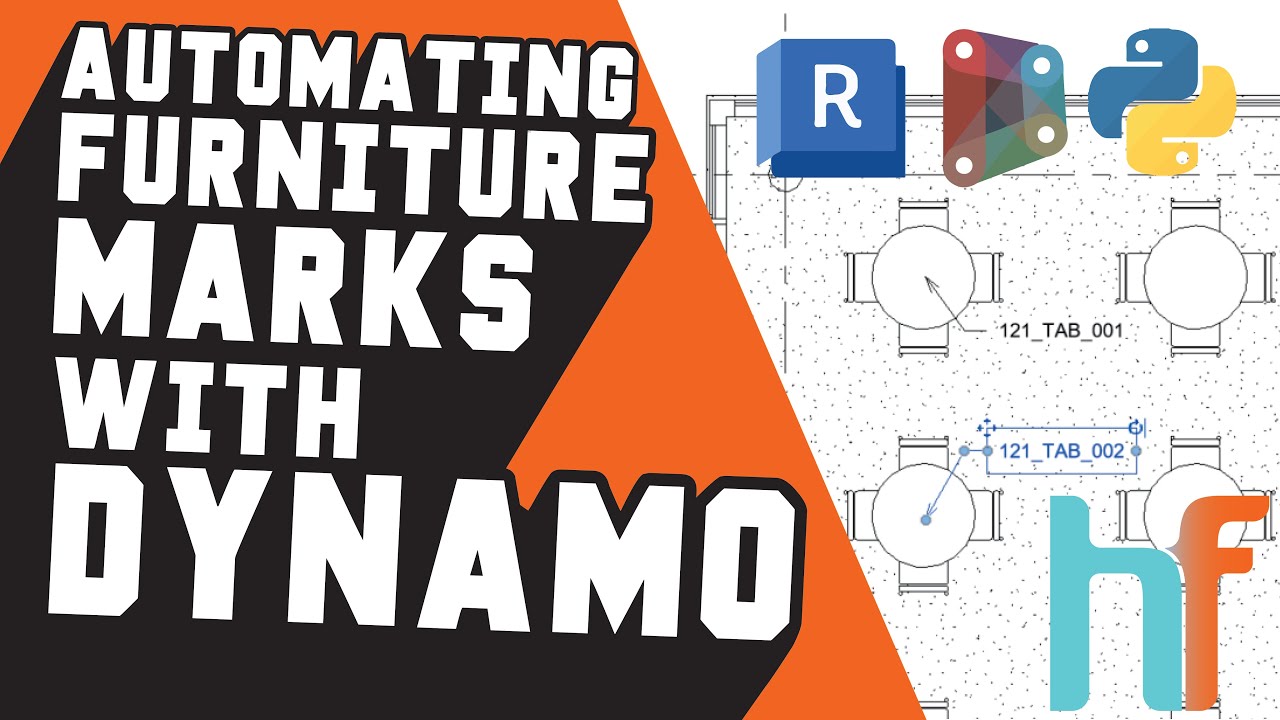
In this video, we show you how to automatically generate furniture marks in Revit using Dynamo.
Instead of filling parameters one by one, this workflow creates a consistent furniture code based on:
➡️ Room Number
➡️ Furniture Type
➡️ Sequential Number
For example: 101_TAB_001 would be the first table in Room 101.
🔍 What problem does this solve?
✅ No more manual entry, element by element
✅ Consistent and structured furniture codes
✅ Improved data quality across rooms and schedules
🔧 We walk you through how the script works step by step, from collecting and sorting furniture elements, to generating codes and writing them into the Mark parameter.
💡 Do you use Dynamo in your projects?
👍 Like this video if it helped
🔔 Subscribe for more BIM automation tips
💬 Got ideas for what we should automate next? Drop them in the comments!
#Dynamo #Revit #BIMautomation #RevitTips #DynamoScript #ParametricDesign #HeroFlow
Music track: Poolside by Moavii
Source: https://freetouse.com/music
Royalty Free Music (Free Download)
Доступные форматы для скачивания:
Скачать видео mp4
-
Информация по загрузке:


