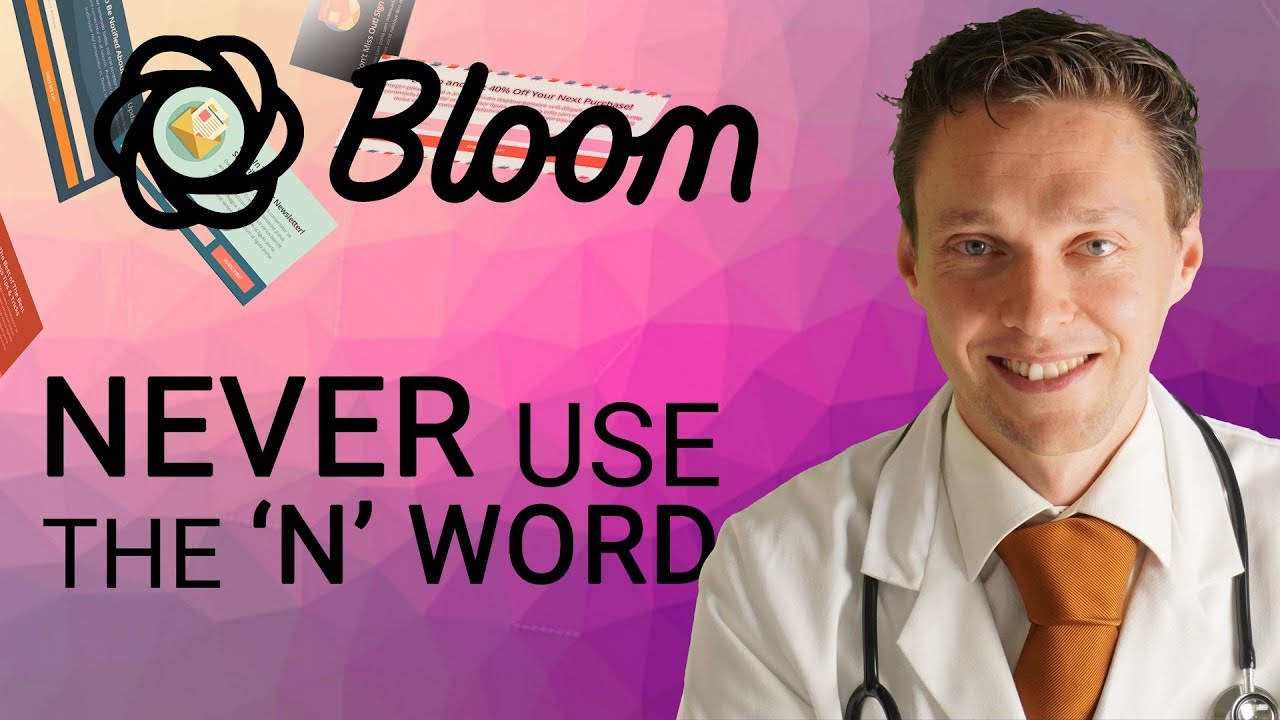
Create Email Optin Subscribe Forms | Bloom Tutorial 2022
Автор: Matt Tutorials
Загружено: 2021-11-03
Просмотров: 2588
Learn how to use Bloom from Elegant Themes! It's a very useful email optin form maker useful with any theme. I will also teach you why you should NEVER use the 'N' word!
👇🏻👇🏻👇🏻 Start here 👇🏻👇🏻👇🏻
Do you want to support my channel? Leave a like or buy Bloom & Divi with 10% discount via the link below. That will help me enormously to create these free videos for you and keep going!
⇒ Software that I recommend:
✅ Get Bloom & Divi 10% discount ⇒ https://wp.discount/divi-discount/
✅ SiteGround 70% discount ⇒ https://wp.discount/siteground-discount/
✅ WP Rocket 10% discount ⇒ https://wp.discount/wp-rocket-discount/
I want you to succeed with your website, so lets get started.
⏱️Timestamps⏱️
0:00 Intro
0:10 Get Bloom Plugin
0:33 Install Bloom
1:06 Connect email provider
2:44 Create Pop Up optin form
19:44 Create a Fly-In optin form
20:58 Create a Below Post optin form
21:50 Create a Inline optin form
22:35 A/B testing with forms
24:26 Create Locked Content optin form
26:01 Use a Widget optin form
27:05 Outtro
✅For tips and tricks on getting the most out of Divi and WordPress, don't forget to subscribe: https://wpressdoctor.com/sub
📖Transscript📖
The money is in the list. So let's create our awesome list with this useful plugin from Elegant Themes. Hey guys, its the WPress Doctor. If you just log into your account on Elegant Themes.com - Here you can download of course the Divi theme, the builder plugin, the Extra theme and Monarch and of course Bloom! So you're gonna press 'download Bloom'. If you don't have a login from Elegant Themes, you might not have a license. If you follow the link in the description of this video. I can get you on with 20% discount. That is a lot. So let's get started! Login to your WordPress dashboard. And we are going to add Bloom to this website. It is my latest YouTube built for websites you can learn exactly how I created this. So login to your WordPress dashboard first, and from your dashboard, you go to 'plugins' - 'Add new'. We are going to press 'Upload Plugin' and here you select the file Bloom.zip we have just downloaded from Elegant Themes and press 'Install now'. Now after that we press 'Activate plugin'. And now Bloom has added a menu right here. Click on this one. Welcome to Bloom guys! This is actually a fairly empty screen Am I right? Yes it is. You can create a new opt in right here but before we go to create anything, we need to connect our email marketing software with Bloom. If you just go up here, there are a few options. Let's all check them out real quick. The 'Bloom settings'. These are the only settings: 'Use Google Fonts'. That's fine. If you go to this one. It's about enabling updates. If you have your username and API key from Elegant Themes in there and it works and if you go up here you can see your statistics from Bloom. Well of course we have nothing yet because we've just installed it. And if you now go to 'account', here you could add your account. So we're going to connect our email marketing software with Bloom. So press on 'New Account' and select your email provider you have. With this example I'm using MailChimp but you can use anything you have. If you have Get Response then just fill in your account name and the API key or Active Campaign or whatever just use what you have. We're going to connect MailChimp. If you don't know what this is, you can follow my tutorial about "How to create a website 2021" and there I show you exactly how to create a MailChimp email account. It's completely free. So if you don't have one, now is the time to start creating one. And I'm pasting in my API key right there and I press 'Authorize'. There is a list in my MailChimp account its called WPress Doctor. This is great. Now we have connected our email provider with Bloom. Congratulations! The first step has been taken. Let's click on this icon and press 'New update'. Now we are going to create different opt in forms for our newsletter. Within Bloom you have different types of opt in fields, it is great. We have the pop up, we have the fly-in, below posts, inline, locked content and widget. Well let's just start with the pop up because it is the most used and I think the most irritating form of getting people to sign up so click on pop up. First, we're going to give it a name. Our new pop up form, select your email provider we've just created MailChimp. The account is the WPress Doctor and the list is WPress Doctor. Now you can also see that you can connect different email providers to Bloom so it is very useful if you want another list or another account for different campaigns. It is really great. Press next 'Design your opt in'. Within Bloom you can choose an amazing amount of templates for our opt in forms. It is really amazing....
📖 Read the rest of the transcript at https://www.wpressdoctor.com/divi/cre...
#Bloom #EmailOptin #WordPress
Доступные форматы для скачивания:
Скачать видео mp4
-
Информация по загрузке: